4
3. ENTER THE MINER CONSOLE
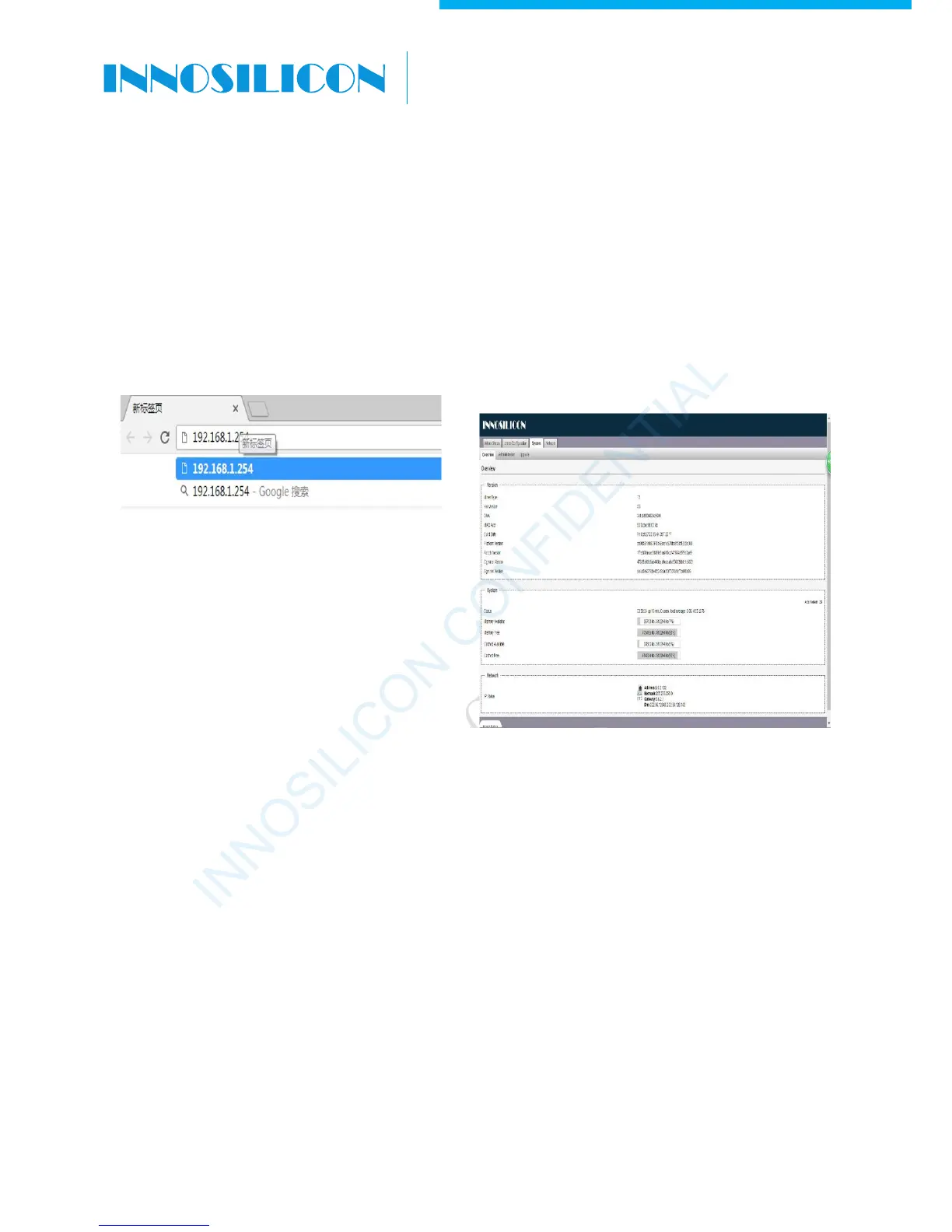
By default, the miner uses Static IP to access the control webpage of the miner.
Input 192.168.1.254 into the browser, then click ‘Enter’ to enter the miner’s control webpage (Chrome is
the suggested browser).
Cant access the miner console?
Maybe it is because miner IP and the router IP have a different network segment, two ways to solve it:
·
Modify the router IP to 192.168.1.1,then try again.
·
Don’t want to change the network segment of the router? Do it as below:
Connect the miner and computer with a network cable. Open the windows system control panel, go to
Network and Internet — Network and share center – change the adapter settings, the mouse cursor to
the “Local Area Connection” click the right mouse button to view properties.
INNOSILICON CONFIDENTIAL
A6 LTCMaster


 To Next Page