Using the Diagnostic Tool
VIEWING SRS DTCs
54 3150e
- Turn the ignition OFF, wait 5 seconds, then back ON to reset
the computer.
- Press the ENTER
button to continue.
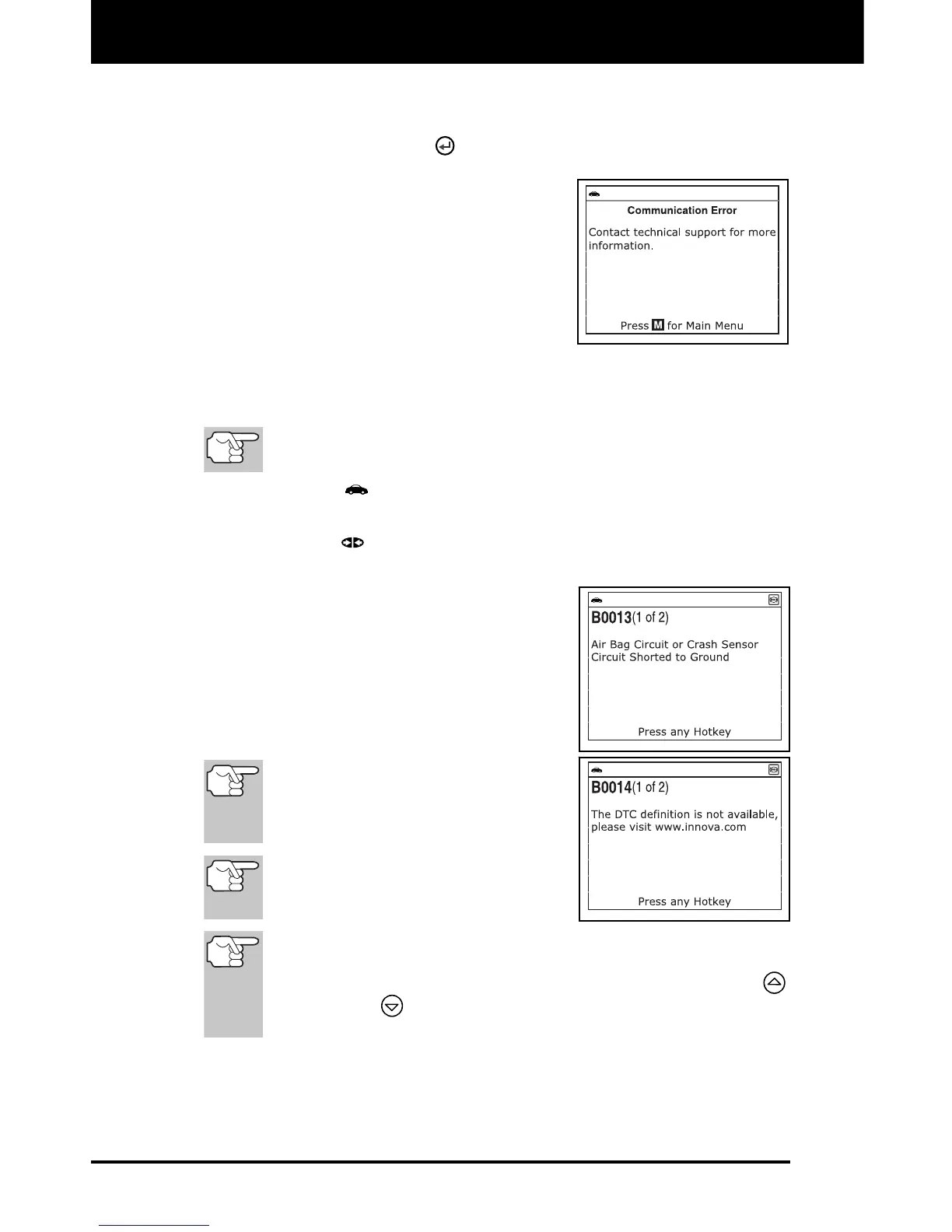
If the Diagnostic Tool cannot link to
the vehicle’s computer after three
attempts, the message “Contact
Technical Support” displays.
- Press the M button to return to the
Main Menu.
- Turn the ignition off, and dis-
connect the Diagnostic Tool.
- Contact Technical Support for assistance.
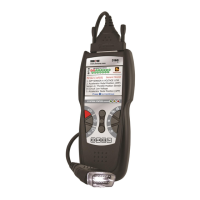
2. To read the display:
Refer to DISPLAY FUNCTIONS on page 8 for a description of
LCD display elements.
A visible icon indicates that the Diagnostic Tool is being
powered through the vehicle’s DLC connector.
A visible icon indicates that the Diagnostic Tool is linked to
(communicating with) the vehicle’s computer.
The upper left hand corner of the
display shows the DTC and number
of the code currently being dis-
played and the total number of
codes retrieved.
The Diagnostic Trouble Code (DTC)
definition is shown in the lower
section of the LCD display.
If the definition for the currently
displayed code is not available, an
advisory message shows on the
Diagnostic Tool’s LCD display.
I/M MONITOR STATUS icons are
not displayed when viewing SRS
DTCs.
In the case of long code definitions, a small arrow is shown in
the upper/lower right-hand corner of the code display area to
indicate the presence of additional information. Use the UP
and DOWN
buttons, as necessary, to view the additional
information.


 To Next Page