Ford OBD1 Systems
CODE RETRIEVAL PROCEDURES - KOEO TEST
78 3150e
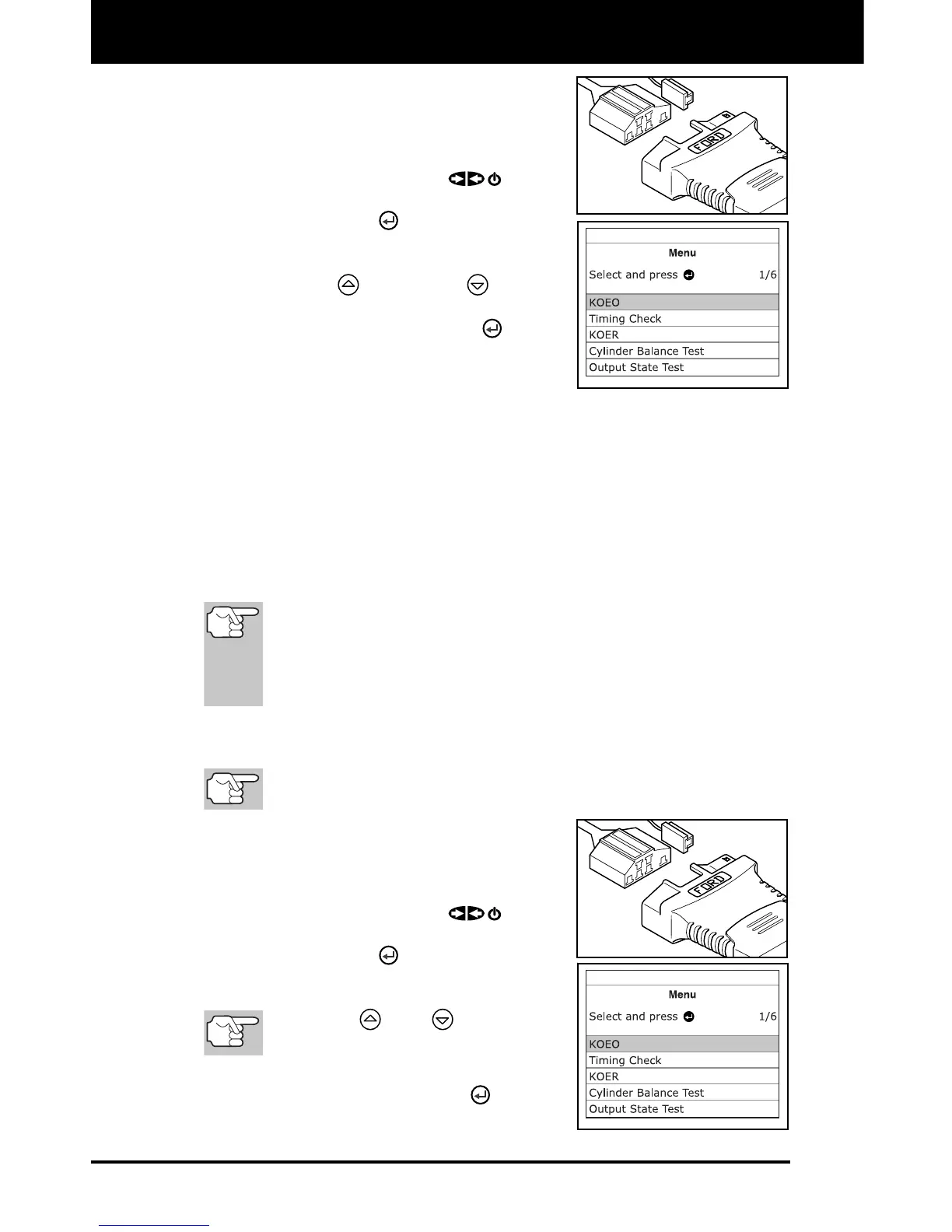
2. Connect the Diagnostic Tool cable (with
the Ford Connector Cable Adaptor
attached) to the Diagnostic Tool, then
connect the adaptor to the vehicle’s DLC.
Press the POWER/LINK
button
to turn the Diagnostic Tool ON, then
press the ENTER
button to continue.
The Ford Menu displays.
3. Use the UP
and DOWN buttons,
as necessary, to highlight Review
DTCs, then press the ENTER
button.
Key On Engine Off (KOEO) Test
During the KOEO Self-Test, two groups of codes are retrieved by the
Diagnostic Tool.
The first group of codes retrieved by the Diagnostic Tool are called
"KOEO codes". A "KOEO" icon will show in the upper right corner of
the LCD display to indicate that the code retrieved is a "KOEO" code.
The second group of codes are called "Continuous Memory" codes.
A "CM" icon will show in the upper right corner of the LCD display to
indicate that the code retrieved is a "Continuous Memory" code.
Check your vehicle thoroughly before performing any test. See
BEFORE YOU BEGIN on page 31 for details.
ALWAYS observe safety precautions whenever working on a
vehicle. See Safety Precautions on page 3 for more informa-
tion.
1. Locate the vehicle's Data Link Connector (DLC). See TEST
CONNECTORS on page 75 for connector location.
Some DLCs have a plastic cover that must be removed before
connecting the Diagnostic Tool's cable connector.
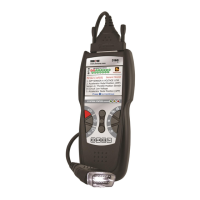
2. Connect the Diagnostic Tool cable (with
the Ford Connector Cable Adaptor
attached) to the Diagnostic Tool, then
connect the adaptor to the vehicle's DLC.
Press the POWER/LINK
button
to turn the Diagnostic Tool ON, then
press the ENTER
button to continue.
The Ford Menu displays.
Use the
and
buttons, as
necessary, to make menu selections.
3. From the Ford Menu, highlight KOEO
Test, then press the ENTER
button.


 To Next Page