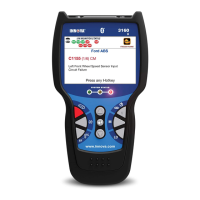
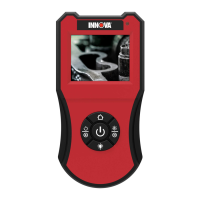
Borescope Controls
BATTERY REPLACEMENT – CAMERA INSTALLATION
4
8. POWER indicator – Lights when the Borescope is turned ON.
9. Camera Connector – Connector for the snake camera.
10. LCD Display – Displays the video feed from the snake camera.
11. Snake Camera – Routes camera to areas of limited access.
12. Camera – Supplies video feed to the LCD display.
13. LEDs – Provide illumination in low-light areas.
14. Accessory Slot – Attachment point for Borescope accessories.
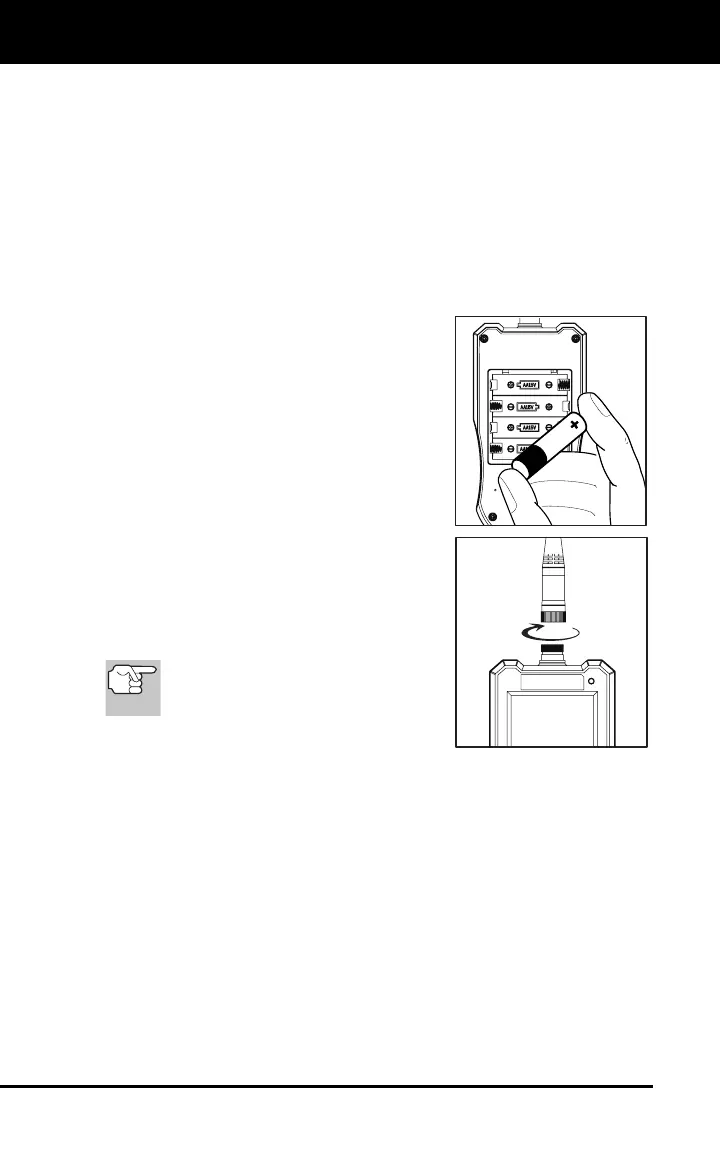
BATTERY REPLACEMENT
1. Locate the battery cover on the back of
the Borescope.
2. Slide the battery cover off (use your
fingers).
3. Replace batteries with four AA-size
batteries (for longer life, use Alkaline-
type batteries).
4. Reinstall the battery cover on the back
of the Borescope.
CAMERA INSTALLATION
Thread the snake camera onto the camera
connector and tighten finger-tight.
To prevent thread damage to the
camera connector or snake
camera, DO NOT OVERTIGHTEN.


 To Next Page