15
7) When the CD is completely finalized, the CD tray will come out automatically and the recorded and
finalized CD can be played in other players.
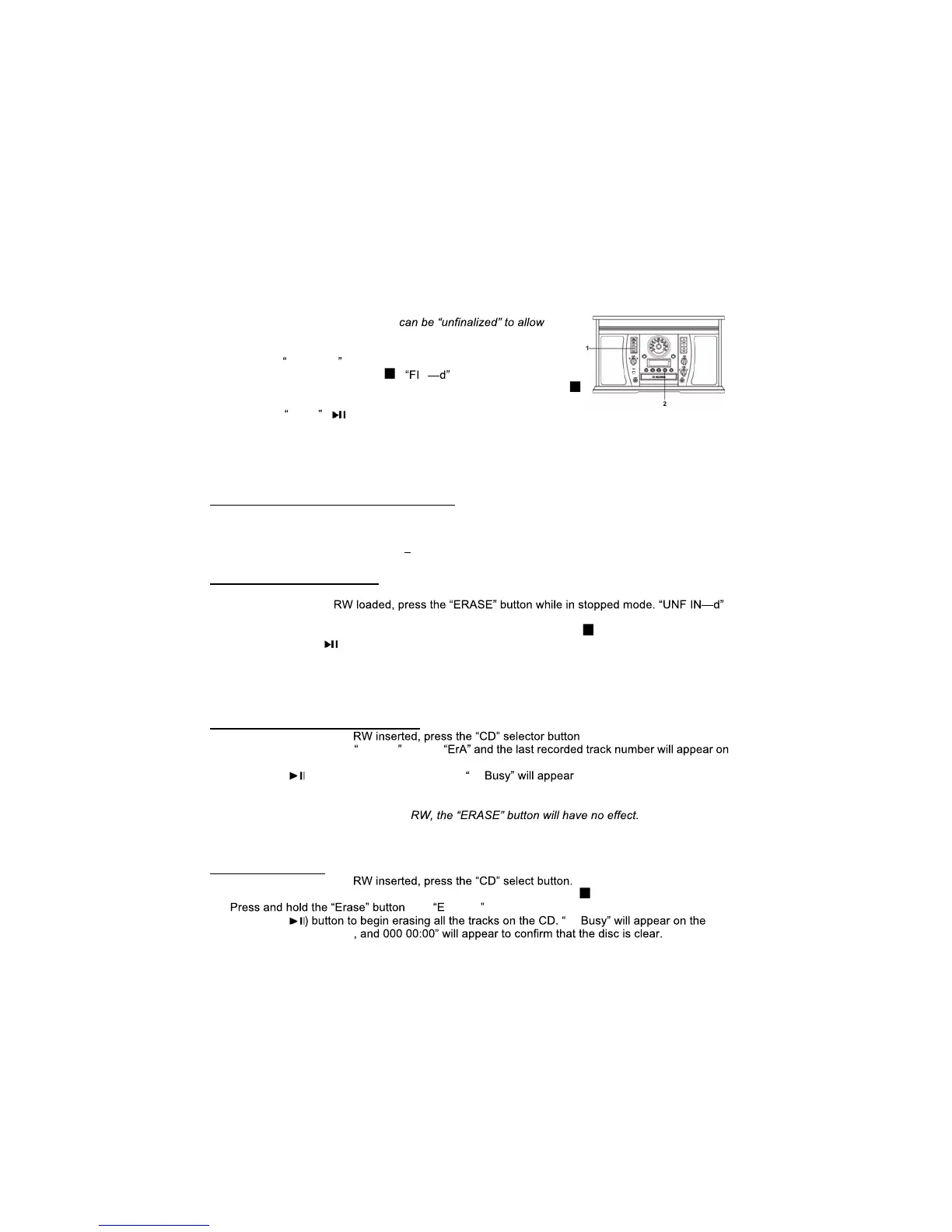
Before a CD-R or CD-RW can be played in a standard CD Player, it must be finalized. During
finalization, a Table of Contents (TOC) is written to the CD.
Once a CD-R disc is finalized, no more tracks can be recorded on it.
By contrast, a finalized CD-RW disc
additional recording.
1. Press the
FINALIZE button when in stopped mode. If you are not in
stopped mode, press STOP ( ).
N will appear on the display.
Note: To cancel the finalizing process at this point, press STOP ( ).
2. Press the
PLAY ( ) button to start finalizing. "--- BUSY" will appear
on the display. Wait until this message disappears. When finalization of the disc is complete, the
CD tray will open automatically.
Note: The finalization time is dependent on the contents that have been recorded, and may take a
few minutes in some cases.
ERASING A CD-RW (CD-RW ONLY)
Erasing processes w ill only work on an unfinalized CD-RW disc.
If a CD-RW disc has been finalized, you will need to unfinalize it prior to erasure.
With a CD-RW, it is possible to erase either the last recorded track, or the entire disc.
All erasing processes are permanent they cannot be undone.
Unfinalizing a Finalized CD
Note: Skip this process if the CD-RW has not been finalized.
1. With a finalized CD-
will appear on the display.
Note: To cancel the unfinalizing process at this point, press STOP ( ).
2. Press the PLAY ( ) button to start unfinalizing. "--- BUSY" will appear
on the display. When this message disappears, the disc is unfinalized.
Note: The unfinalization time is dependent on the contents that have been recorded, and may take a
few minutes in some cases.
Erasing the Last Recorded Track.
1. With an unfinalized CD- .
2. In stop mode, press the
ERASE button.
the display.
3. Press the ( ) button to erase the last track.
--- on the display. It will
disappear, indicating that the track has been erased permanently from the CD-RW.
4. Repeat steps 2 and 3 to continue erasing tracks one at a time.
Note: If there are no tracks on the CD-
Note: You will not be able to erase the last recorded track from CD-RW discs copied from another
device.
Erasing All Tracks
1. With an unfinalized CD-
Note: To cancel the finalization process at this point, press STOP ( ).
2.
until rA ALL appears on the display.
3. Press the (
---
display. It will disappear


 To Next Page