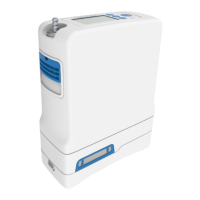
Service Manual, Inogen One G3HF
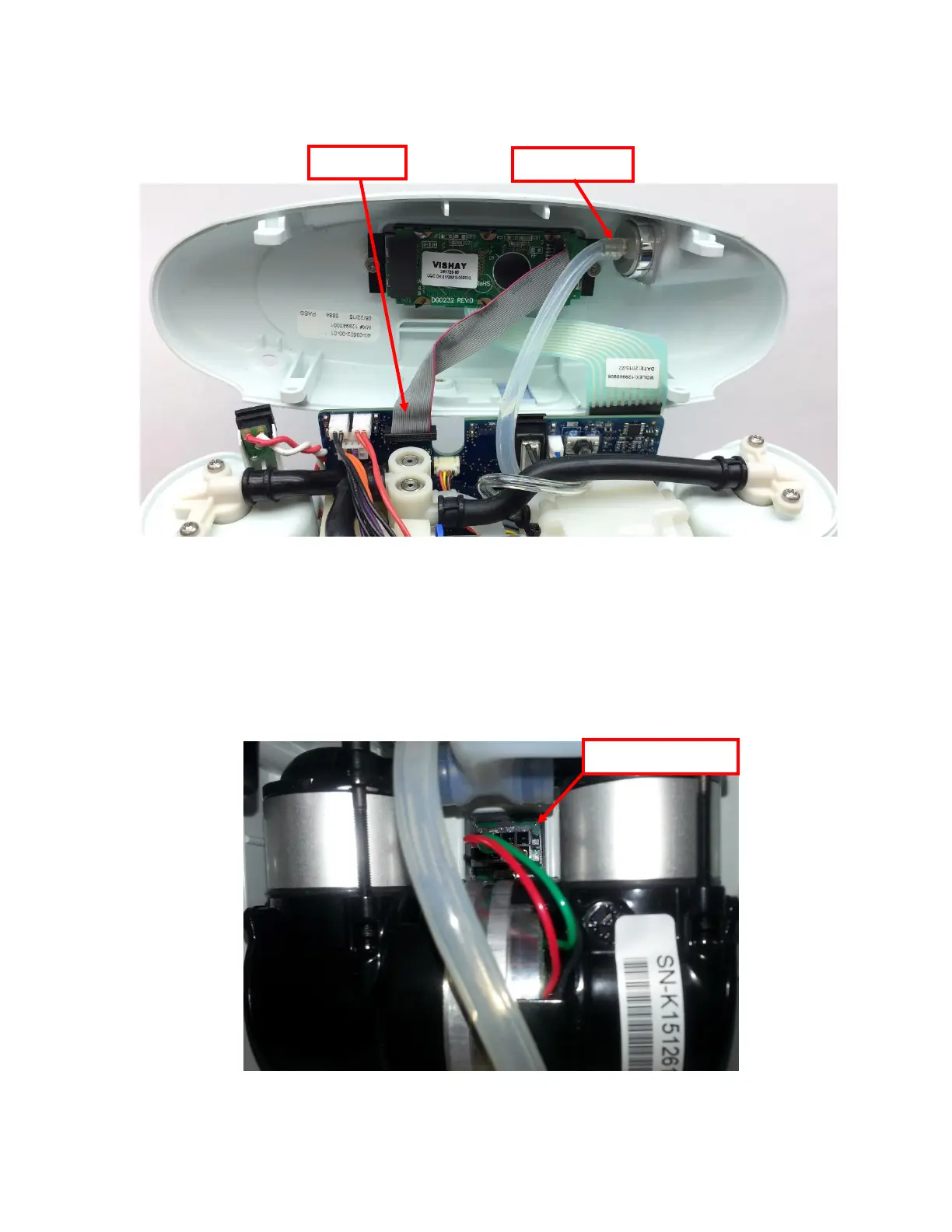
3. Gently unplug the cannula tube and the LCD cable from the user interface panel (Figure
4). Remove the user interface panel.
Figure 4: Remove cannula tube and LCD cable from user interface panel
Instructions for Removing the Breath Detect:
1. To gain access to the breath detect, the motherboard must be removed. Locate the
compressor cable. Detach the compressor cable from the motherboard using long pliers to
press down on the release clip while pulling on the wire connector (Figure 5). Do not pull
on the compressor wires.


 To Next Page