34
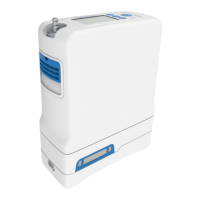
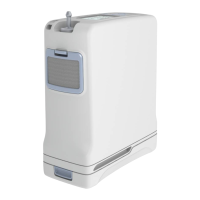
Inogen One® G4 Column Change Procedure (continued)
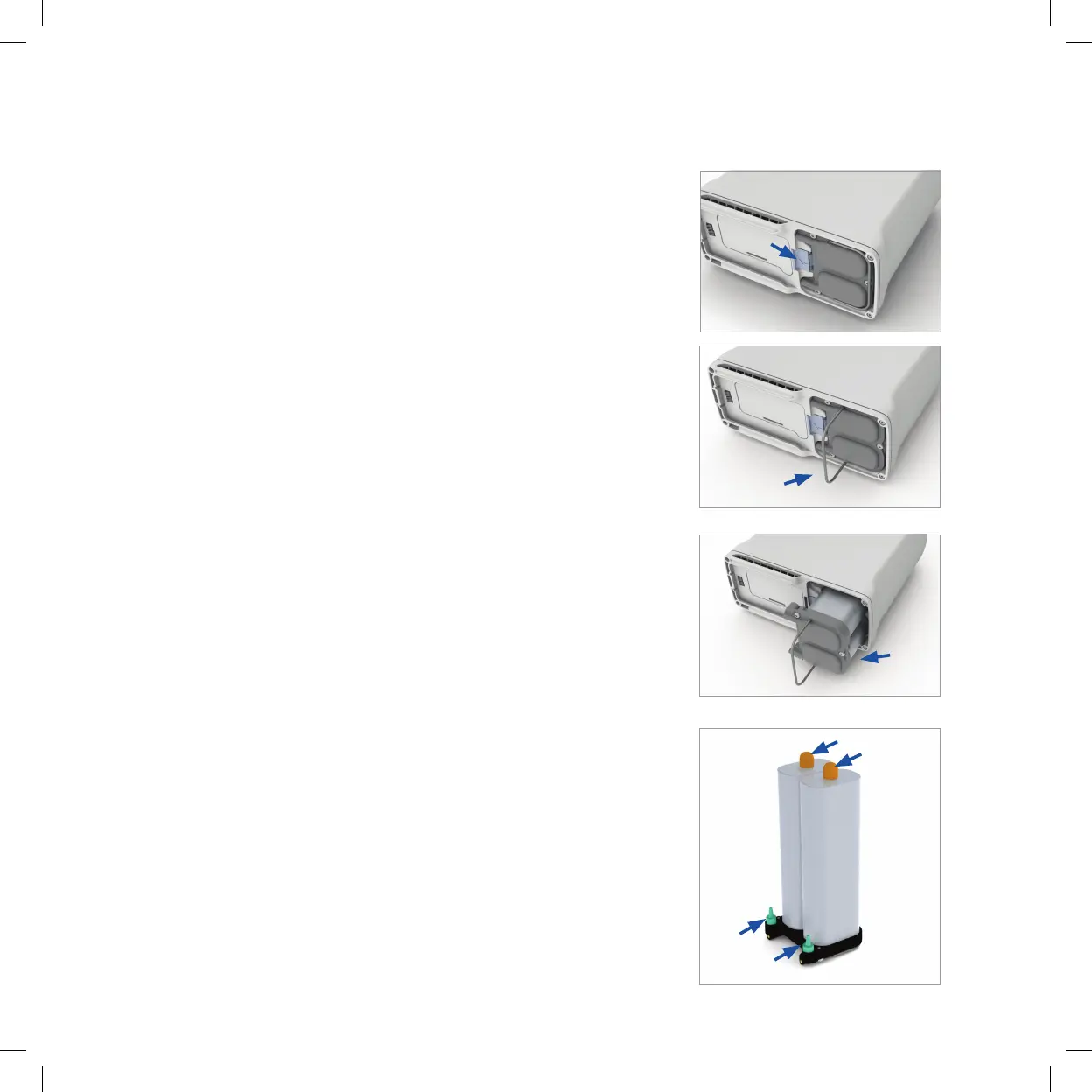
5. Unlock the column assembly by pushing the latch
button away from the columns.
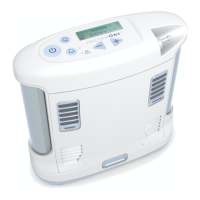
6. While holding the button open, slide the column
assembly out of the device by pulling on the column
pull handle.
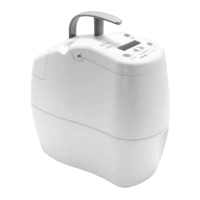
7. Remove the columns completely from the Inogen
One® G4. Both columns are removed as one piece.
Column (metal tube) Installation
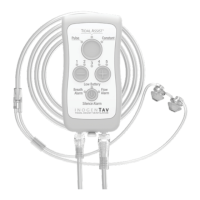
8. Remove dust caps of new column assembly. Make
sure there is no dust or debris where the dust caps
were located.
Open and unlocked


 To Next Page