35
Cleaning, Care and Maintenance Chapter 6
Inogen One® G4 Column Change Procedure (continued)
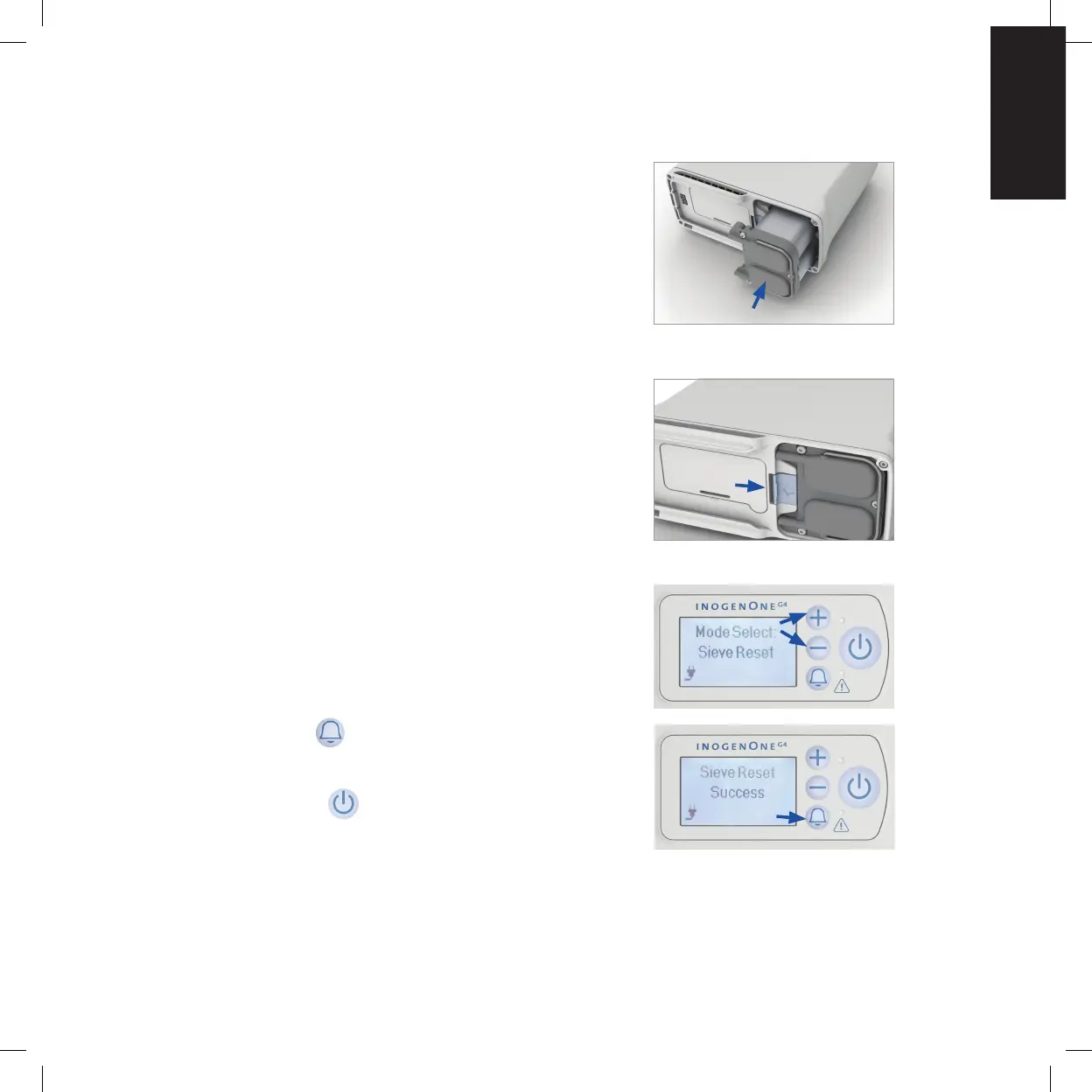
9. Insert column assembly into the Inogen One® G4
concentrator. Do not leave the column ends exposed;
column assembly should be inserted into the
Inogen One® G4 as soon as the dust caps have been
removed.
10. Push the column assembly into the device such that
the columns are fully seated into the Inogen One®
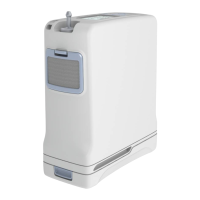
G4 concentrator. The spring loaded latch button
should fully return to the closed position.
11. Connect the AC power supply cord to the Inogen
One® G4 and plug the power supply AC cord into an
electrical outlet. Do Not Power on the Inogen One®
G4 concentrator.
12. Press and hold the plus (+) and (-) minus button for 5
seconds. The screen will display “sieve reset”
message. Release button once message is displayed
on screen.
13. Press the alert button once and screen will
display “sieve reset success”.
14. Press the power button to turn on the Inogen
One® G4, and use normally.
15. If you are using Inogen Connect App, navigate to the Advanced screen,
then to Additional Information screen and click on the Column Reset button.
Closed and locked


 To Next Page