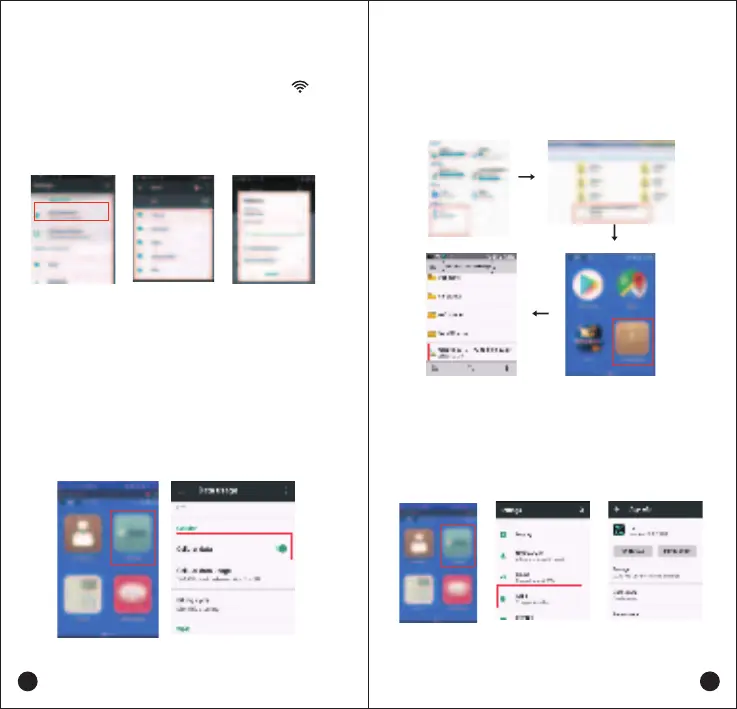
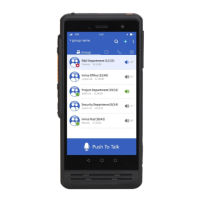
After the device is turned on and the main screen shows
up, click the “Settings ” icon and find the Wi-Fi icon, then
click to enter the check box, make sure the right side “On”
button been switched on, choose the wireless network you
want to connect,enter the password for connecting.
Using PC to transfer the APK format file into the device if
you want to install the APP at your end, Access Terminal File
Manager to select the files to install.
In order to uninstall APP from your device follow the
steps listed below: Settings -- Apps -- Selecting the App
-- UNINSTALL
Click the “Settings ” icon on the main screen, find the
“More”- “ Cellular networks”. Please check the “Access
Point Names” information if correct.
Find the “Data usage” in “Settings ” and Click to enter the
check box, switch on & Activate the “Cellular data ”button,
choose the Cellular Network you required.
Network Connecting
Wi-Fi Connecting
Cellular Network Connecting
11
12
Application Management


 To Next Page