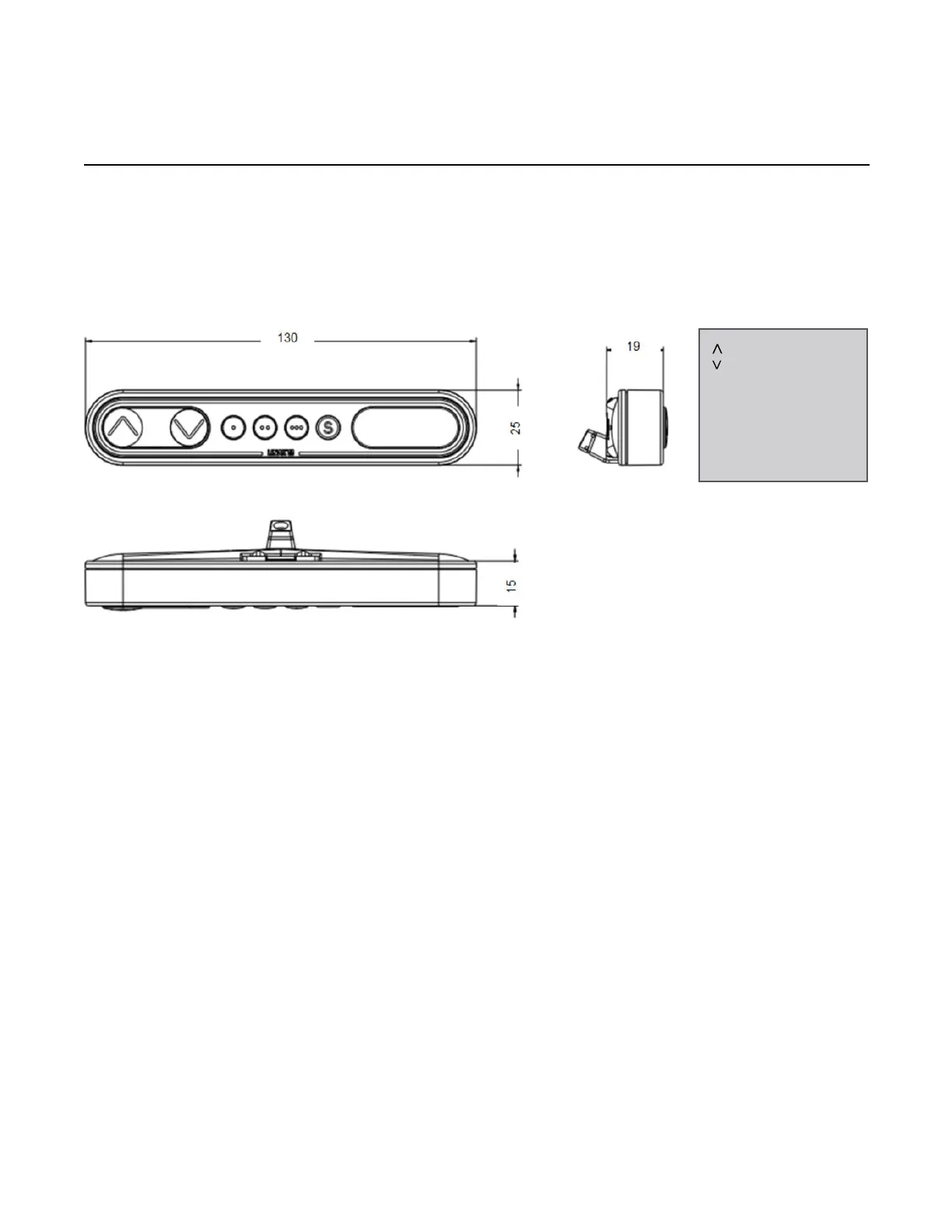
Programmable Control Switch with Display (DPF1C)
The programmable control switch with display shows you the height in either centimeters or inches. It also
features an automatic shut-off for when the unit is not in use thereby saving power in standby mode. As
an extra feature, the panel can be used for diagnostics as error codes can be displayed.
How to use the controls
Up and down (arrows):
Activate either the up or down button for parallel drive. The system will drive until the button is released again or the system reaches end position.
Memory:
The four small buttons are used for memory drive or storing memory.
Store Memory:
• Press the “S” button – display will ash for 2seconds
• Within these two seconds press one of the small buttons with dots and the position will be stored at this button
• The panel will acknowledge by showing “1”, “2” or “3” in the display depending on chosen position
Memory drive (small buttons with dots):
Press one of the memory buttons and the system will start driving to the pre-programmed memory position.
Keep the button pressed until the desired position has been reached.
Display function:
Display shows the actual height in either centimeters or inches.
Display will show error codes if error in table occurs.
= Parallel up
= Parallel down
S = Store memory
• = Memory 1
•• = Memory 2
••• = Memory 3
Height Adjustable Table – User Guide | October 2019 6



 To Next Page