Need help?
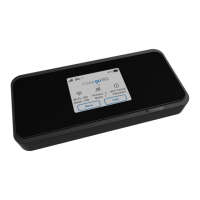
Do you have a question about the Inseego 5G MiFi M2000 and is the answer not in the manual?
Provides initial setup instructions like SIM installation and powering on the device.
Covers charging, battery tips, SIM unlocking, and reset procedures.
Covers Wi-Fi settings, band selection, names, passwords, and WPS.
View current data usage and plan information on the device.
Changing and hiding the admin password for security.
View data usage graphs and plan details via the web interface.
Configure primary and guest Wi-Fi networks and their settings.
Set up or change the primary network name (SSID) and security.
Set up guest network name, security, and password.
View devices connected to the M2000 via the web interface.
Back up, restore, restart, or turn off the device via the web interface.
Manage network selection, technology, and APN settings.
Manage VPN passthrough, IPv6, and DMZ settings for security.
Allow incoming traffic from the Internet to specific devices.
Establish a tunnel connection to an OpenVPN server.
Solutions for no service, connection failures, and forgotten passwords.
Warnings about radio interference, explosive atmospheres, and ESD.
 General
| Network Technology | 5G, 4G LTE |
|---|---|
| Battery Capacity | 5050 mAh |
| USB Port | USB-C |
| Ethernet Port | No |
| Model Number | M2000 |
| Device Category | Mobile Hotspot |
| Wi-Fi Bands | 2.4 GHz, 5 GHz |
| Security | WPA3 |
| Maximum Connected Devices | Up to 30 |
| Battery Life | Up to 24 hours |
| Wi-Fi Technology | Wi-Fi 6 |
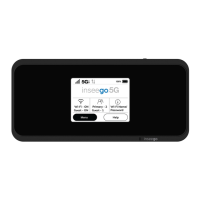
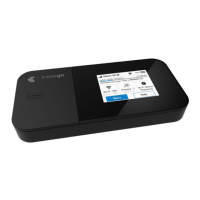
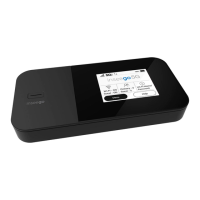
| Display | 2.4 inch touchscreen |
| 5G Bands | n2, n5, n66 |
| 4G LTE Bands | B2, B4, B5, B12, B13, B46, B48, B66, B71 |
| Carrier | Verizon |




 To Next Page