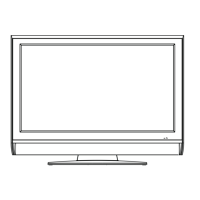
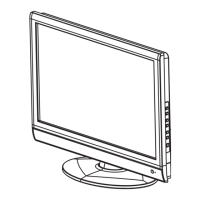
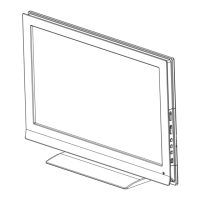
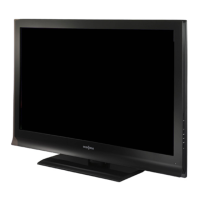
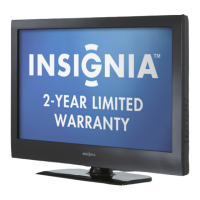
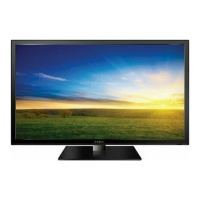
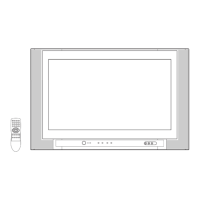
26” WIDE FLAT DIGITAL TELEVISION
IS-TV040927
OWNER’S MANUAL
TV/CABLE MODE SELECTION
When shipped from the factory, the TV/CABLE menu option is set to the “CABLE” (Cable Television)
mode. If not using Cable TV, set this menu option to the “TV” position.
Before operating the unit, please read this manual thoroughly.
ATTENTION
If you purchase a universal remote control from your local retailer, please contact the remote
manufacturer for the required programming code.
IF CONTACT WITH CUSTOMER SERVICE IS REQUIRED
PLEASE HAVE THE MODEL NUMBER READY PRIOR TO THE CALL
CUSTOMER SERVICE – 1-877-467-4289
INSIGNIA WEBSITE
FOR INFORMATION ON OUR OTHER PRODUCTS, PLEASE VISIT OUR WEBSITE AT
www.insignia-products.com
3R90401C_En_cover 3/26/05, 2:46 PM1

 Need help?


 To Next Page
 General