22
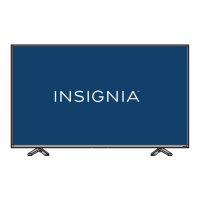
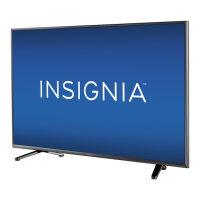
Insignia 55" 1080p 60Hz LED TV
www.insigniaproducts.com
Connecting a Roku Streaming Stick
You can connect a Roku Streaming Stick® to your TV to enjoy streaming video and audio.
1 Plug the Roku Streaming Stick (not provided) into the purple HDMI2/MHL jack on the side of your TV.
2 Press ENTER when a message appears. Your Roku Streaming Stick’s menu opens. (The message may take about 20
seconds to appear.)
Note
You must use the purple HDMI2(MHL) jack to connect a Roku Streaming
Stick.
Notes
You can also switch to Roku mode by:
• Pressing (home)
• Pressing INPUT and selecting HDMI2 (Roku)
• Pressing MENU and selecting ROKU
For instructions on using your Roku Streaming Stick, see “Using a Roku
Streaming Stick” on page 41.
Roku Streaming
Stick
Side of TV


 To Next Page
 Loading...