EasyManua.ls Logo

Insignia NS-FDRE44W1-C - User Manual

Insignia NS-FDRE44W1-C
47 pages
Print Icon
To Next Page IconTo Next Page
Loading...
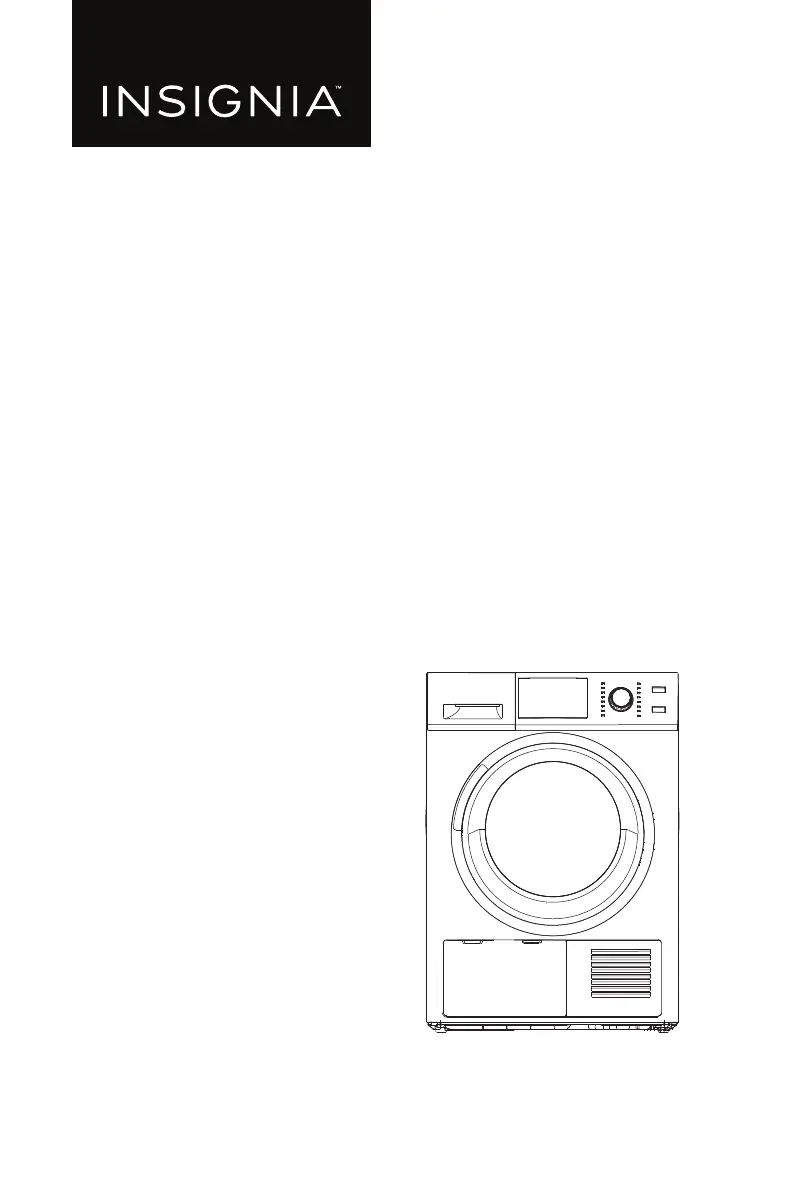
USER GUIDE
16-Cycle 4.4 Cu. Ft.
Front Load Electric Dryer
NS-FDRE44W1/NS-FDRE44W1-C
Before using your new product, please read these instructions to prevent any damage.

Questions and Answers

  • J
    Joshua HernandezAug 14, 2025
    Why is my Insignia Dryer not heating or drying clothes properly?
    • E
      Elizabeth PowellAug 14, 2025
      If your Insignia Dryer isn't heating or drying, consider the following: * The dryer may be in the cool-down process, which is normal. * Select a cycle other than Air Fluff and a temperature setting other than "no heat." * Avoid overloading the dryer; one wash load should equal one dry load. * Dry heavy and lightweight items separately. * For large, bulky items, reposition the load during the cycle to ensure even drying. * If the load is too small, add a few towels. * Clean the lint filter and exhaust duct. * Check the circuit breaker and fuses for the dryer’s electrical connection.
  • D
    David PattonAug 17, 2025
    How to prevent lint on clothes in my Insignia NS-FDRE44W1-C Dryer?
    • S
      Samantha FosterAug 17, 2025
      To minimize lint on clothing when using your Insignia Dryer: * Thoroughly check pockets before washing and drying to remove paper or tissue. * Clean the lint filter before every cycle, especially for loads that produce a lot of lint. * Separate lint-producing fabrics (like cotton towels) from lint-trapping fabrics (like linen pants). * Divide larger loads into smaller loads for drying.
  • M
    Michael WilliamsAug 21, 2025
    What to do if my Insignia NS-FDRE44W1-C Dryer does not start?
    • J
      Jesse KhanAug 21, 2025
      If your Insignia Dryer isn't starting, here are a few things to check: * Ensure the control (child) lock is off. * Confirm the dryer door is completely closed. * If you opened the door mid-cycle, press the Start/Pause button again. * Verify the power cord is securely plugged into a working electrical outlet. * Check the circuit breaker and fuses for the dryer's electrical connection.
  • D
    Daniel MontgomeryAug 25, 2025
    Why is my Insignia NS-FDRE44W1-C so noisy?
    • R
      reesegeraldAug 26, 2025
      An Insignia Dryer can make noise for a few reasons: * A humming sound is normal due to the airflow through the drum and exhaust system. * Check for objects like coins, buttons, or zippers in the load and remove them. * Ensure the dryer is level.
  • C
    cody87Aug 28, 2025
    What to do if my Insignia Dryer clothing is not dry enough?
    • C
      craigwilsonAug 28, 2025
      If your Insignia Dryer isn't drying clothes enough or the drying time is too long: * Clean the lint filters. * Empty the water reservoir. * Ensure the drain hose (if connected) is draining correctly. * Make sure the dryer has enough ventilation. * Clean the moisture sensors. * Ensure the air inlet is clear and clean. * Select a higher drying intensity or time cycle.
  • J
    Jonathan GoodSep 1, 2025
    Why does my Insignia NS-FDRE44W1-C shut off too early?
    • R
      Roy BaileySep 1, 2025
      If your Insignia Dryer shuts off before the clothes are dry: * The dryer load might be too small. Add more items or a few towels and restart the cycle. * The dryer load might be too large. Remove some items and restart the cycle. * Consider using a Time dry cycle.
  • M
    Michelle ThompsonSep 5, 2025
    Why are clothes unevenly dried in my Insignia NS-FDRE44W1-C?
    • K
      Keith MooreSep 5, 2025
      Unevenly dried clothes in your Insignia Dryer can happen because: * Seams and heavy areas may still be damp while the rest is dry, which is normal. Use the 'More' dryness level or 'Time Dry' setting. * Drying a heavy item with lightweight items can cause uneven drying. Dry them separately for best results.
  • A
    Audrey BakerSep 9, 2025
    Why are my clothes still wrinkled after using the Wrinkle Prevent setting on my Insignia NS-FDRE44W1-C Dryer?
    • M
      Matthew MarshSep 9, 2025
      If clothes are still wrinkled after using the Wrinkle Prevent setting on your Insignia Dryer: * Small loads of one to four items work best. * If the dryer load is too large, items cannot tumble freely. Try loading fewer items. * Make sure that the items in the dryer load are similar. The Wrinkle Prevent setting works best when the items in the dryer load are similar-type items.

Summary

Safety and Precautions

General Safety Warnings and Symbols

Explains essential safety warnings, symbols, and precautions to prevent injury or damage.

Installation Guide

Electrical Requirements and Grounding

Specifies voltage, amperage, and grounding needs for safe operation.

Step-by-Step Installation Process

Guides users through connecting the power cord and leveling the dryer.

Using Your Dryer

Maintenance and Cleaning

Cleaning Lint Filters

Instructions for cleaning the main lint filter and base filter.

Troubleshooting and Error Codes

Common Dryer Problems and Solutions

Lists common issues and provides step-by-step solutions.

Insignia NS-FDRE44W1-C Specifications

General IconGeneral
BrandInsignia
ModelNS-FDRE44W1-C
TypeElectric Dryer
Capacity4.4 cu. ft.
ColorWhite
Voltage240V
Number of Programs12
Energy Star CertifiedNo
Control TypeElectronic
Drying CyclesTimed Dry, Delicates, Heavy Duty, Less Dry, More Dry, Normal
FeaturesEnd-of-Cycle Signal, Lint Filter Indicator

Related product manuals