EasyManua.ls Logo

Insignia NS-TDRE67W1-C - User Manual

Insignia NS-TDRE67W1-C
47 pages
Print Icon
To Next Page IconTo Next Page
Loading...
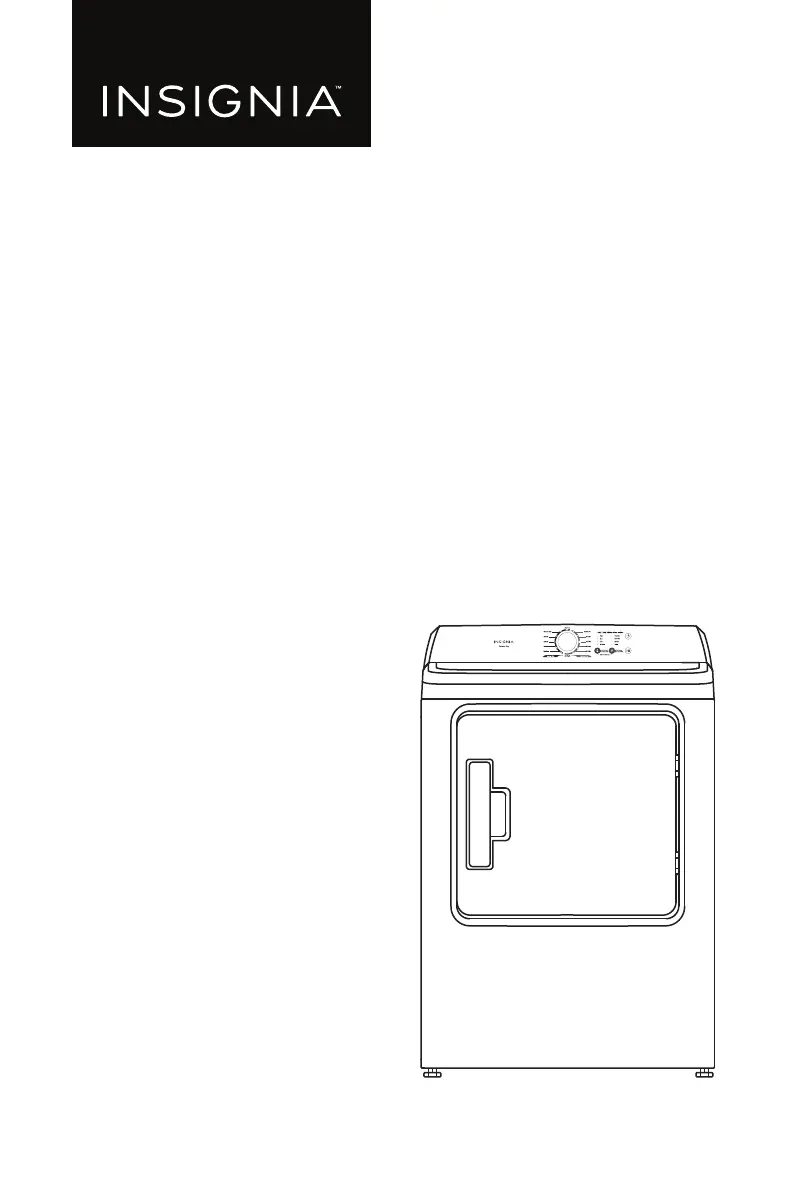
USER GUIDE
12-Cycle
Electric and Gas Dryers
NS-TDRE67W1/NS-TDRG67W1/NS-TDRE67W1-C
Before using your new product, please read these instructions to prevent any damage.

Questions and Answers

  • M
    Mark HendricksAug 12, 2025
    What to do if Insignia NS-TDRE67W1-C Dryer does not heat or does not dry?
    • A
      adrianpeckAug 12, 2025
      If your Insignia dryer isn't heating or drying, it might be in the cool-down process, which is normal. If not, select a cycle other than Air Fluff and a temperature setting other than 'No Heat'. Avoid overloading the dryer; one wash load should equal one dry load. Separate heavy and lightweight items. For bulky items like blankets, reposition them during the cycle. If the load is too small, add a few towels or use the Manual Dry cycle. Also, clean the lint filter and exhaust duct. Check the circuit breaker and fuses, ensure the outside exhaust hood opens freely, inspect the exhaust system for lint buildup (ducting should be cleaned annually), and confirm your exhaust duct is a 4 in. (10.2 cm) rigid or semi-rigid metal duct.
  • M
    Michele GoodmanAug 16, 2025
    What to do if Insignia NS-TDRE67W1-C Dryer shuts off before the clothes are dried?
    • B
      Bradley HarrisAug 16, 2025
      If your Insignia dryer shuts off before clothes are dry, the load might be too small; add more items or a few towels and restart the cycle. Alternatively, the load could be too large, so remove some items and restart. You might also consider using a Manual Dry cycle.
  • J
    Jamie VelezAug 20, 2025
    How to troubleshoot Insignia NS-TDRE67W1-C Dryer that does not start?
    • D
      Daniel MartinAug 20, 2025
      To troubleshoot a dryer that won't start, first ensure the door is completely closed. If you opened it during a cycle, press the start/pause button again. Verify the power cord is plugged into a working outlet and check the circuit breaker and fuses for the dryer's electrical connection.
  • J
    Jessica HuntAug 25, 2025
    Why is my Insignia NS-TDRE67W1-C Dryer so noisy?
    • M
      Maria SchneiderAug 25, 2025
      If your Insignia dryer is making noise, remember that some humming is normal due to air movement. The gas valve or heating element cycling on and off is also normal. However, check the load for objects like coins or broken zippers and remove them. Also, make sure the dryer is level.
  • K
    Kathryn HaleyAug 28, 2025
    Why is my clothing still wrinkled after using the Wrinkle Care setting on my Insignia NS-TDRE67W1-C?
    • D
      Deanna LopezAug 28, 2025
      If clothing is still wrinkled after using the Wrinkle Care setting on your Insignia dryer, use small loads of one to four items for best results. If the dryer load is too large, items cannot tumble freely, so try loading fewer items. Make sure that the items in the dryer load are similar. The Wrinkle Care setting works best when the items in the dryer load are similar-type items.
  • R
    Ronald RamirezAug 31, 2025
    Why is there lint on the clothing after using Insignia NS-TDRE67W1-C?
    • A
      Andrew BrockSep 1, 2025
      If you notice lint on clothing after drying in your Insignia dryer, check pockets thoroughly before washing and drying clothes to remove paper or tissue. Clean the lint filter before every cycle, especially after loads that produce high amounts of lint. Separate lint producers (like cotton towels) from lint trappers (like linen pants). For larger loads, divide them into smaller ones for drying.
  • N
    Nancy PooleSep 4, 2025
    Why are my clothes unevenly dried in Insignia Dryer?
    • A
      Alyssa JosephSep 4, 2025
      If clothes are unevenly dried in your Insignia dryer, remember that seams, pockets, and heavy areas may not be completely dry. Select the More Dry or Very Dry dryness level if needed. If you dry one heavy item with a lightweight load, the heavy item may not be completely dry. For best results, dry heavy and lightweight items separately.
  • J
    Jennifer WilsonSep 8, 2025
    Why does my Insignia NS-TDRE67W1-C Dryer have an odd odor?
    • R
      Richard GonzalezSep 8, 2025
      Your Insignia dryer draws air from the surrounding room air. Household odors from paint, varnish, strong cleaners, and so forth, may enter your dryer with the surrounding room air. This is normal. When these odors linger in the air, ventilate the room completely before using your dryer.

Summary

Introduction and Safety

Introduction

Welcomes the user and highlights the features of the new Insignia dryer.

Important Safety Instructions

Provides critical safety warnings and precautions for the installation and use of the dryer.

Dryer Safety

Ensures the safety of users and others by following specific instructions to prevent harm or damage.

Features

Package Contents

Lists all items included in the dryer package for verification.

Front Components

Identifies and illustrates the parts located on the front of the dryer.

Back Components

Control Panel Overview

Unpacking Your Dryer

Choosing a Location

Installation in Alcoves or Recessed Areas

Installing in a Closed Cabinet

Exhausting Requirements

Duct Requirements

Electric Requirements

Electrical Connections

Power Outlet Types

Illustrates the different types of electrical outlets used for connecting the dryer.

Gas Requirements

Grounding Requirements

Changing Dryer Vent Location

Tools and Materials for Venting

Lists the tools and materials required for modifying the dryer's vent configuration.

Side Venting

Illustrates the process for configuring the dryer's exhaust to vent from the side.

Bottom Venting

Installing Your Dryer

Tools You Will Need

Lists the tools required for the installation process.

Materials You Will Need

Lists the materials required for the installation process.

Before You Start

Outlines essential checks and preparations before beginning the dryer installation.

Step-by-Step Installation

Connect Exhaust Ducting

Guides on properly connecting the dryer's exhaust ducting to ensure safe and efficient airflow.

Connecting the Gas Line

Connecting the Power Cord (U.S. Models)

Three-Wire Outlet Connection

Details the wiring steps for connecting to a three-wire electrical outlet.

Four-Wire Outlet Connection

Leveling and Final Checks

Level Your Dryer

Instructs on adjusting the dryer's feet to ensure it is level and stable on the floor.

Check Final Installation

Final checks to ensure all connections are secure, the dryer is grounded, and operational.

Reversing the Dryer Door

Using Your Dryer

Drying a Load of Clothes

Guides on loading the dryer, selecting cycles, and starting the drying process.

Unloading Your Dryer

Cleaning the Lint Filter

Dryer Options and Settings

Special Laundry Tips

Fabric Care Chart

Maintaining Your Dryer

Cleaning the Exterior

Instructions for cleaning the outer surfaces of the dryer to prevent damage.

Cleaning the Drum

Steps for cleaning the inside of the dryer drum for optimal hygiene.

Cleaning the Control Panel

Guidance on safely cleaning the dryer's control panel without causing damage.

Cleaning and Inspecting the Exhaust System

Details annual maintenance for the exhaust system to ensure efficient and safe operation.

Troubleshooting

Understanding Error Codes

Specifications

One-Year Limited Warranty

Warranty Coverage Details

Explains what is covered under the warranty, including repair or replacement of defective parts.

Obtaining Warranty Service

Provides instructions on how to contact Insignia for warranty service and claim procedures.

Warranty Exclusions

Lists conditions and damages that are not covered by the product warranty.

Insignia NS-TDRE67W1-C Specifications

General IconGeneral
Appliance CategoryDryer
BrandInsignia
ModelNS-TDRE67W1-C
TypeElectric
ColorWhite
Fuel TypeElectric
Capacity6.7 cu. ft.
Voltage240V
Amperage30A
Number of Temperature Settings3
Control TypeElectronic
Drum MaterialStainless Steel
Width27 inches
Height44 inches
Drying CyclesMultiple
Temperature SettingsHigh, Medium, Low

Related product manuals