EasyManua.ls Logo

Insignia NS-RC14WH7 - User Manual

Insignia NS-RC14WH7
14 pages
Print Icon
To Next Page IconTo Next Page
Loading...
Before using your new product, please read these instructions to prevent any damage.
USER GUIDE
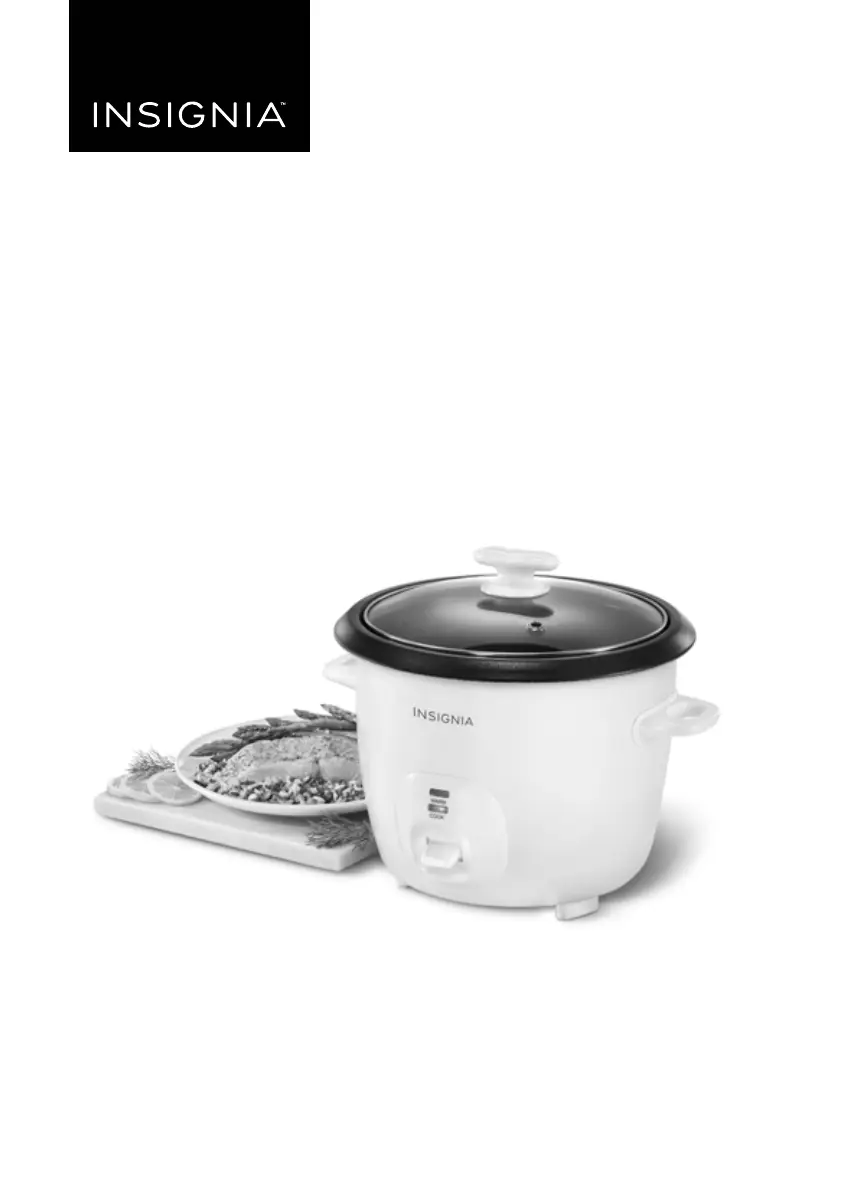
14-Cup Rice Cooker
NS-RC14WH7
NS-RC14WH7_16-0799_MAN_V2_ENG.fm Page 1 Friday, October 7, 2016 3:03 PM

Other manuals for Insignia NS-RC14WH7

Questions and Answers

  • K
    krystalvasquezJul 27, 2025
    What to do if Insignia NS-RC14WH7 Rice Cooker will not turn on?
    • A
      Alicia LoweJul 27, 2025
      First, ensure the power cord is securely plugged into both the rice cooker and a functioning wall outlet. Verify that the wall outlet is switched on. If it still doesn't power on, check your circuit breaker and reset it if necessary. If the issue persists, it might indicate a problem with the internal circuitry, damaged power cord, or connections, requiring assessment by a Best Buy authorized service center.
  • K
    Kathleen GarciaAug 3, 2025
    Why is my Insignia NS-RC14WH7 Rice Cooker rice too moist?
    • M
      Mr. Anthony BrownAug 4, 2025
      If your rice is too moist or soggy after cooking, it's likely that too much water was added. To fix this, stir the rice to redistribute the bottom portion and release excess moisture. Then, close the lid and let the rice cooker stay in warming mode for 10-30 minutes, stirring occasionally, until the desired consistency is achieved.
  • S
    shawnjamesAug 11, 2025
    What to do if Insignia Rice Cooker rice is too dry?
    • M
      Matthew JohnsonAug 11, 2025
      If the rice is too dry or hard after cooking, it needs more water and cooking time. Add ½ to 1 cup of water (depending on how dry it is), stir it in, close the lid, and press the COOK switch again. When the rice cooker switches to warming mode, check the consistency and repeat if needed.
  • C
    Cheyenne CherryAug 19, 2025
    What to do if the indicator light will not turn on on Insignia Rice Cooker?
    • B
      Bryan VillaAug 19, 2025
      If your Insignia rice cooker is heating properly, but the indicator light isn't showing whether the rice is cooked or kept warm, the light bulbs are probably burnt out or improperly connected to the circuitry. In both cases, you need to take your rice cooker to a Best Buy authorized service center for repair.

Summary

Introduction

Important Safety Instructions

Read All Instructions Before Using

Emphasizes reading all instructions before operation to ensure safe use.

Short Cord Instructions

Provides guidance on using extension cords safely to reduce tripping hazards.

Features

Package Contents

Lists all items included in the product package for verification.

Main Features

Highlights the key functional components and parts of the rice cooker.

Polarized Power Plug

Explains the polarized plug and its correct usage for preventing electric shock.

Using Your Rice Cooker

Preparing to Cook

Details the necessary steps and precautions before starting to cook rice.

Cooking Rice

Provides a step-by-step guide for cooking rice using the appliance.

Rice;Water Measurement Table

Offers a table detailing rice and water ratios and estimated cooking times.

Steaming Foods

Vegetable Steaming Guide

Provides specific water amounts and cooking times for steaming various vegetables.

Meat Steaming Guide

Provides specific water amounts and cooking times for steaming different types of meat.

Cooking Rice and Steaming Food Simultaneously

Explains how to cook rice and steam food at the same time for complete meals.

Cooking Soup, Chili, and Stew

Instructions for preparing soups, chili, and stews using the rice cooker.

Cleaning and Maintaining Your Rice Cooker

Troubleshooting

Specifications

One-Year Limited Warranty

Definitions

Defines key terms used within the warranty statement for clarity.

Warranty Coverage Duration

Specifies the duration of the product's warranty coverage.

What the Warranty Covers

Outlines the types of defects and issues covered by the warranty.

How to Obtain Warranty Service

Provides instructions on how to get the product repaired or replaced under warranty.

Warranty Validity Area

States the geographical regions where the warranty is applicable.

Warranty Exclusions

Lists exclusions and situations not covered by the warranty.

Insignia NS-RC14WH7 Specifications

General IconGeneral
MaterialPlastic
ColorWhite
Voltage120V
FeaturesKeep warm, Non-stick inner pot
Inner Pot MaterialNon-stick

Related product manuals