5
PANEL
INFORMATION ON THE SCREEN
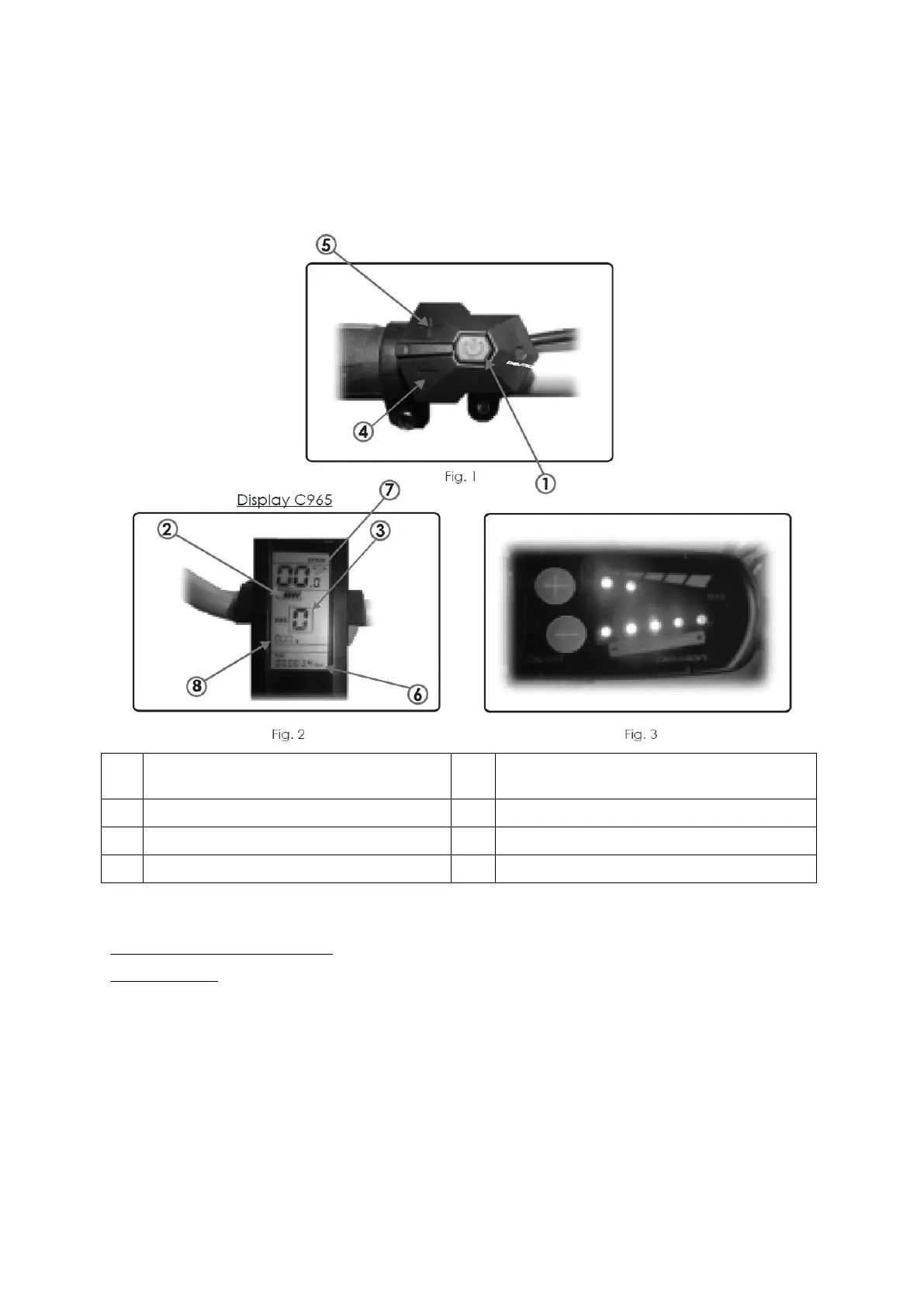
Make sure that the battery has to be lit. Activate the control panel using the (Fig.3).
* Optional depending on the model control panel
** Functions activate/deactivate holding the button press for 2 seconds
Display specification – ului C965
Material & color
The C965 display is made of ABS and is designed to perform well under -20°C to 60°C.
Available colors: black
FUNCTIONS & BUTTONS
The C965 offers many functions for your riding pleasure. These Include: Multiple Power levels settings
(Mode), Remaining Battery Capacity, Speed (Speed/ MAX / AVG), Distance and Odometer (TRIP/
TOTAL), Time, Assist walking (slow speed motor assist), Backlight, Error codes.
INTERFACE


 To Next Page