12
Shooting Mode
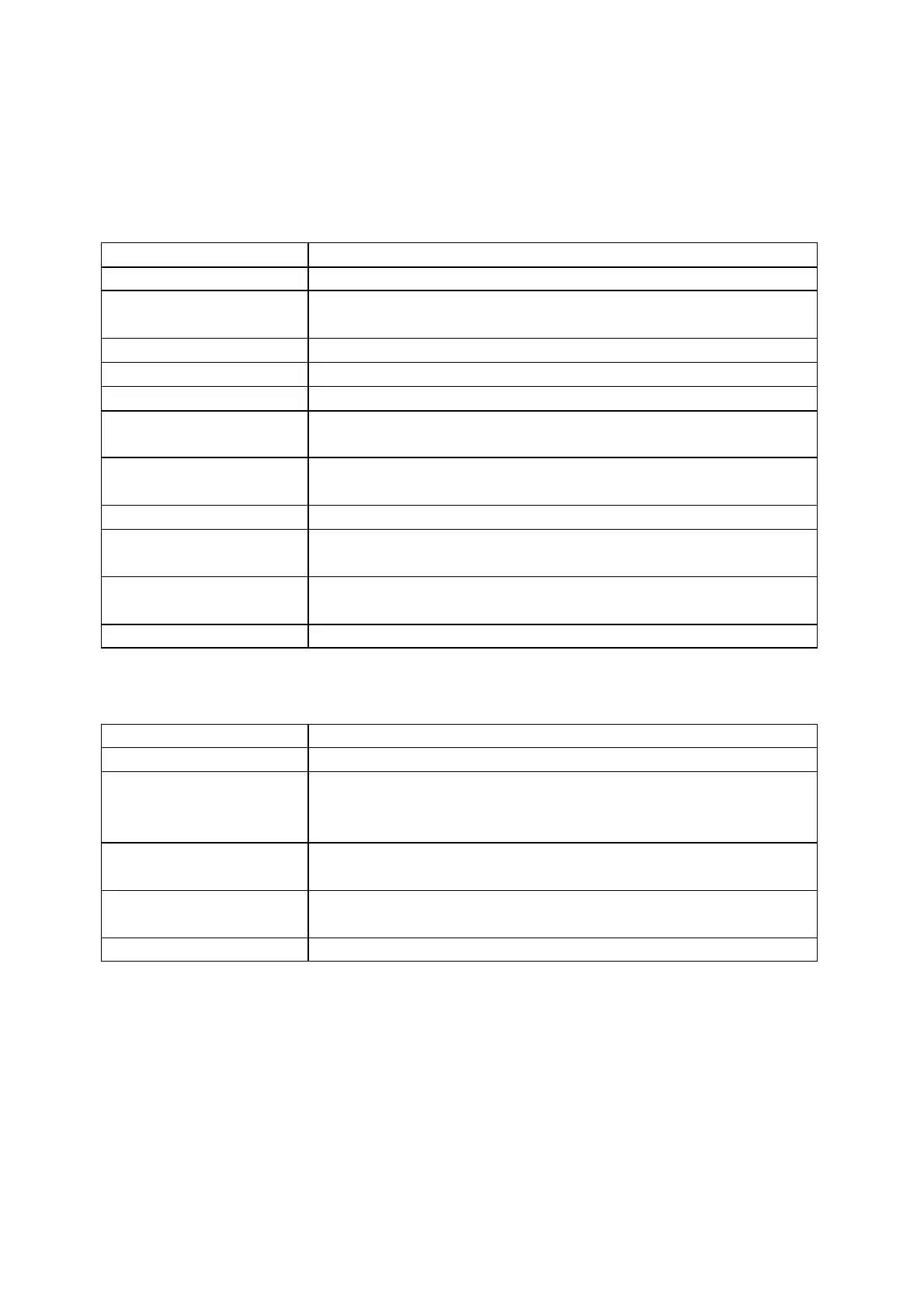
Tap the shooting mode icon and swipe or swipe left and right from the centre of the
screen to select a different shooting mode.
In 360 Mode:
Record 360° videos up to 8K30fps.
Record stabilized high dynamic range video. Recommended
to shoot in clear daytime conditions with good lighting.
Suitable for shooting static timelapse videos.
Take a hyperlapse (sped-up) video while moving.
Slow-motion video with 360° overhead rotation.
Record continuously and save only the last fixed-length
segment.
Shoot and store multiple photos and automatically combine
Starlapse effects.
Take multiple photos in a short space of time.
The camera automatically takes continuous photos at a
specific time interval.
For high dynamic range photos. Please keep the camera still
while shooting.
Record wide-angle videos from one lens up to 4K60fps.
Record 4K30fps or 2.7K120fps wide-angle videos with the
Invisible Selfie Stick effect. It keeps you in the center without
any reframing.
Loop Recording Record continuously and save only the last
fixed-length segment.
Apply FlowState Stabilization and Horizon Lock with
adjustable aspect ratio in post via the app or Studio.



 To Next Page