13
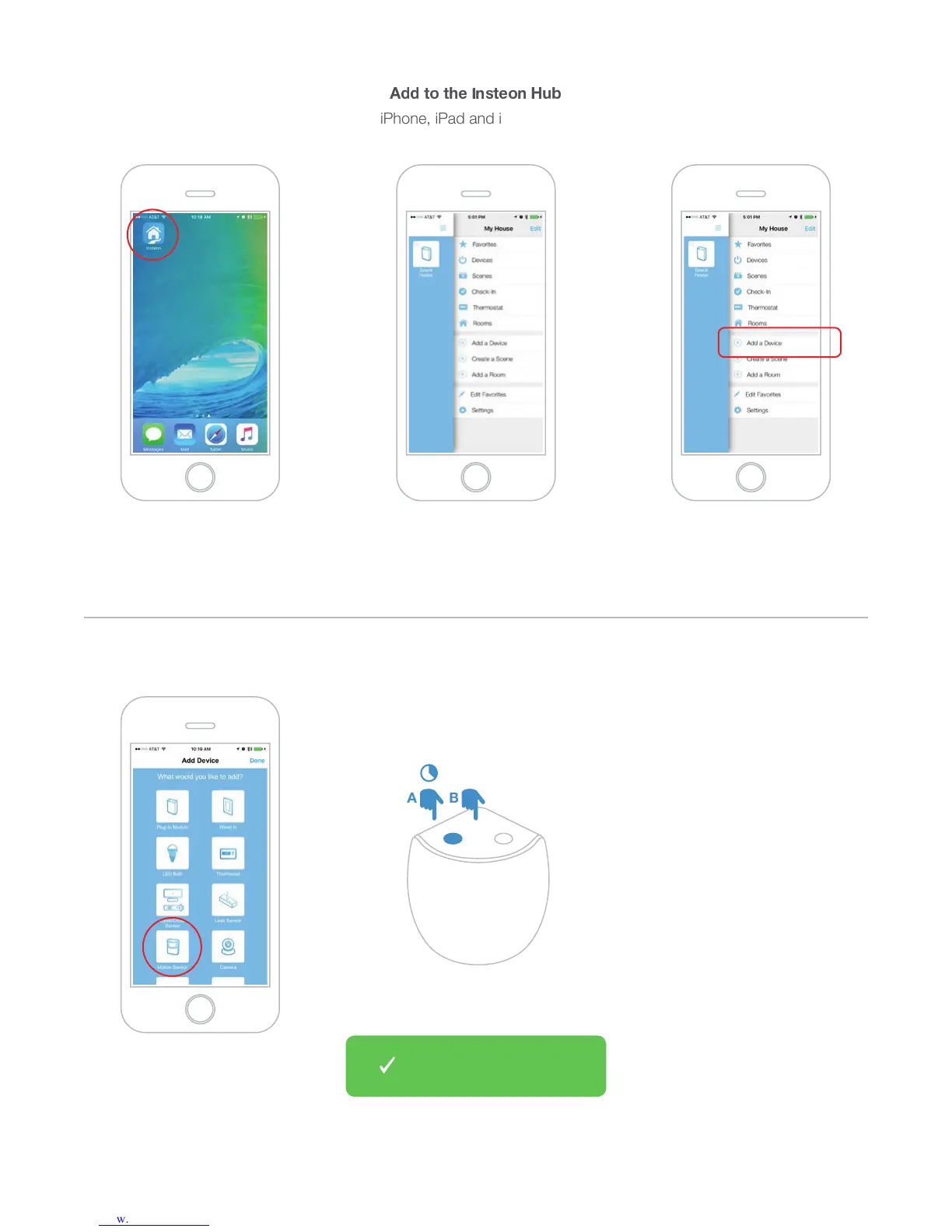
When prompted, press and hold the
set button on Motion Sensor until the
device beeps then tap the set button
3H\UJO[OL0UZ[LVU(WW
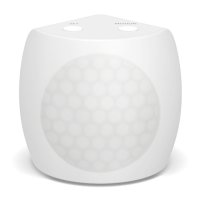
Tap Motion Sensor
Tap Add a DeviceTap the drawer icon or swipe from
the right edge of the display to
open the drawer
You can now manage Motion
:LUZVY^P[O[OL0UZ[LVUHWW
E ?
;
| A T
iPhone, iPad and iPod touch
z {


 To Next Page