5-7
Preventive Maintenance
Product Support: www.instron.com
Guide Columns
The guide columns should also be lubricated periodically. Lubricate the guide columns
when you lubricate the ballscrews, using the same lubricant.
To lubricate the guide columns:
1. Turn the power switch to the Off (
O) position and disconnect the power cable from the
main power source. Ensure that the
POWER indicator light does not illuminate.
2. Detach the ballscrew covers from the crosshead and slide the covers away from the
crosshead. Refer to Figure 5-2 on page 5-8 to locate the guide column inside the
column cover.
3. Reaching behind the ballscrew, apply a thin film of lubricant with a soft, lint-free cloth
over the entire length of each column.
4. Re-attach the ballscrew covers to the crosshead.
5. Re-connect the power cable to the main power source and turn on the system. Verify
that the
POWER indicator light illuminates.
This procedure should only be performed by personnel who have received
detailed training either at the Instron training center or on site by a qualified
Instron service engineer.
This procedure requires that you remove the bottom ballscrew cover, exposing a section
of the ballscrew.
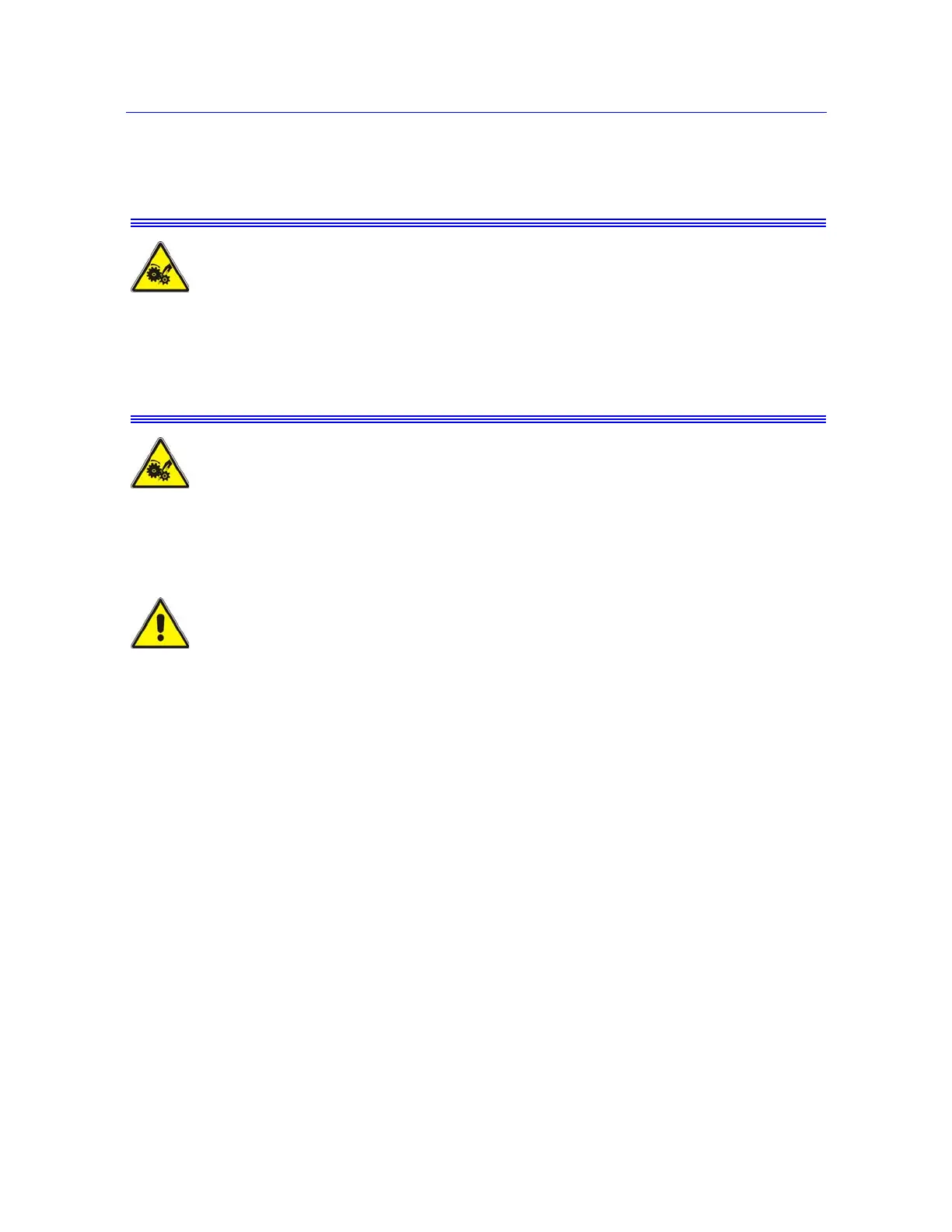
Rotating Machinery Hazard - Disconnect power supplies before removing the
covers to rotating machinery.
Disconnect equipment from all power supplies before removing any cover which gives
access to rotating machinery. Do not reconnect any power supply while the covers are
removed. Refit covers as soon as possible.
Entanglement Hazard - Keep hair and loose clothing clear of the ballscrews
during this procedure.
This procedure requires that you remove the bottom ballscrew cover, exposing a section
of the ballscrew. Ensure that the power supply is disconnected during the procedure and
reinstall the ballscrew covers immediately after the procedure is completed.



 To Next Page