SET-UP & OPERATION
14
THE FORCE
/
1
Set-Up and Operation, Cont.
Overloading the hopper or
pushing down on the
material in the hopper
can cause electrical
problems or jamming
which can damage
your machine. When
loading your machine,
empty only one bag at a
time into the hopper. Wait
until half the contents have been
used before adding another bag.
Always clean unused material out of the hopper, airlock, and hose at the
end of each job.
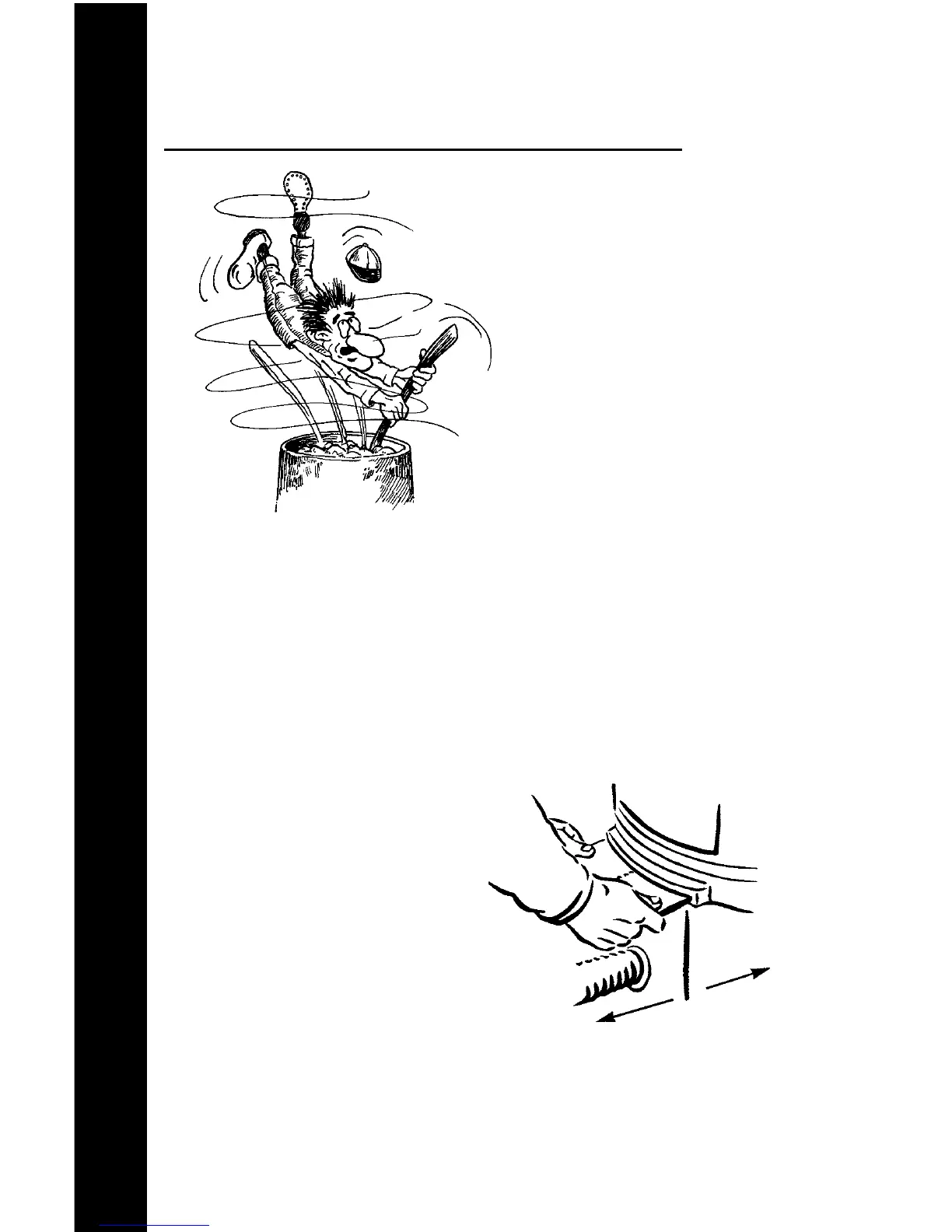
Do not put your hands inside the hopper while the machine is
running. If a tool or other foreign object accidentally falls into the hopper,
turn the machine off immediately. Careless operation of this machine can
result in bodily injury.
ADJUSTING SLIDE GATE:
The pin-set slide gate regulates the
amount of material entering the
airlock. By adjusting the slide gate,
you increase or decrease both the
amount of material and the material
throw distance from the hose. To
increase material flow, pull the slide
gate out; to decrease push the slide
gate in.
SET-UP & OPERATION
Slide Gate Adjustments


 To Next Page