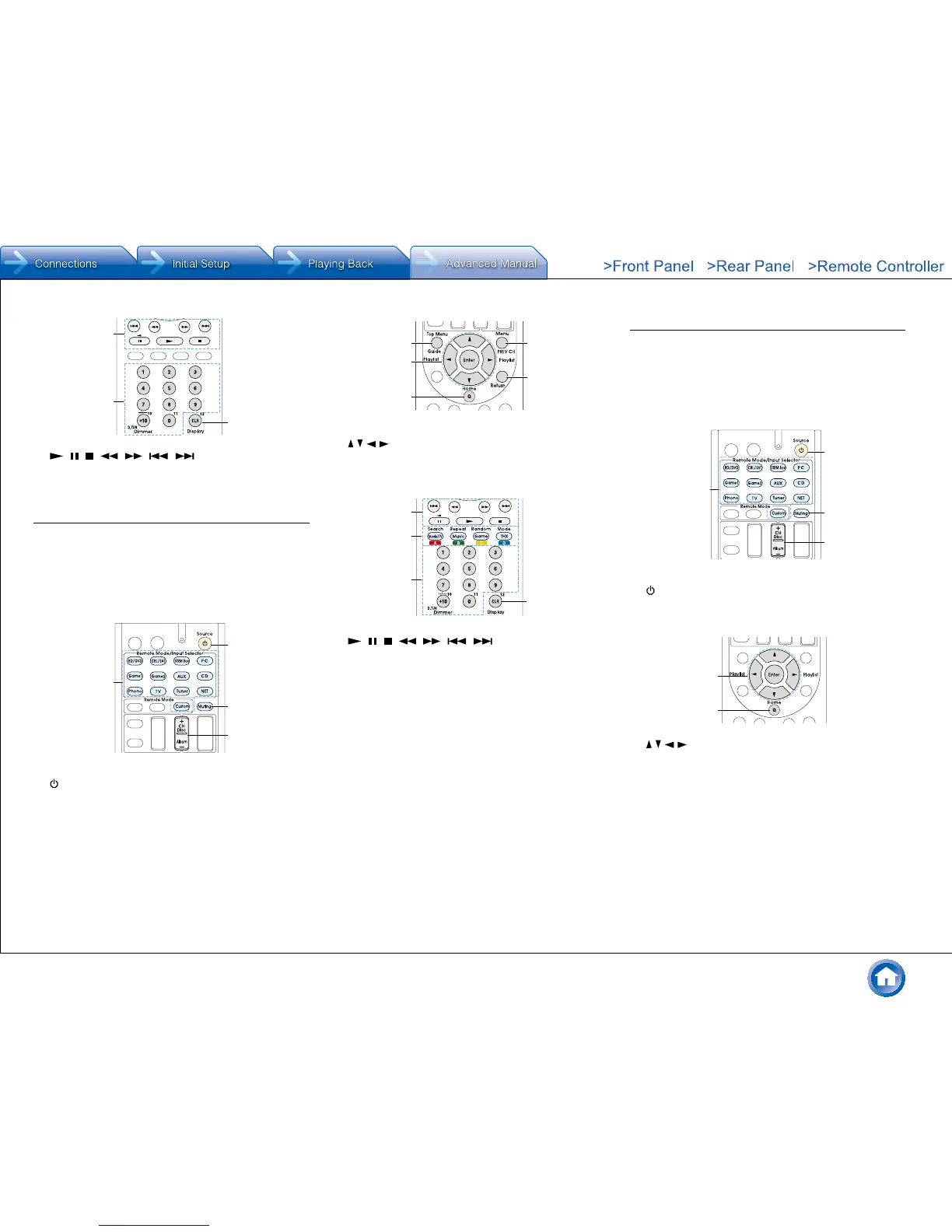
F , , , , , ,
G Number 1 to 9, 0, +10
H CLR, Display
Satellite receiver / Cable receiver operation
Press the Remote Mode button programmed with the
remote control code for the relevant AV component to
switch the remote controller mode to that for the AV
component. Then, operate by using the corresponding
buttons. Available buttons vary depending on the product
category of the component. Operation may be incorrect or
impossible depending on the product.
F , , , , , ,
G A (Red), B (Green), C (Yellow), D (Blue)
H Number 1 to 9, 0, +10
I CLR, Display
CD player operation
Press the Remote Mode button programmed with the
remote control code for the relevant AV component to
switch the remote controller mode to that for the AV
component. Then, operate by using the corresponding
buttons. Available buttons vary depending on the product
category of the component. Operation may be incorrect or
impossible depending on the product.


 To Next Page