102
Front Panel≫ Rear Panel≫ Remote≫
Contents
≫
Connections
≫
Playback
≫
Setup
≫
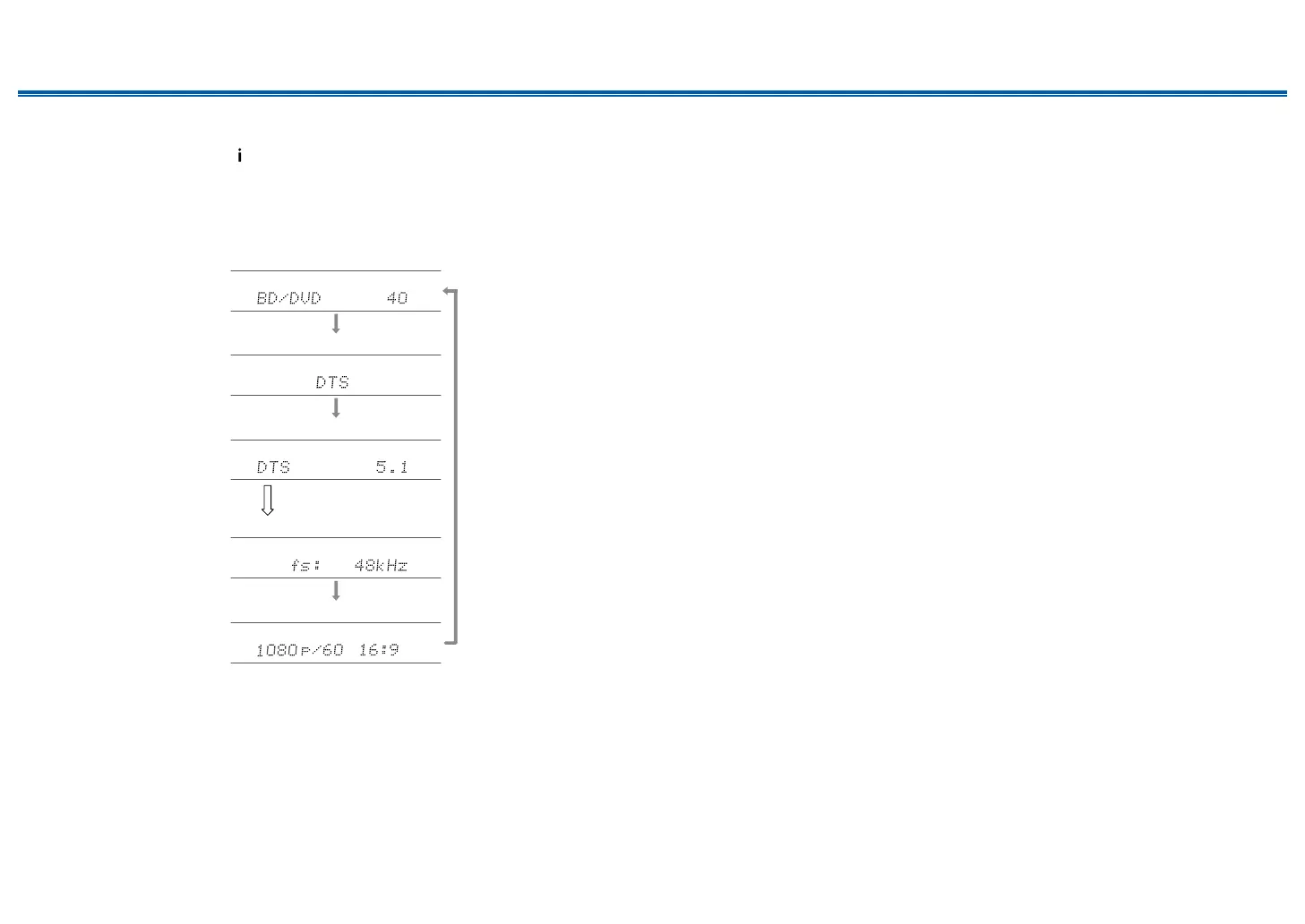
Checking the input format and listening mode
Repeatedly pressing the button on the remote controller switches the display
of the main unit in the following order.
• The display content for the BLUETOOH input is dierent.
• Not all the information is necessarily displayed.
Input source and volume
Listening mode
Input Format
The display is switched in
a few seconds.
Sampling frequency
Input signal resolution



 To Next Page