113
Front Panel≫ Rear Panel≫ Remote≫
Contents
≫
Connections
≫
Playback
≫
Setup
≫
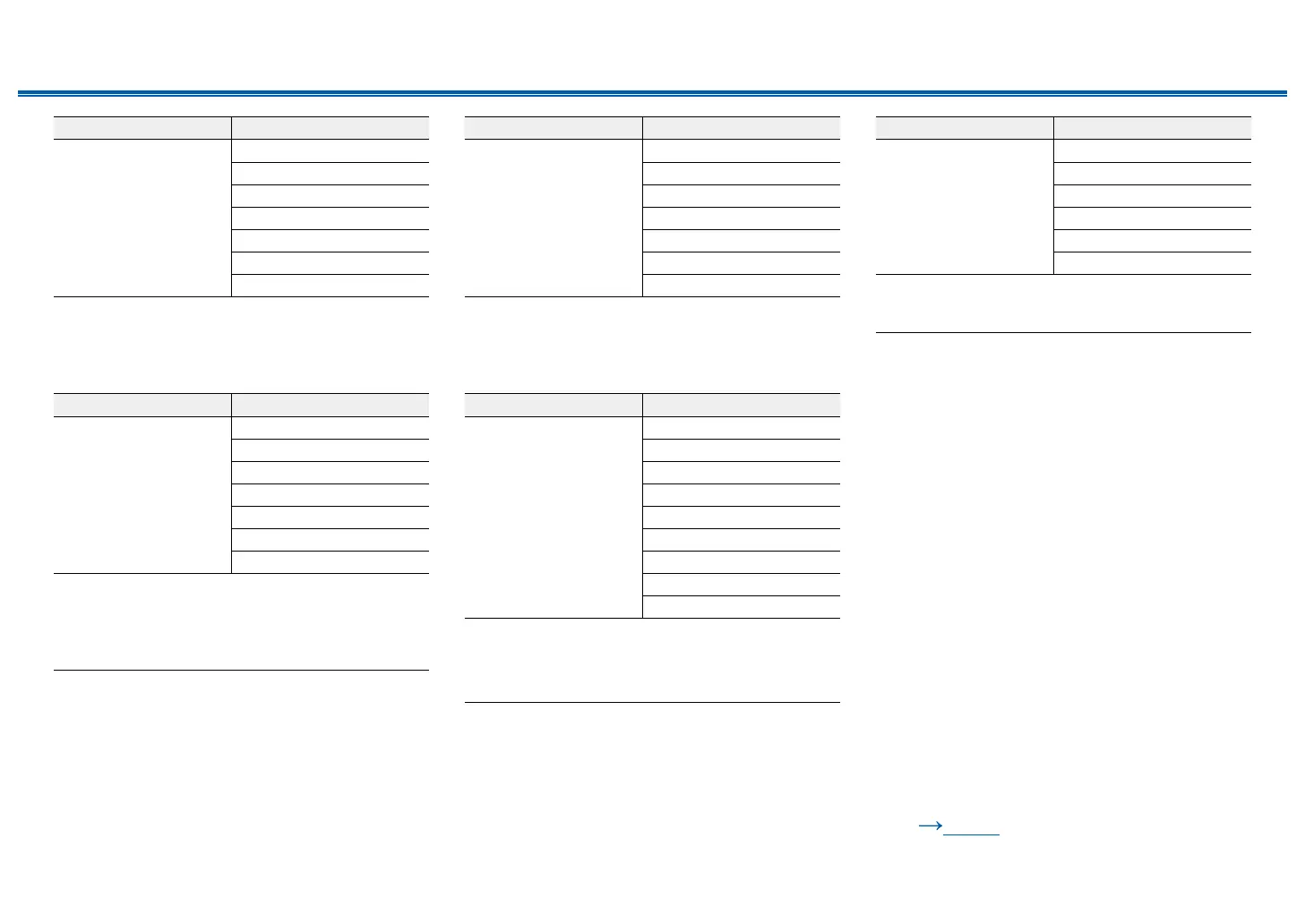
Input Format Listening Mode
DTS Express Direct
DTS Express
*1 *2
DTS Neural:X
*3
TV Logic
*4
AllCh Stereo
*5
Full Mono
*5
T-D
*6
*1
Cannot be selected when the input format is 2 ch.
*2
A center speaker or surround speakers need to be installed.
*3
Cannot be selected when the input format is monaural.
*4
Surround speakers or height speakers need to be installed.
*5
A center speaker, surround speakers, or height speakers need to be
installed.
*6
Cannot be selected if "Speaker Virtualizer" is set to "O".
Input Format Listening Mode
DTS-HD HR Direct
DTS-HD HR
*1 *2
DTS Neural:X
*3
TV Logic
*4
AllCh Stereo
*5
Full Mono
*5
T-D
*6
*1
Cannot be selected when the input format is 2 ch.
*2
A center speaker or surround speakers need to be installed.
*3
Cannot be selected when the input format is monaural.
*4
Surround speakers or height speakers need to be installed.
*5
A center speaker, surround speakers, or height speakers need to be
installed.
*6
Cannot be selected if "Speaker Virtualizer" is set to "O".
Input Format Listening Mode
DTS-HD MSTR Direct
DTS-HD MSTR
*1 *2
DTS Neural:X
*3
TV Logic
*4
AllCh Stereo
*5
Full Mono
*5
T-D
*6
*1
Cannot be selected when the input format is 2 ch.
*2
A center speaker or surround speakers need to be installed.
*3
Cannot be selected when the input format is monaural.
*4
Surround speakers or height speakers need to be installed.
*5
A center speaker, surround speakers, or height speakers need to be
installed.
*6
Cannot be selected if "Speaker Virtualizer" is set to "O".
Input Format Listening Mode
DTS-ES Direct
DTS
*1
ES Matrix
*2
ES Discrete
*2
DTS Neural:X
TV Logic
*3
AllCh Stereo
*4
Full Mono
*4
T-D
*5
*1
This can only be selected when no surround back speaker is connected.
*2
Surround back speakers need to be installed.
*3
Surround speakers or height speakers need to be installed.
*4
A center speaker, surround speakers, or height speakers need to be
installed.
*5
Cannot be selected if "Speaker Virtualizer" is set to "O".
Input Format Listening Mode
DTS:X Direct
DTS:X
TV Logic
*1
AllCh Stereo
*2
Full Mono
*2
T-D
*3
*1
Surround speakers or height speakers need to be installed.
*2
A center speaker, surround speakers, or height speakers need to be
installed.
*3
Cannot be selected if "Speaker Virtualizer" is set to "O".
❏ Speaker Layouts and
Selectable Listening Modes
( p103)



 To Next Page