124
Front Panel≫ Rear Panel≫ Remote≫
Contents
≫
Connections
≫
Playback
≫
Setup
≫
Menu operations
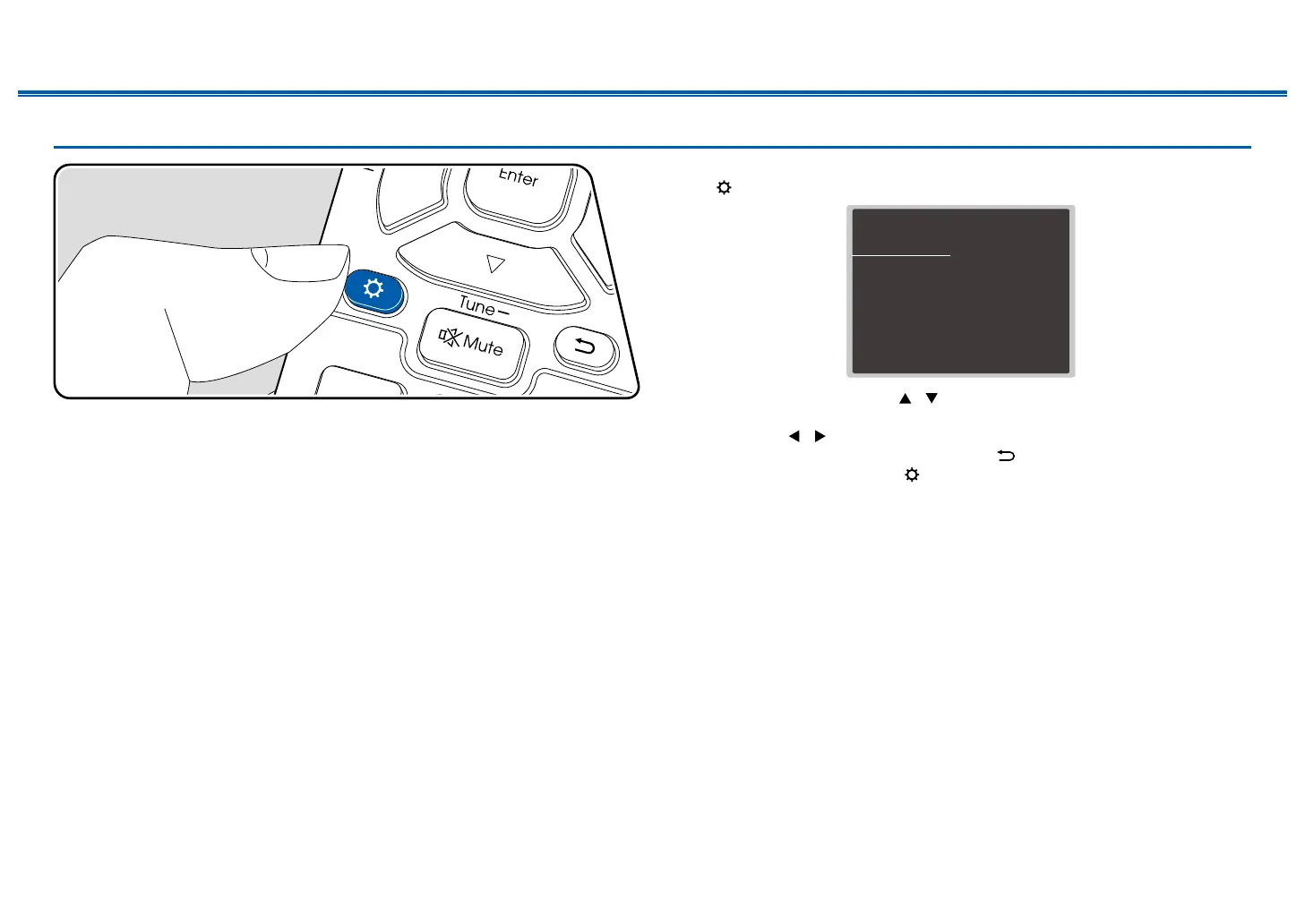
Use the on-screen displays (OSD) that appear on the TV to make the settings.
Press on the remote controller to display the Setup menu.
Setup
1. Input/Output Assign
2. Speaker
3. Audio Adjust
4. Source
5.
Listening Mode Preset
6. Hardware
7. Multi Zone
8. Miscellaneous
1. TV Out / OSD
2. HDMI Input
3. Video Input
4. Digital Audio Input
5. Analog Audio Input
Select the item with the cursors / of the remote controller, and press the
Enter button to conrm your selection.
Use the cursors
/ to change the default values.
• To return to the previous screen, press the button.
• To exit the settings, press the button.



 To Next Page