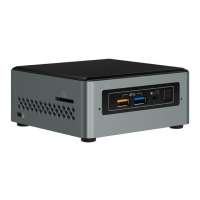
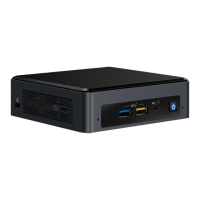
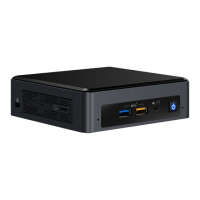
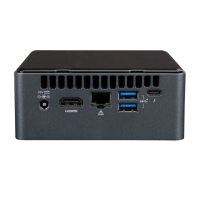
Intel NUC Kit NUC6i3SYH & NUC6i5SYH User Guide
3
This guide tells you how to:
•
Install and remove memory
•
Install an M.2 SSD
•
Install a 2.5” drive
•
Install a VESA mount bracket
•
Connect power
•
Install an operating system
•
Install the latest device drivers and software
Open the Intel NUC Chassis
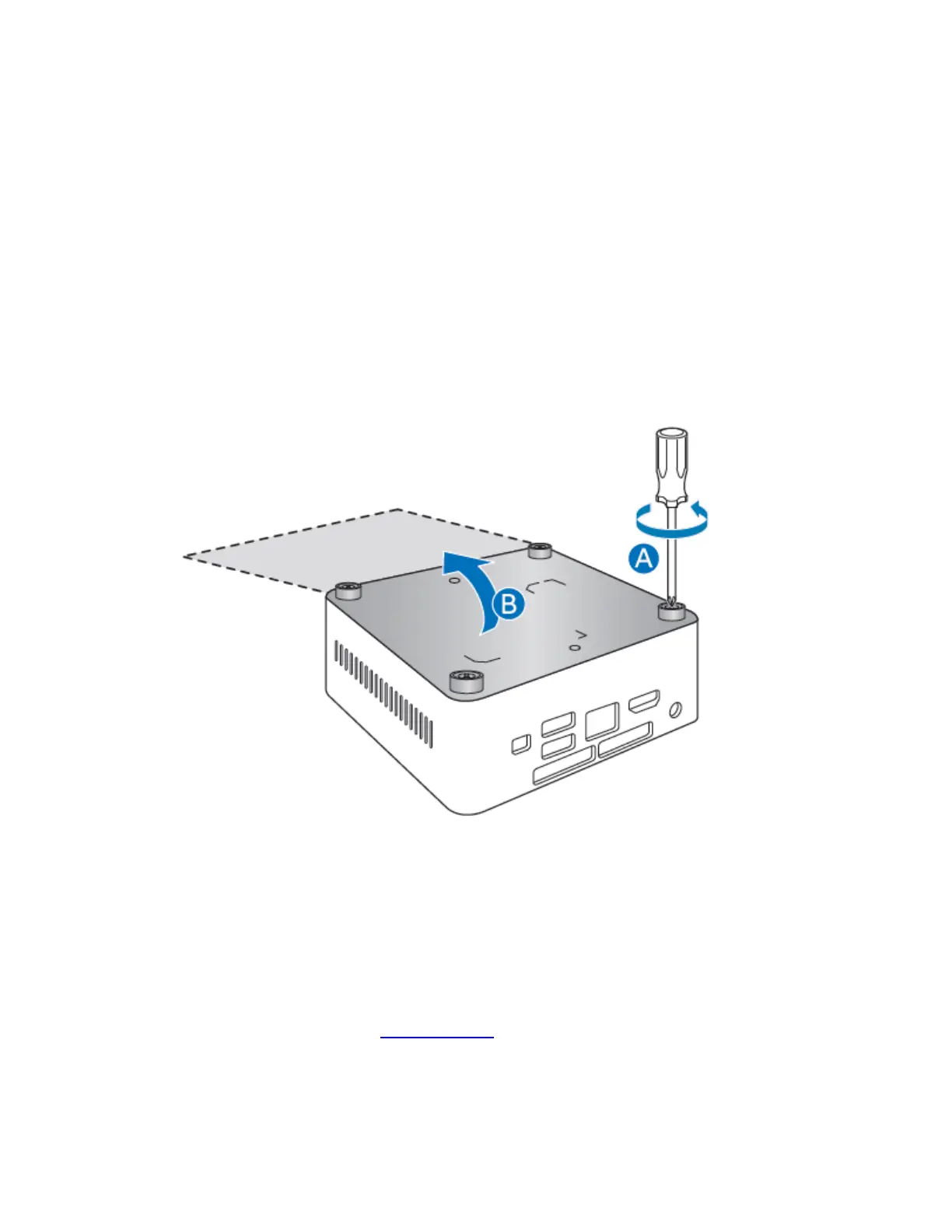
To open the Intel NUC chassis, follow these steps:
1. Unscrew the four corner screws on the bottom cover of the chassis and lift the cover.
Installing and Removing Memory
Intel NUC Kits NUC6i3SYH and NUC6i5SYH have two 260-pin DDR4 SO-DIMM sockets. Memory
requirements:
• 1.2V low voltage memory
• 2133 MHz SO-DIMMs
• Non-ECC
For a list of tested memory, go to the System Memory page on the Support site:


 To Next Page