44
Permission to only activate or permission to bypass
+
2 Password permission
+
Enter
Enter
5 = only activates
6 = bypass
+
+
User group
From 0 to 9
Use the keys on the keyboard to enable the permissions to only activate and bypass for users from positions 01 to 96, so that
the corresponding numbers that you want to have the function enabled remain marked on the display and then conrm with
the
Enter key.
If you only want to view the conguration, press the
Back/Exit
key and no programming will be changed.
Permission for
Partial
mode
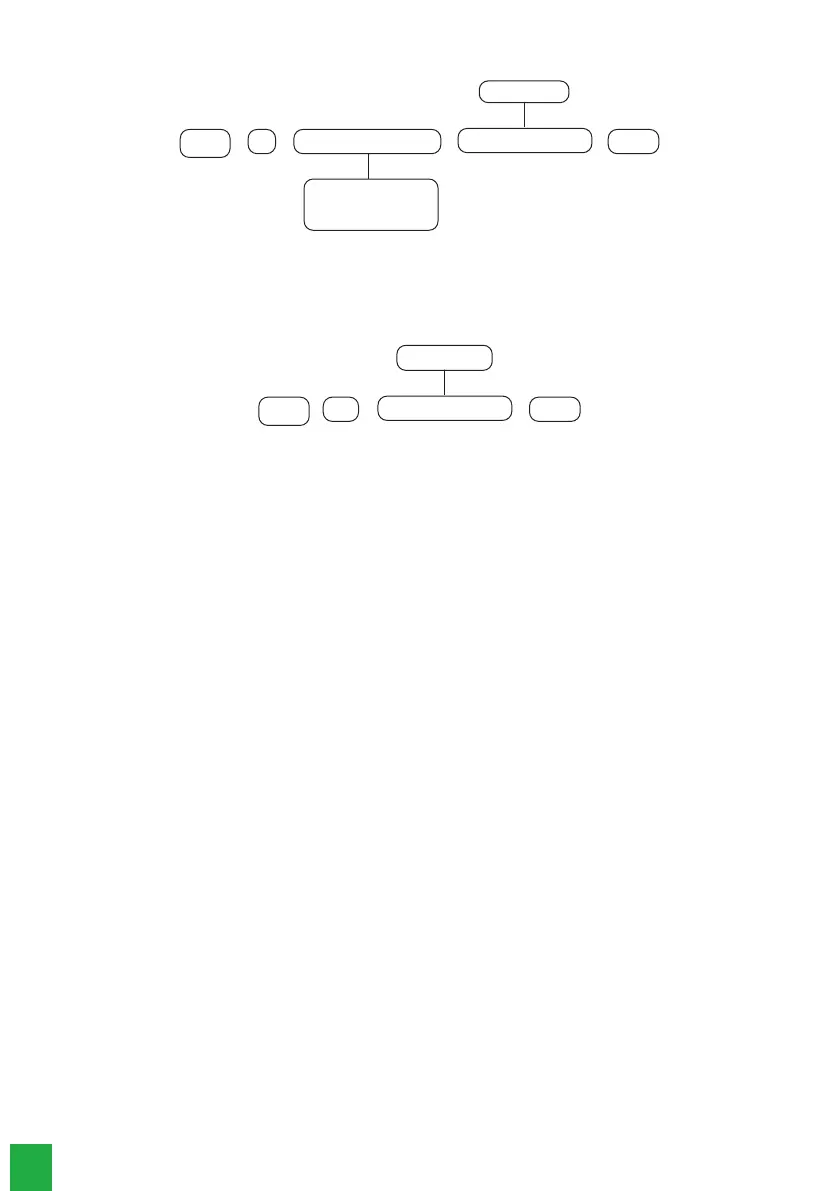
221
+
Enter
Enter
+
+
User group
From 0 to 9
Use the keys on the keyboard to enable the permissions for partiall mode for users from positions 01 to 96, so that the corres-
ponding numbers that you want to have the function enabled remain marked on the display and then conrm with the
Enter
key.
If you only want to view the conguration, press the
Back/Exit
key and no programming will be changed.
6.11. Quick congurations for monitoring
This section briey describes the processes for reporting of events to monitoring companies through telephone line channels,
IP communication and GPRS connection.
For more details about these programmings, see section 6.16. Telephony and monitoring congurations.
Monitoring via phone line (only for AMT 8000 PRO model)
The alarm center can report events via telephone line channel (DTMF) - FXO 8000 module is required, for monitoring compa-
nies, for this reason the following commands must be programmed:
Obs.: after entering each command and conrming with the
Enter
key, two quick beeps should be heard, indicating that the
programming was accepted, otherwise, there was an error.
» Enter in programming mode with the installer password
Enter + Installer password (factory default: 9090)
» Program monitoring account
Enter + 15 + PP + Enter, where PP = partition from 01 to 16.
After the command, type the monitoring account number with 4 digits and press the
Enter
key to conrm.
» Program telephone number for the monitoring company
Enter + 10 + M + phone number of the monitoring company + Enter,
where M = memory for telephone of 1 or 2
» Program the reporting mode as Regular IP
Enter + 17 + 4 0 0 + Enter
» Program the number of attempts for reporting an event in the factory default - up to 9 attempts
Enter + 13 + T + Enter, where T = number of attempts from 1 to 9
» Program DTMF signal level
If the factory standard DTMF level stored in the alarm center memory does not work, type the following command and
test all options from 0 to 6 to check in which of them the best result is obtained.
Enter + 18 + Enter + N + Enter, where N = level from 01 to 6
» Exit from the programming mode with the installer password or then insert a new command
Installer password (factory default: 9090).



 To Next Page