EasyManua.ls Logo

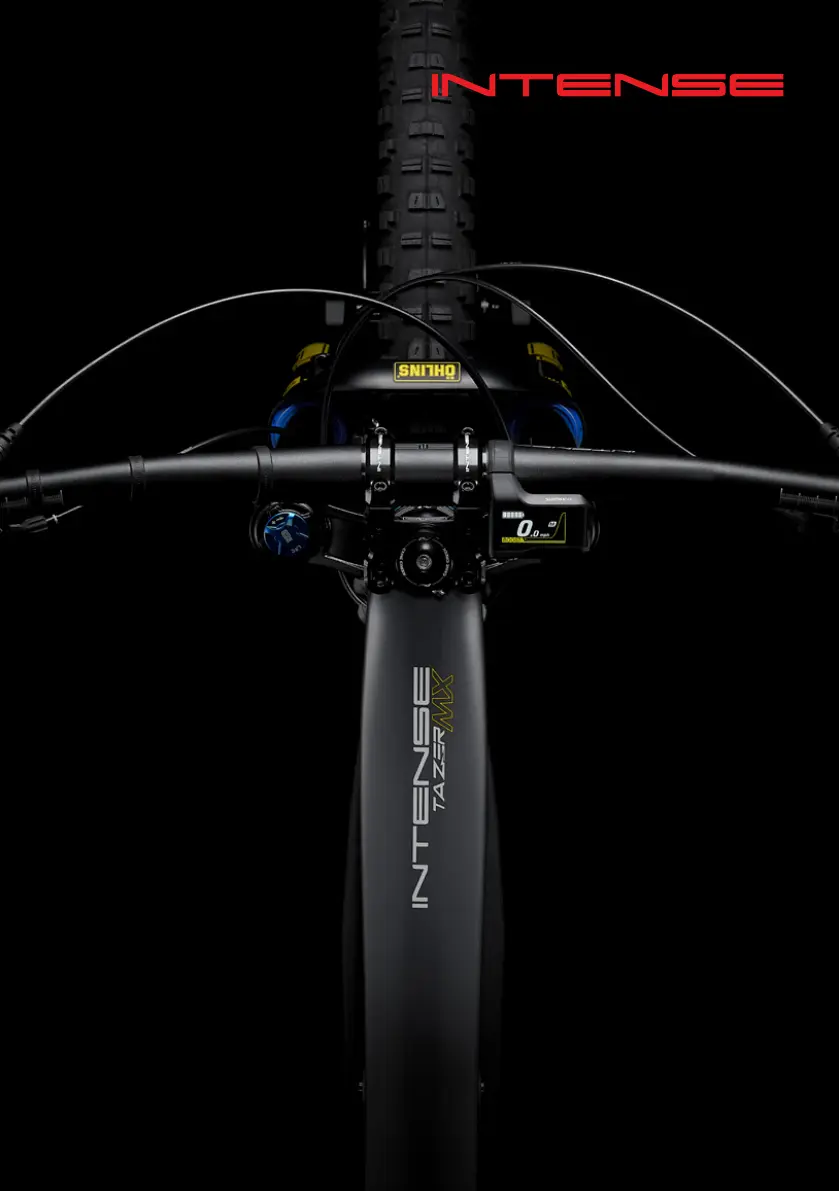
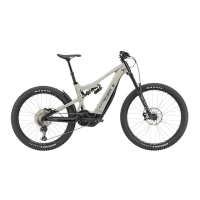
Intense 2022 TAZER MX - User Manual

Intense 2022 TAZER MX
44 pages
Print Icon
To Next Page IconTo Next Page
Loading...
2022
//
TAZER MX
MANUAL

Questions and Answers

  • A
    Anthony HansenAug 15, 2025
    What to do if the Intense Bicycle power assistance is lower?
    • M
      Maria FarmerAug 15, 2025
      If you notice that the power assistance on your Intense Bicycle is lower than usual, it might be because the drive unit's temperature is higher than normal. To resolve this, stop using the assist function and allow the drive unit to cool down. If the problem persists, further assistance may be needed.
  • M
    Matthew ThompsonAug 18, 2025
    What to do if my Intense Bicycle has a battery malfunction?
    • K
      Kristina MillerAug 18, 2025
      If your Intense Bicycle displays a battery malfunction, connect the charger to the battery, then remove it. Next, press the power button with only the battery connected. If an error message appears, it may indicate an electrical failure inside the battery, and further assistance may be needed.
  • A
    Anthony FoxAug 22, 2025
    What to do if the Intense Bicycle displays a SECURITY AUTHENTICATION ERROR?
    • R
      Robert LopezAug 22, 2025
      If you're seeing a security authentication error on your Intense Bicycle, ensure that you are using a genuine battery and drive unit. Also, inspect the condition of the cables. If the problem continues, further assistance may be needed.
  • C
    Craig MayerAug 25, 2025
    What to do if my Intense Bicycle shows a CHARGING ERROR?
    • R
      Roy NguyenAug 26, 2025
      If your Intense Bicycle is showing a charging error, first remove the charger from the battery, and then press the power button. If the error persists, further assistance may be needed.
  • E
    Eric DavisAug 28, 2025
    How to fix the Intense Bicycle when the travelling speed cannot be detected?
    • H
      hjohnsonAug 28, 2025
      If your Intense Bicycle is unable to detect the traveling speed, begin by checking that the speed sensor is correctly installed. If the issue persists, further assistance may be needed.
  • N
    Nancy JohnsonSep 1, 2025
    What to do if the Intense Bicycle displays TEMPERATURE PROTECTION warning?
    • J
      Jon Olson MDSep 1, 2025
      If your Intense Bicycle is showing a temperature protection warning, leave the battery in a cool place, away from direct sunlight, and allow its internal temperature to decrease sufficiently. If the issue continues, further assistance may be needed.
  • M
    Maria ThomasSep 4, 2025
    What to do if the Intense Bicycle torque sensor initialization failed?
    • D
      David WeaverSep 4, 2025
      If the torque sensor initialization on your Intense Bicycle was not completed successfully, ensure your foot is off the pedal, then press the battery power button and turn the power on again. If the problem persists, further assistance may be needed.
  • L
    Linda BaileySep 7, 2025
    How to troubleshoot communication errors with my Intense Bicycle?
    • M
      Michael MoraSep 7, 2025
      If you're experiencing communication errors with your Intense Bicycle, check that the cable is securely and correctly connected.
  • T
    tcraigSep 12, 2025
    What if an electronic derailleur was installed on my Intense Bicycle?
    • J
      Jason WrightSep 12, 2025
      If an electronic derailleur has been installed on your Intense Bicycle instead of a mechanical one, reinstall the derailleur that the system is configured to support. If the problem persists, further assistance may be needed.

Summary

WELCOME TO THE FAMILY

THE INTENSE TAZER MX

Introduces the Tazer MX eBike, highlighting its unique design and ride experience.

KNOW YOUR TAZER MX

COMPONENT BREAKDOWN

Identifies and lists all major components of the Tazer MX bike.

INTENSE TAZER MX SET-UP GUIDE

INITIAL UNPACKING AND BATTERY SETUP

Safely unpack the bicycle and perform initial battery charging and installation procedures.

COMPONENT INSTALLATION

Install derailleur, handlebars, motor wiring, wheels, pedals, and bottle cage onto the bike.

ADJUSTMENTS AND CHECKS

Perform essential adjustments: gears, headset, handlebars, saddle height, and check tire pressure.

FINAL INSTALLATION STEPS

Complete the setup process by ensuring all components are correctly installed and secure.

FRONT SUSPENSION SET UP

FORK ADJUSTMENTS: AIR PRESSURE, SAG, REBOUND, COMPRESSION

Adjust front fork air pressure, sag, rebound, and compression for optimal performance.

REAR SUSPENSION SET UP

SHOCK ADJUSTMENTS: SAG, REBOUND, AND COMPRESSION

Adjust rear shock sag, rebound, and compression for optimal ride comfort and control.

INTENSE BICYCLE IDENTIFICATION

HOW TO USE YOUR TAZER MX

GET CHARGED

Charge the eBike battery, including time estimates and best practices.

BATTERY CHARGE LEVEL LED

Explains how to interpret the LED indicators on the battery and charger for charge status.

BATTERY LEVEL INDICATION

Details how to check the current battery charge level via the battery's power button.

TURNING ON YOUR TAZER MX EBIKE

Step-by-step guide on how to power on the Tazer MX eBike and its display.

USING THE POWER MODES

CHANGING THROUGH THE MODES

Instructions on how to switch between assist modes (Boost, Trail, Eco, Walk) using the controller.

SCREEN DISPLAY

BATTERY LEVEL INDICATOR

Details the battery level indicator on the display screen and its meaning.

SHIMANOS E-TUBE APP

HOW TO ACCESS THE TWO PRE-SET CUSTOM PROFILES

Guide on accessing and customizing pre-set riding profiles using the SHIMANO E-Tube App.

TROUBLESHOOTING

BATTERY LED ERROR INDICATORS

Explains system errors and warnings indicated by the battery LED through various lighting patterns.

WARNING AND ERROR MESSAGES ON THE CYCLE COMPUTER DISPLAY

Lists common warning and error codes displayed on the cycle computer and their remedies.

MAINTENANCE

CARBON CARE

Guidelines for cleaning and maintaining the carbon frame and components safely.

TAZER MX FRAME FEATURES

TAZER MX COMPONENT SPEC

TAZER MX PRO BUILD SPECIFICATIONS

Detailed component list for the Tazer MX PRO model.

TAZER MX EXPERT BUILD SPECIFICATIONS

Detailed component list for the Tazer MX EXPERT model.

TAZER MX GEOMETRY CHARTS

TAZER MX PRO

Geometric measurements and specifications for the Tazer MX PRO model.

TAZER MX EXPERT

Geometric measurements and specifications for the Tazer MX EXPERT model.

EXPLODED VIEW AND PARTS TAZER MX PRO

EXPLODED VIEW AND PARTS TAZER MX EXPERT

TAZER MX PARTS KITS

TORQUE SPECIFICATIONS

DECLARATION OF CONFORMITY

NEED HELP?

Intense 2022 TAZER MX Specifications

General IconGeneral
MotorShimano EP8
SuspensionFull Suspension
DisplayShimano SC-EM800
FrameIntense Tazer MX
Wheel Size29" Front / 27.5" Rear
ForkFox 38 Float Performance, 170mm
Rear DerailleurShimano XT M8100
ShiftersShimano XT M8100
CassetteShimano XT M8100, 10-51T
CranksetShimano XT M8130, 165mm
Front TireMaxxis Assegai, EXO+, TR, 29" x 2.5"
TiresMaxxis Assegai (Front) / Minion DHR II (Rear)
DrivetrainShimano XT M8100, 12-speed
HandlebarIntense Recon, 800mm
SaddleIntense Recon
SeatpostIntense Recon, 31.6mm
Rear TireMaxxis Minion DHR II

Related product manuals