Operating the Remote Controller
5.13Auxiliary Heater Operations (reserved)
19
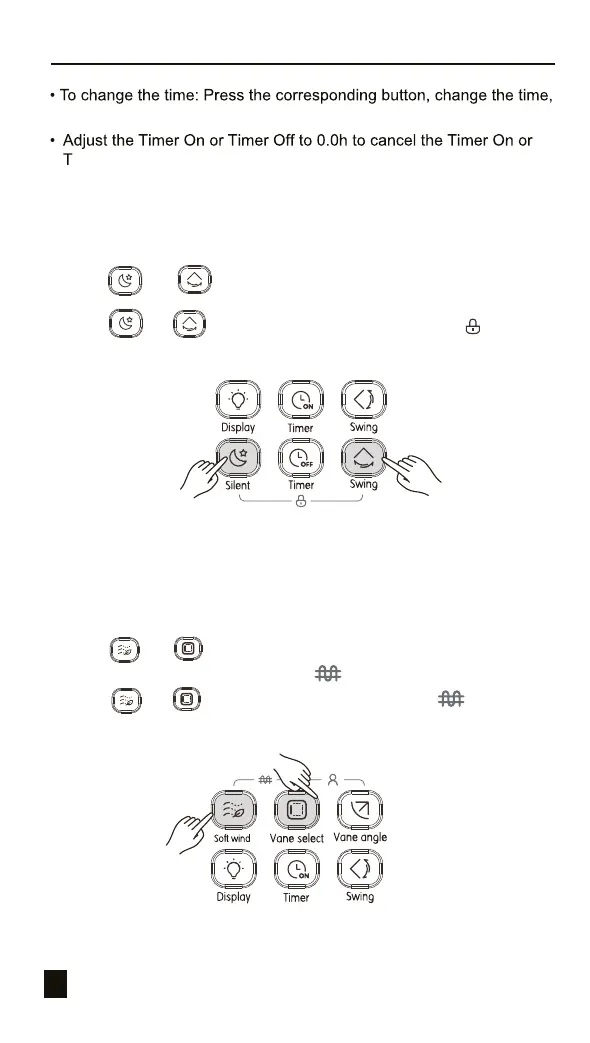
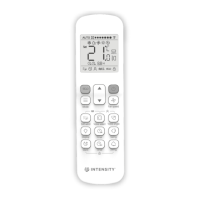
Figure 3.19
5.12 Button Lock Operations
Once the buttons on the remote controllers are locked, all the other button
operations except for Unlock and IDU Address Setting are invalid.
1) Press and at the same time to lock the button (see Figure
3.19), and the screen will display the lock icon ;
2) Press and at the same time, and the lock icon will
disappear. Button is unlocked.
Figure 3.20
1) Press and at the same time to lock the button (see Figure 3.19),
and the screen will display the lock icon ;
2) Press and at the same time, and the lock icon will disappear.
Button is unlocked.
and then confirm the changes.
imer Off settings.


 To Next Page