Field Settings
20
Parameter Configuration for Remote Controller
1) Configuration Method:
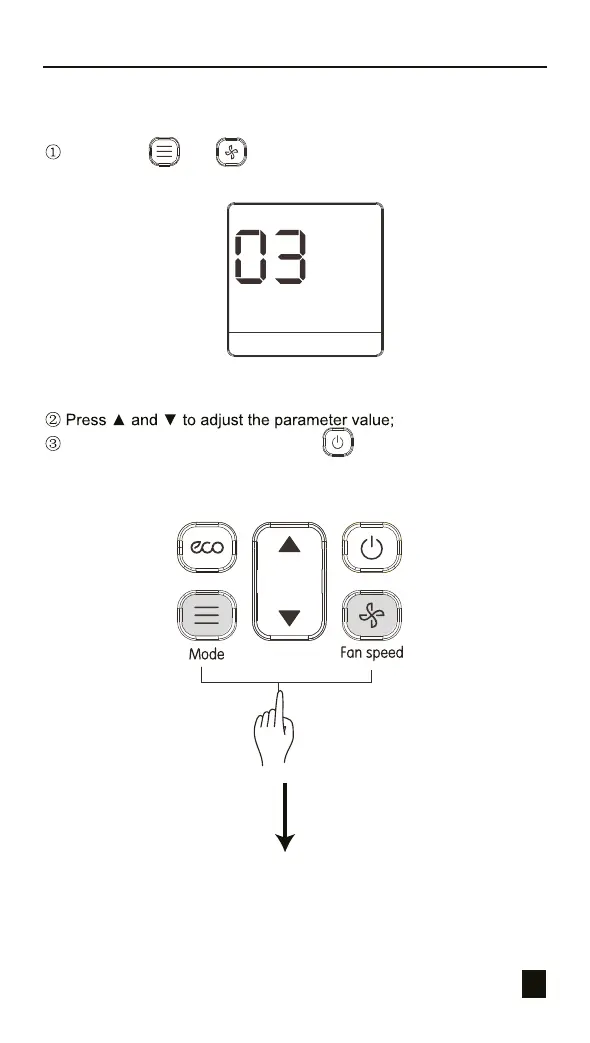
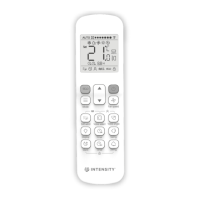
Long press and on the remote controller at the same time
for 5 seconds to go to the parameter settings status (see Figure 4.4);
Figure 4.4
Once the adjustment is done, press or wait for 5 seconds to
save the parameter settings. The operation sequence for the button is
as shown in Figure 4.5.


 To Next Page