EN - Page 3 of 6
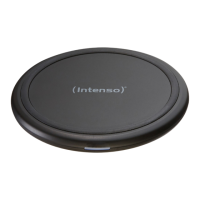
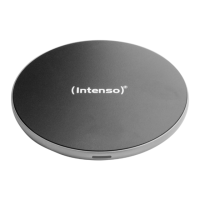
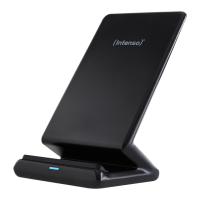
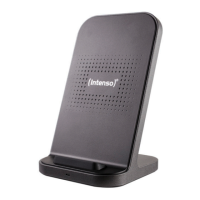
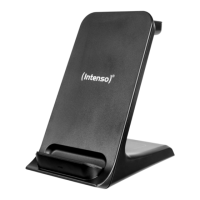
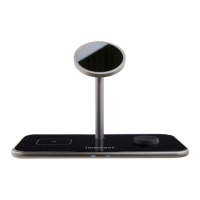
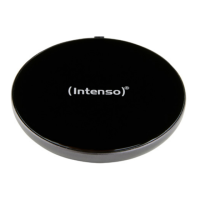
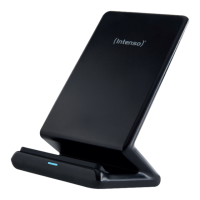
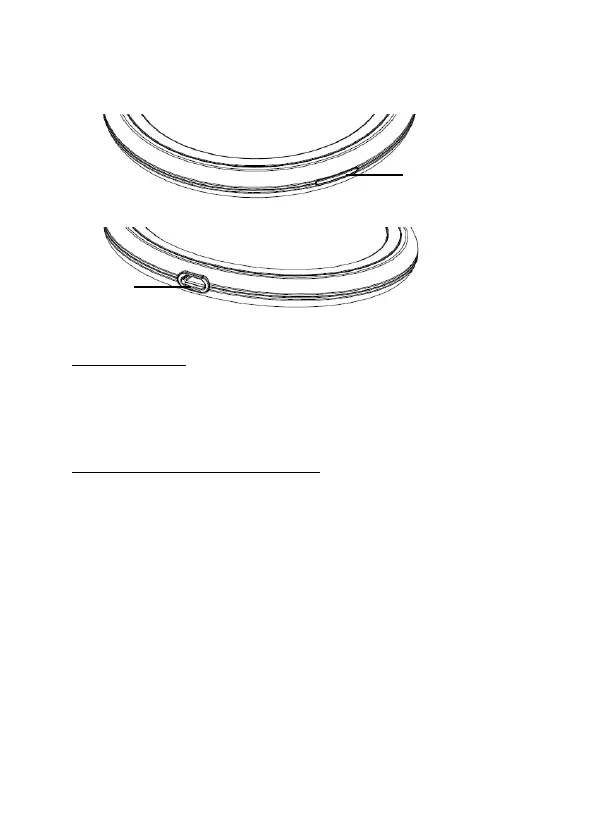
Device overview
USE
1. LED Status display
The actual operang condion of device will be displayed by the status LED. The LED will turn
green when the charge procedure starts. If the LED is switched o, the charge procedure is
concluded or there is no Qi-compable terminal to be charged on the inducve charge staon.
If the LED ashes green, there is an error, for example because the device has become warm, a
foreign body is between the devices or a non-compable adapter is used.
2. Starng-Up / Charging Connected Devices
Step 1: Preparaon
Connect the supplied microUSB cable with the microUSB connecon (IN) of the inducve charge
staon and connect the other USB cable end with a USB adapter. Then connect the adapter with
a socket (by complying with the safety instrucons menoned above).
Step 2: Start charge procedure
Posion your Qi-compable device in the middle on the inducve charge staon. The charge
procedure starts automacally and the status LED turns green.
If this is not the case, please check (if):
a) There is a foreign body between the devices.
b) You have selected a compable adapter.
c) Your device is Qi-compable.
d) The cable ends and the adapter are connected correctly.
e) Where there is the correct posion on your device for the wireless charge. In case, you
must change posion.
Step 3: Complete charge procedure
To complete the charge procedure, simply remove your device from the inducve charge staon.
Operation
1 - Status LED
2 - IN


 To Next Page
 Loading...