Need help?
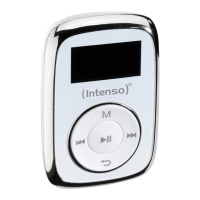
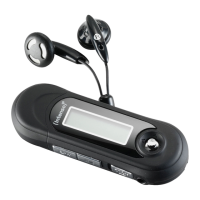
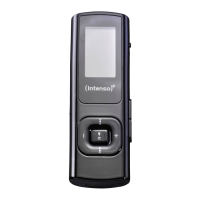
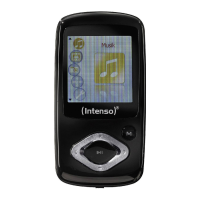
Do you have a question about the Intenso Music Dancer and is the answer not in the manual?
Connect the MP3 player to a computer using the USB cable for data transfer.
Safely disconnect the MP3 player from the computer after data transfer is complete.
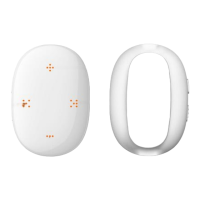
Turn the device on or off by pressing the ON/OFF button for 2-3 seconds.
Start or pause music playback by briefly pressing the ON/OFF button.
Adjust volume levels using the '+' and '-' buttons for step or seamless control.
Navigate between songs or within a song using the forward and backward buttons.
Activate button lock by pressing '-' and Play/Pause buttons simultaneously to prevent accidental input.
Insert and remove Micro SD cards for expanded storage, ensuring proper alignment.
 General
| Brand | Intenso |
|---|---|
| Model | Music Dancer |
| Category | MP3 Player |
| Language | English |

 To Next Page