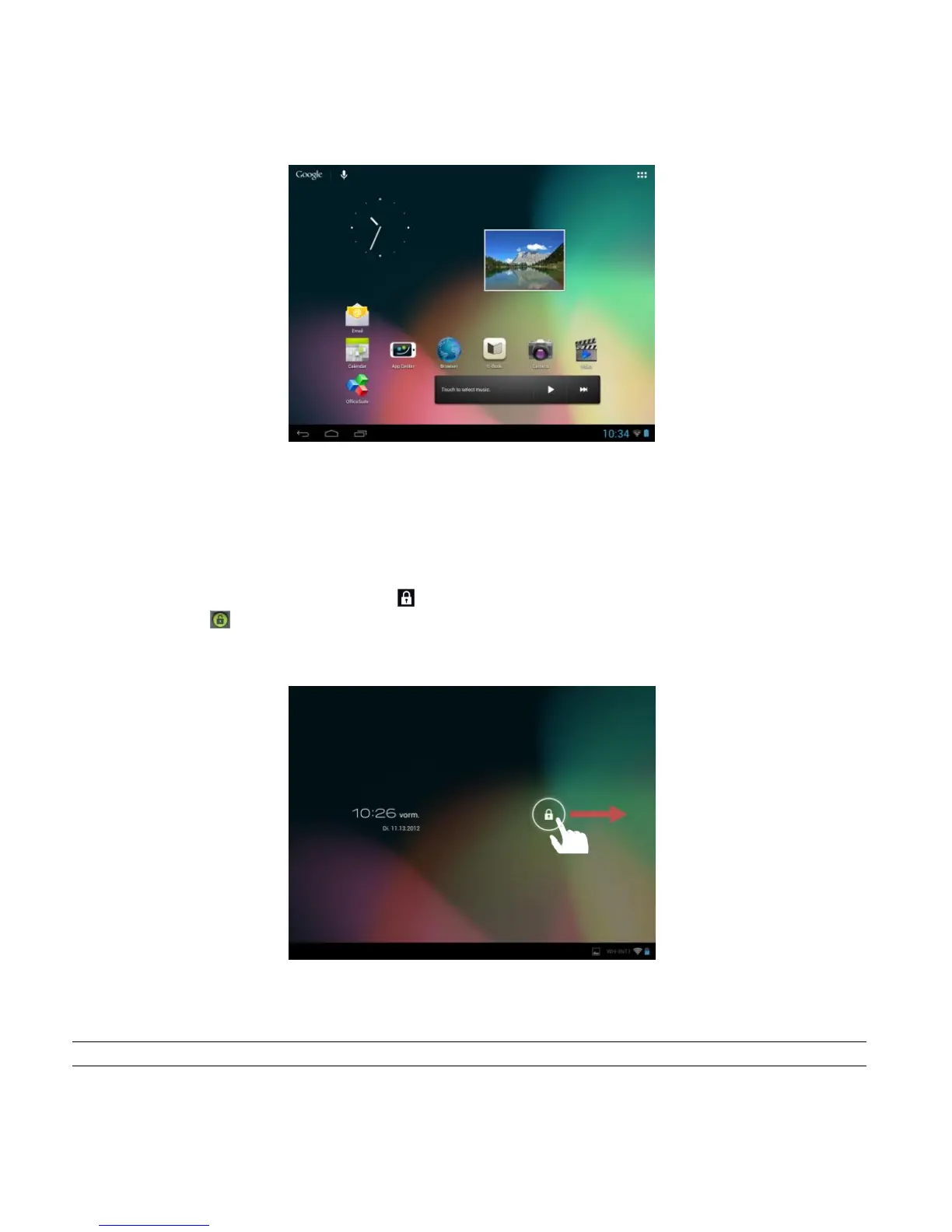
10.) The Home Screen
View
Unlocking the screen
If the touchscreen is not used for two minutes, the device changes into standby mode. Press the
on/off button for a short time to return to the active mode. The locked display is protecting against
undesired input. Touch the closed lock on the display and keep it pressed. Draw the lock now
to the open lock just appearing on the display and release your finger from the display. The
screen is now unlocked.
Drag the lock icon with your finger in the direction of the arrow
Advice: Draw the lock symbol to the appearing camera symbol to open the camera application directly.



 To Next Page