11.) System settings
Tap the settings icon in the application menu to call up the system settings.
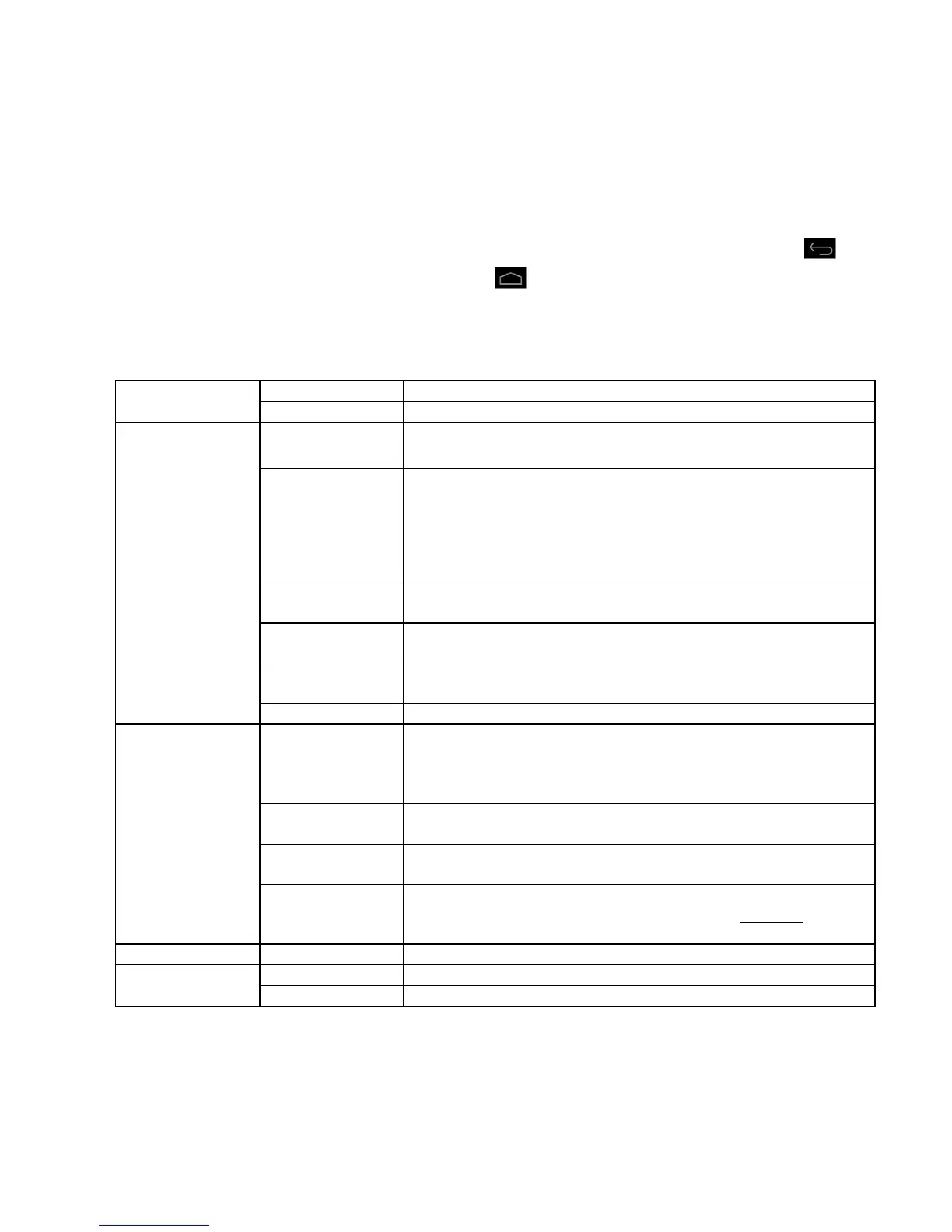
You can find the individual categories on the left side of the menu. The available setting options
are displayed by briefly pressing each selected menu item. Please note that possibly not all functions
offered by Android™ are compatible with the device.
When you have adjusted all settings you can return to the previous menu with the Return key , or
switch to the main screen directly with the Home key . Your entries will be saved automatically.
Settings overview
Here you can adjust the WiFi settings.
Here you can adjust additional network settings.
Specify the desired volume and sound for messages here. Also you can
activate or deactivate a confirmation sound when touching the screen and an
indication sound when unlocking the display lock.
Brightness – Adjust display brightness.
Background – Selection of the background.
Rotate display autom – Activation or deactivation of the automatic display
alignment when rotating the device.
Idle state– Adjust the delay before automatic display deactivation.
Font size – set-up of the desired font size.
Activate and/or deactivate the HDMI function from here, modify the
resolution and set up the zoom.
Here you can get information about the internal memory and – if inserted –
about your MicroSD card. Also you can delete the memory content.
Here you can get information about the state of charge of the integrated
batteries.
Here you can manage installed applications and get information about them.
Here you can allow multiple Android™ applications to determine and use you
current position via WiFi networks (e.g. Google Maps™). You can also
determine, if Google™ may adapt search results and other services to your
location.
Here you can set-up a screen lock, for example, or implement other security-
relevant settings.
Here you can set your preferred language, for example, or add various words
to your personal dictionary or adjust.
Here you can save your system settings and application data on Google™
servers. Furthermore you can reset the factory settings. CAUTION: In doing
so, all data saved on the device will be deleted.
Here you can add different accounts.
Here you can set the date, time, time zone, and the display format.
Shows additional information about the device.



 To Next Page