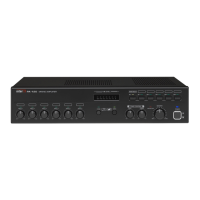
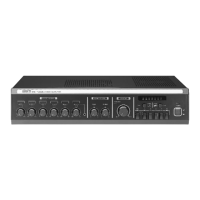
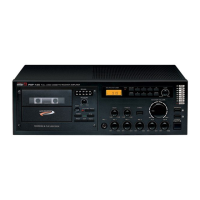
PUBLIC ADDRESS AMPLIFIER
14
PCT-610/620
Channel EQ SETUP
Channel EQ SETUP
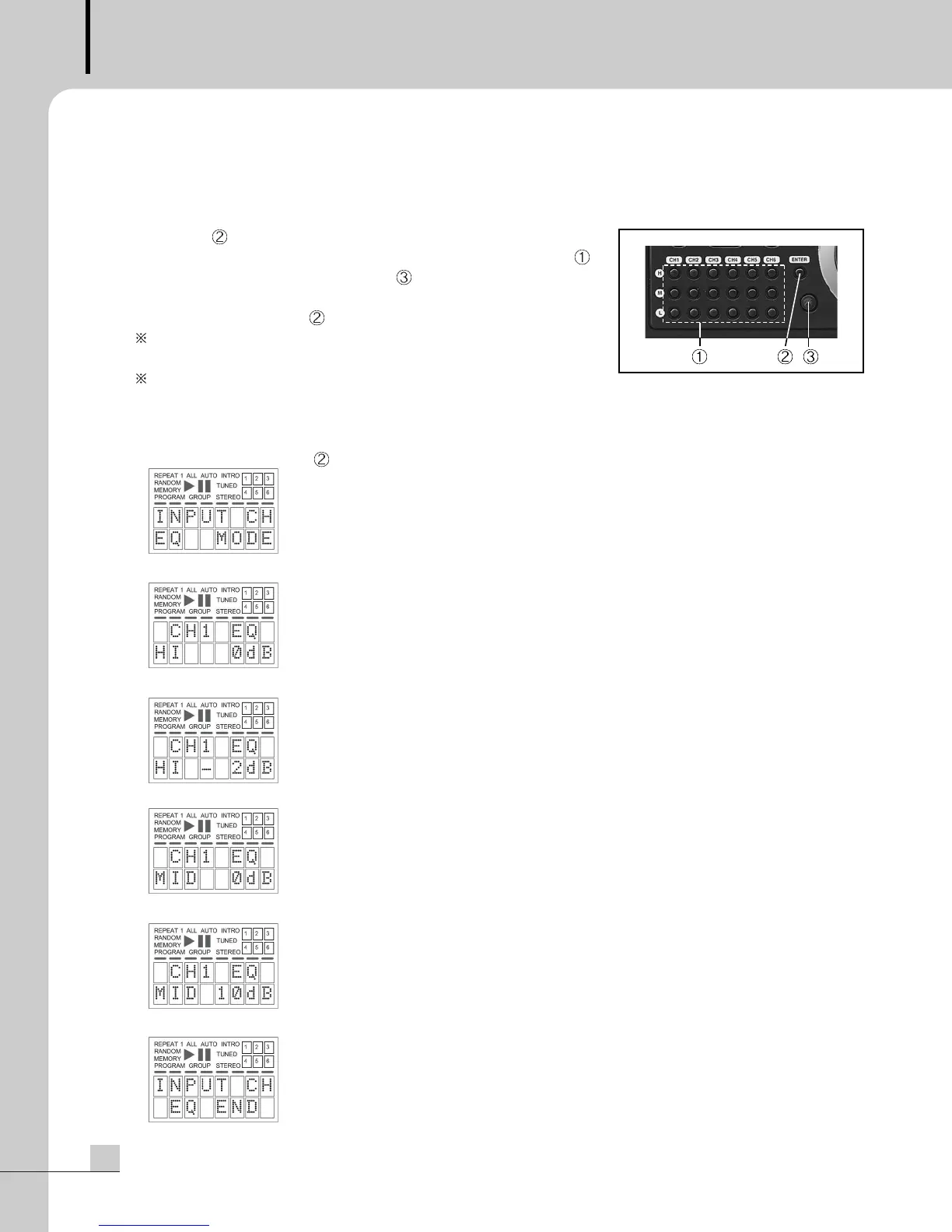
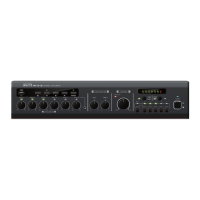
1. Press the ENTER button to enter into the EQ mode
2. Choose the frequency H, M or L of the channel you want among .
3. Adjust the tone level with the volume, .
4. Repeat the above procedure 2~3 for the other channel.
5. Press the ENTER button, to exit the EQ modes.
Auto save and Exit the EQ Mode, when any key is not pressed for
10 seconds.
Please refer to the below example.
EX
>
CH1 EQ SETUP (HIGH -2dB, MID : 10dB, LOW: 0dB)
1. Press the ENTER button, to enter into the EQ Mode.
2. Press the H of the CH1.
3. Adjust the tone volume to set it to -2dB.
4. Press the M of the CH1.
5. Adjust the tone volume to set it to 10dB.
6. Press the ENTER button to save and exit the EQ mode.
Be sure the default EQ level is 0 dB.


 To Next Page