PUBLIC ADDRESS AMPLIFIER
15
PCT-610/620
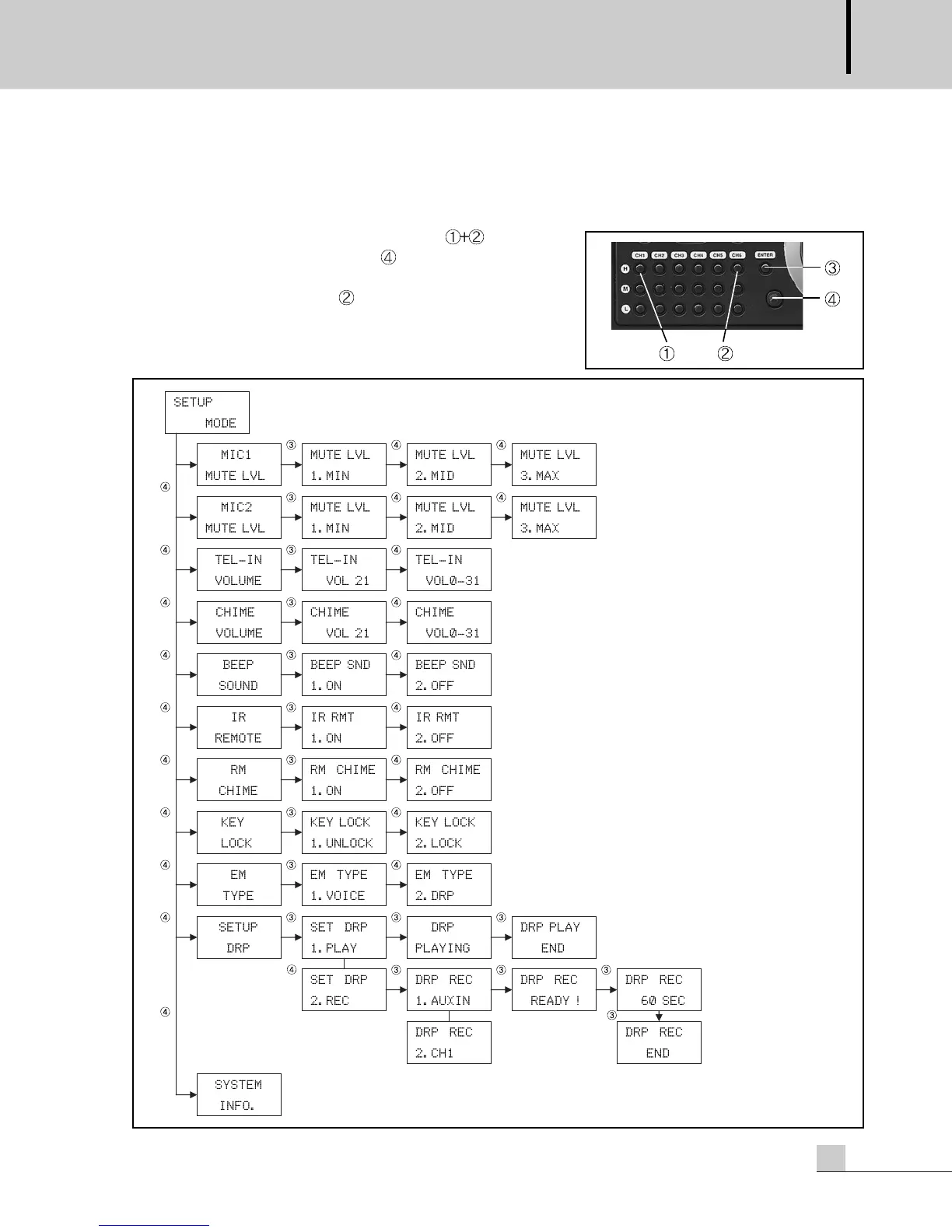
SETUP Mode
SETUP Mode
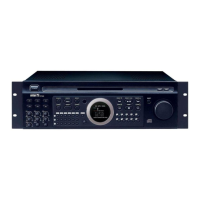
Press the H of CH1 and CH6 at the same time ( ) to enter into
the SETUP mode. Turn the volume, to enter into each setup
function, MIC 1, 2 Mute level, Tel-In volume, Chime volume, etc.
Press the H button of the CH6, to exit the current setup function
or setup mode.
*
DRP is option.
EM TYPE, SETUP DRP is available when the DRP option is added.


 To Next Page