PUBLIC ADDRESS AMPLIFIER
5
PCT-610/620
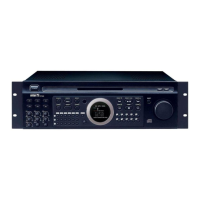
Front Panel
Front Panel
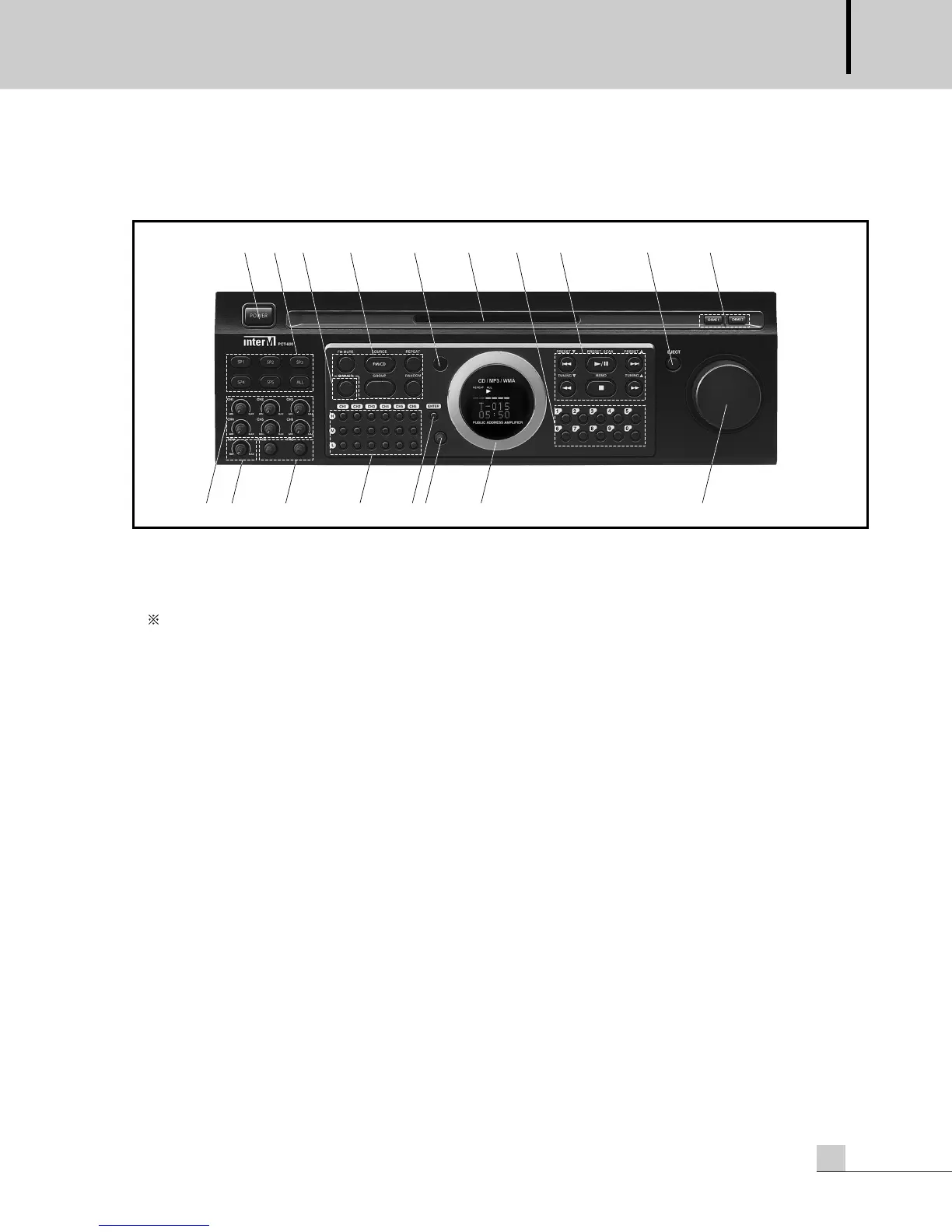
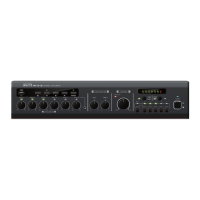
1. POWER SWITCH
Pressing this switch turns the unit on, the VFD (Vacuum Fluorescent Display) displays the status of the unit.
Pressing it again turns the unit off. It becomes the stand-by condition and the ‘POWER’ LED lights.
When the protection circuitry is activated, the ‘POWER’ LED becomes blinking.
This indicates that the unit is not operating normally. This is typically due to overheating, over-load, or output
line shorts. Please check the Input and Output conditions of the amplifier.
The unit automatically turn the power on and check the protection state after 1 minute later since the protection
circuitry is activated. If you want to release the protection directly, then press the power switch.
2. SPEAKER SELECTOR
These switches are used to select output speakers.
The ‘All’ button selects all the speakers, SP1, SP2, SP3, SP4, and SP5.
4Ω output can not be controlled by the speaker selector.
3. DIMMER BUTTON
Press this button to darken the display.
4. CD / FM BUTTONS
1) FM MUTE Button
When the input sensitivity of the station you want to tune is lower than the spec and it makes noisy output,
press this button to mute the station.
With this button you can tune to the station of a good sensitivity.
2) FM / CD Select Button
You can select the function CD or FM.
3) REPEAT Button
Press this button to repeat a tract or all the tracks in CD function.
4) GROUP Button
Press this button to select a folder in MP3 disk.


 To Next Page