19
Inter-Tel
®
Model 8662 Endpoint User Guide
BASIC
FEATURES
Using Speed Dial
There are two types of speed dial that you can use to dial numbers:
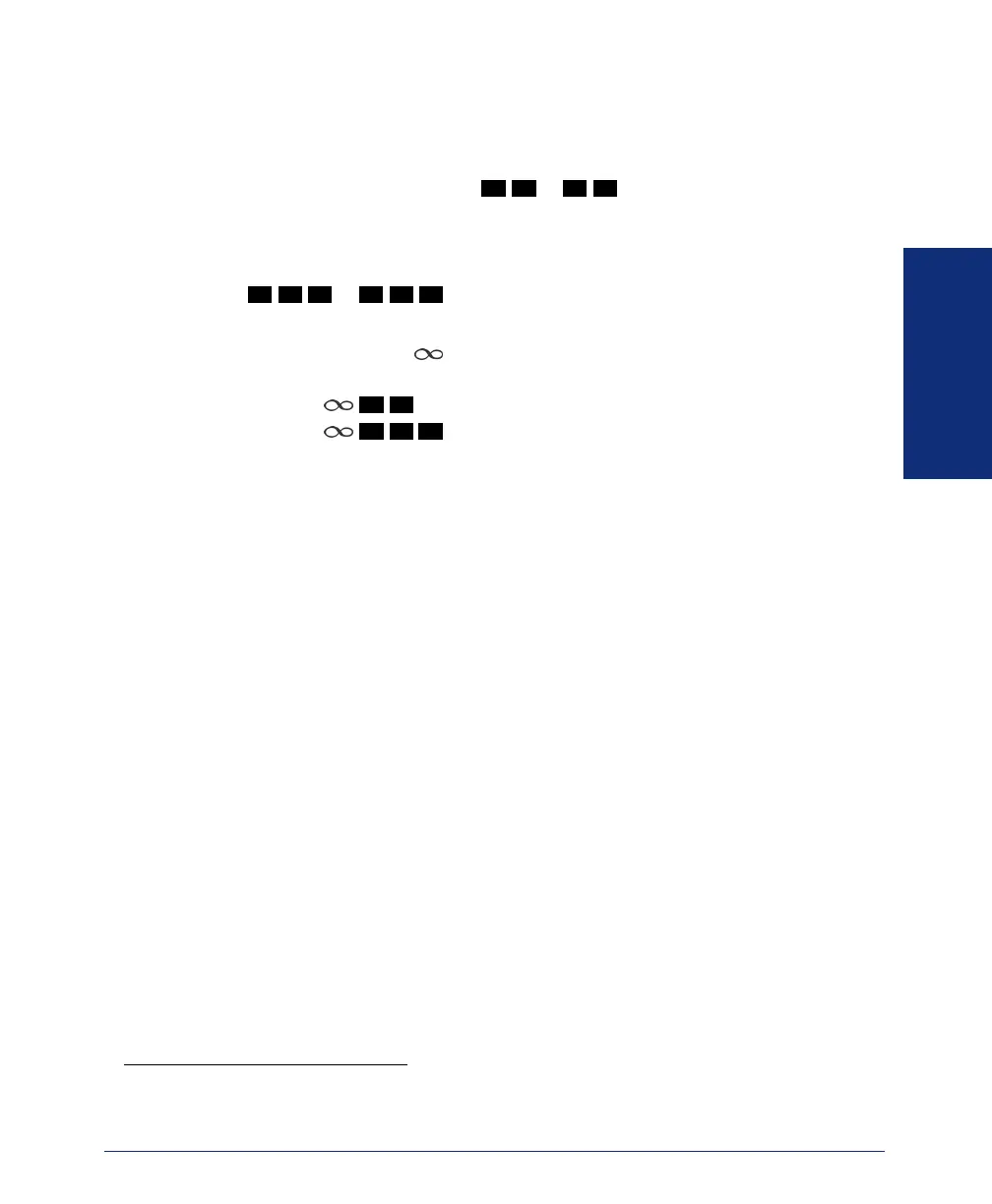
• Station speed dial: A subset of contacts (up to 20) from your Personal contact
list which have access codes (
to ) assigned to them for speed dial-
ing.
*
• System speed dial: A subset of contacts (up to 100) from your Company contact
list which are designated by the system administrator and have access codes
(
to ) assigned to them for speed dialing. Contact your sys-
tem administrator for System speed dial access codes.
To use Speed Dial: Press
plus the access code assigned to the contact. For exam-
ple:
• Press
to call a personal contact (using Station speed dial).
• Press to call a company number (using System speed dial).
* You can assign Station speed dial access codes using Inter-Tel Personal Communicator for Web or
Inter-Tel Personal Communicator for Windows. Contact your system administrator for more information.
0
1
1
9
2
0 0
2
9 9
0 1
2
0 0


 To Next Page