AC40 Instructions for Use - US Page 15
Note that the tests available in this list depends on the test
licenses installed on the instrument. This may also vary from
country to country.
del curve
Delete points during testing by selecting a point using the “Down”
(55) and “Up” (56) buttons and pressing the “Delete Point” button.
Delete the entire test curve of a graph by holding “Shift” (18) and
pressing the “Del Point” button.
New Session
Save a session after testing or alternatively create a new session
by holding “Shift” (18) and pressing the “Save Session” button.
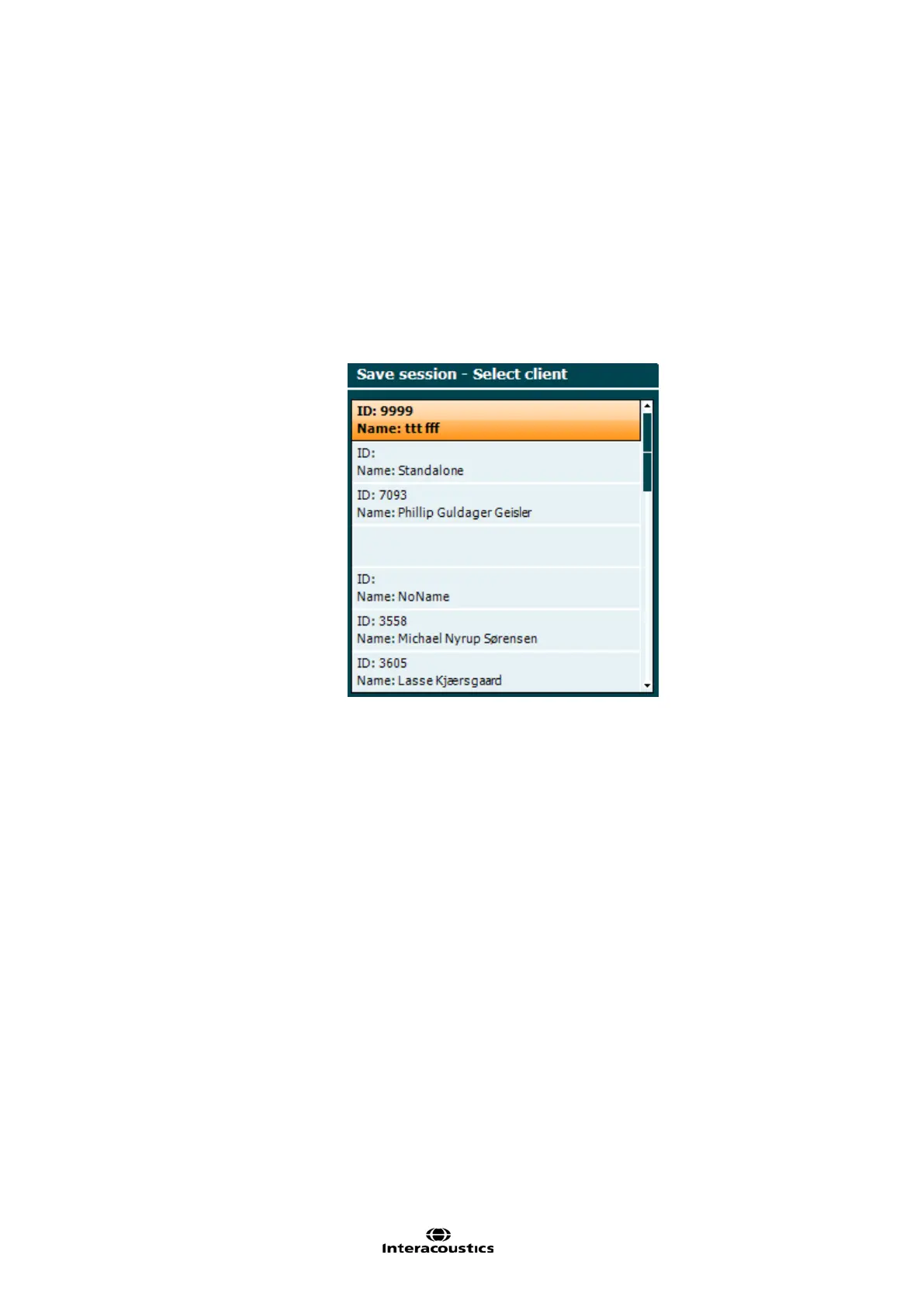
In the Save Session menu it is possible to save sessions, delete
and create clients and edit client names.
The maximum capacity is 1000 clients. Please see section below
for a screenshot of the Save Session dialogue.
Clients
Allows results to be printed directly after testing (via a supported
USB printer – please contact Interacoustics customer service for a
list of supported PC printers if in doubt). The printout logo can be
configured via the Diagnostic Suite (in the General Setup a logo
image can be downloaded to the instrument from the PC). Please
refer to the Diagnostic Suite manual.
Hold ”Shift” (18) and press “Print” to access the clients and
sessions stored on the device.
Instruction to the patient directly through his headphones via the
microphone (1) can be given. Change the gain by turning the left
rotary wheel (57) while holding the “Talk Forward” button. Change
the intensity by turning the right rotary wheel (58) while holding
the “Talk Forward” button. Please read more about Talk
Forward/Talk Back in later section about “Patient
Communication”.
Channel 1
Pure tones or warble tones can be chosen as stimuli on channel 1
by activating this button once or twice. The stimuli chosen will be
shown on the display, e.g.:



 To Next Page