AC40 Instructions for Use - US Page 24
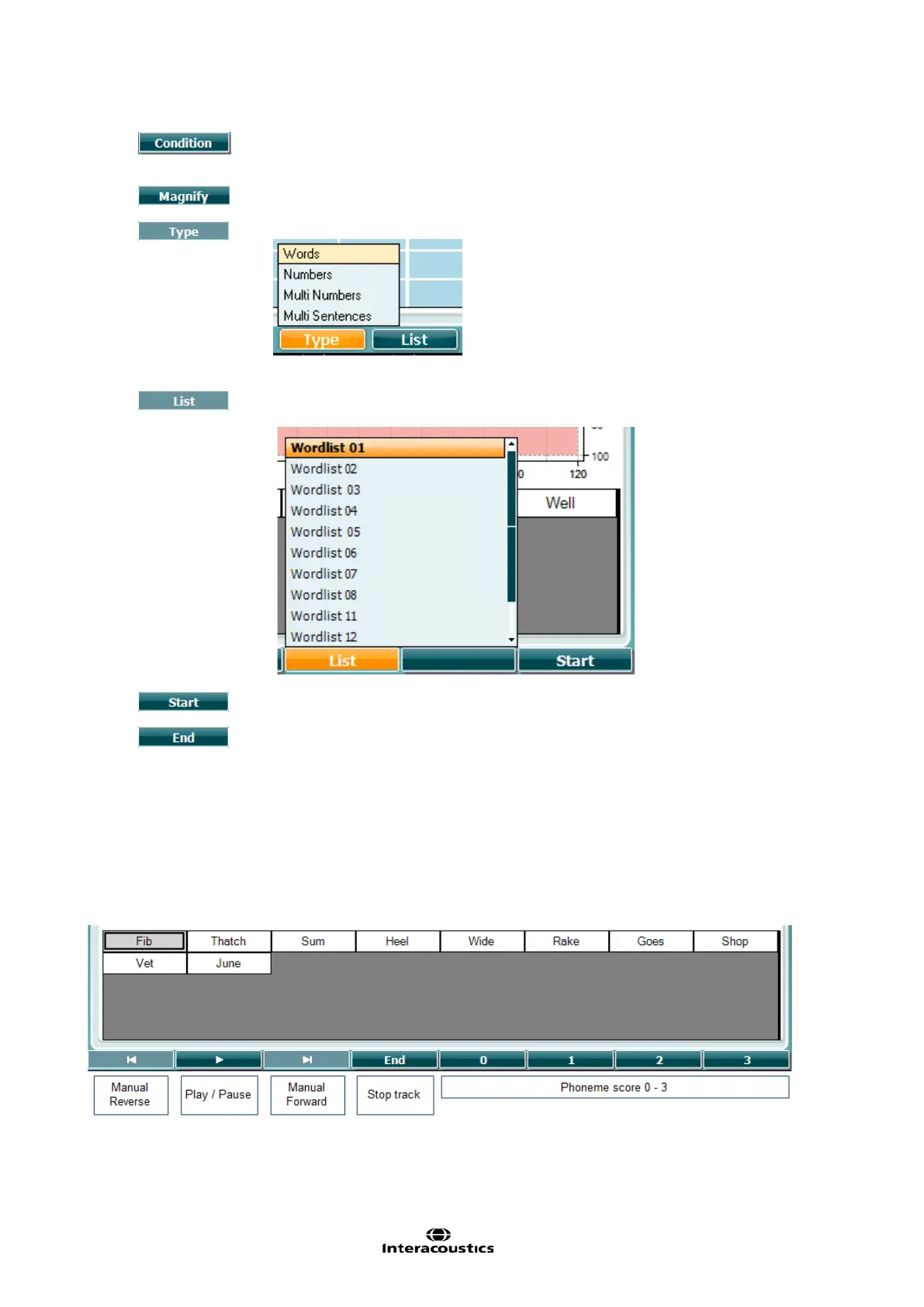
The condition under which the speech test is done: None, Aided, Binaural or
Aided & Binaural.
Switch between magnified top bar and normal sized top bar.
Use the HL dB dial (57) to select the different items from the lists:
Different lists can be changed in the “List” option. Use the HL dB dial (57) to
select the different items from the lists.
Start playing the wave files.
Stop playing the wave files.
When the Wavefile test is started, the F-buttons will change to recording mode.
In recording mode, if the protocol has been set to continue/timeout after the word has been played the
word will be grey colored, waiting for the operator’s input.
The input can either be Corret(56) / Incorrect(55) on the keyboard or by using the Phoneme score on the
F-buttons. The tested can be paused on the play/pause button.
If the recording mode has been set to manual, the words can be selected, one by one, by using the
forward/reverse button on the F-buttons, press play to play the word.
When the word-list is completed or another track has to be selected, use the End F-button to leave the
recording mode.



 To Next Page