AC40 Instructions for Use - US Page 31
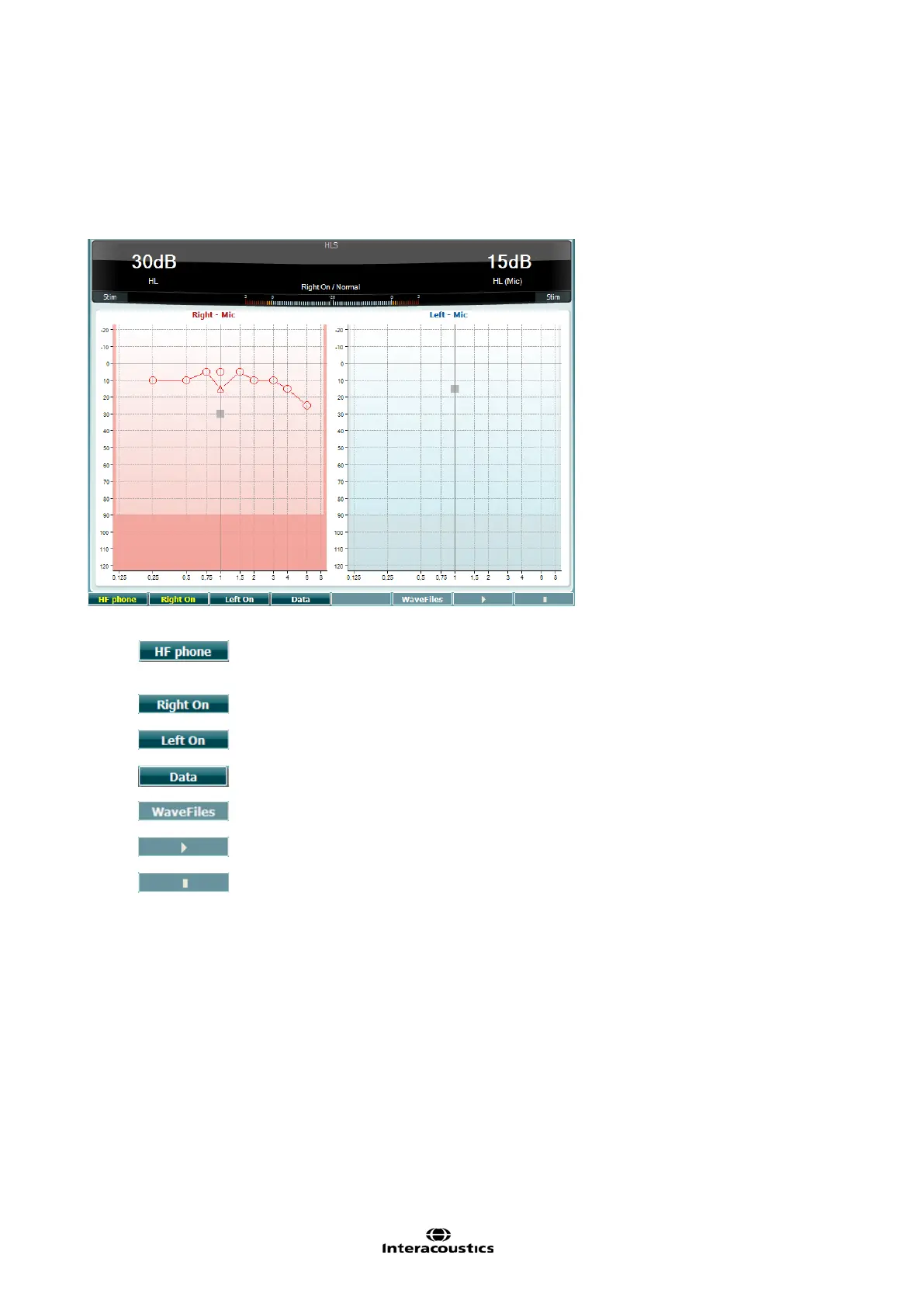
Hearing Loss Simulation Test
The HLS offers a simulation of the hearing loss through the audiometric headphones or the high
frequency headset and is primarily aimed at the family members of the hearing impaired. It is a valuable
tool as a hearing loss in many families may result in frustrations and misunderstandings. Knowing what
the hearing loss actually sounds like gives an impression of what the hearing impaired goes through
every day.
Only available if High Frequency is available (optional license) on the
instrument. Selects the HF phone connected to the separate HF connectors.
Select which audiogram data to use for the HLS test.
If MHA/HIS wave file is installed they can be selected here.
The HIS test uses the same wave files as the MHA test screen and is installed in the same way. Please
see above.



 To Next Page