Interflex Datensysteme GmbH 3/8
3.3 Open/Close Housing
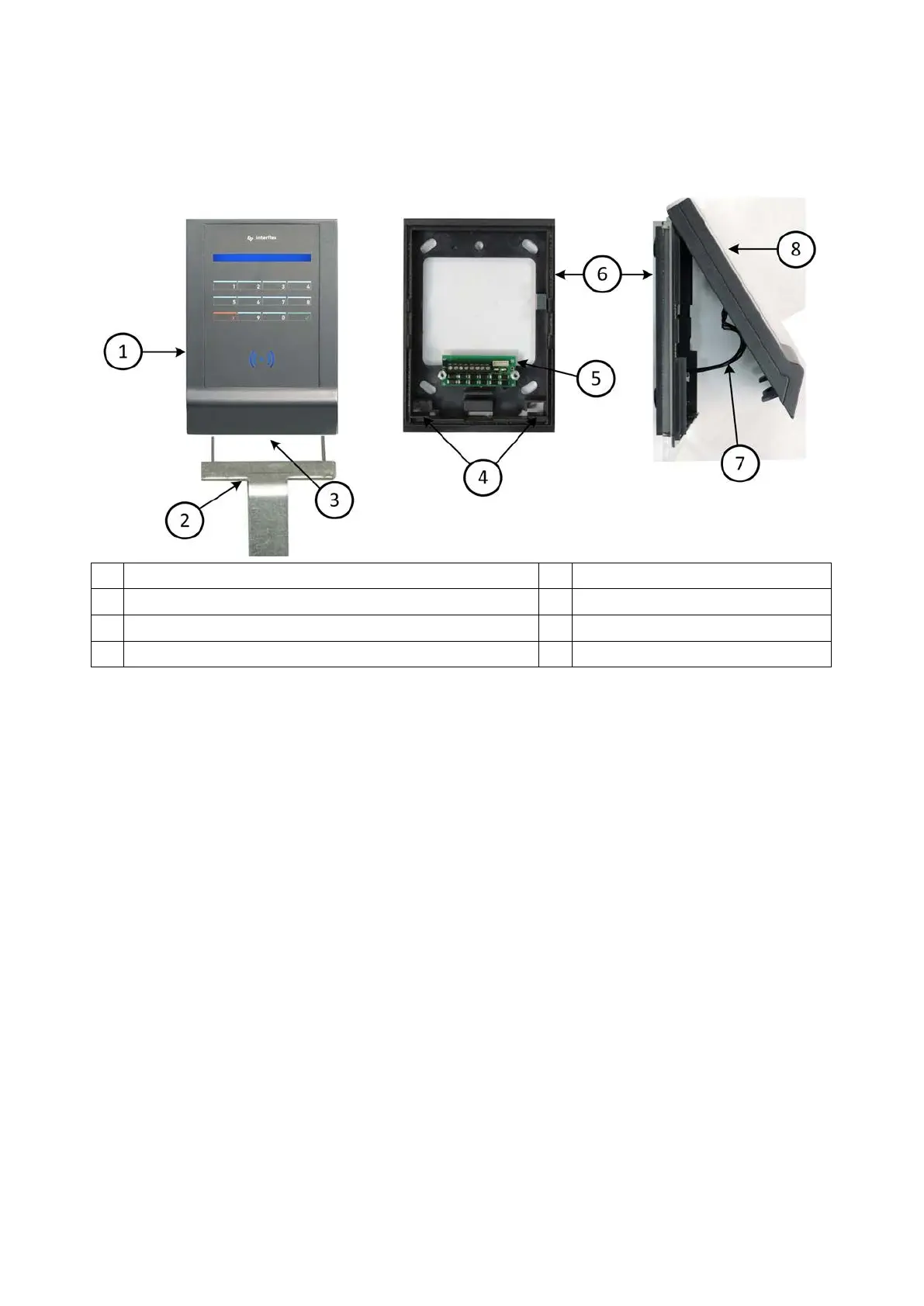
The back panel of the housing (6) and the housing cover (8) are held together with internal latches and
secured with a mortise lock (3).
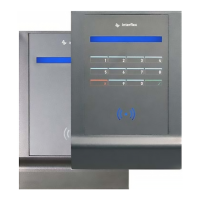
1 IF-810/IF-811 terminal (slave) 5 Terminal strip board
2 Tool for opening the IF-810/IF-811 terminal (order no. 50-10137) 6 Back panel of housing
3 Mortise lock 7 Connecting cable
4 Locking latches 8 Housing cover
Open:
1. Unlock the mortise lock and pull it down and out.
2. Insert the pins of the tool (2) into the housing from the bottom and, by doing so, push open the two
internal latches.
3. With the latches unlocked, swivel up the housing cover.
4. Disconnect the connecting cable and remove the housing cover.
Close:
1. Plug in the connecting cable at the respective board.
2. Tilt the housing cover and hook it onto the upper edge of the back panel of the housing.
3. Hinge down the housing cover until you hear the latches in the back panel of the housing lock into place.
4. Secure the housing by means of the mortise lock.


 To Next Page