Interklima High wall unit
II/IO - SCV1
29
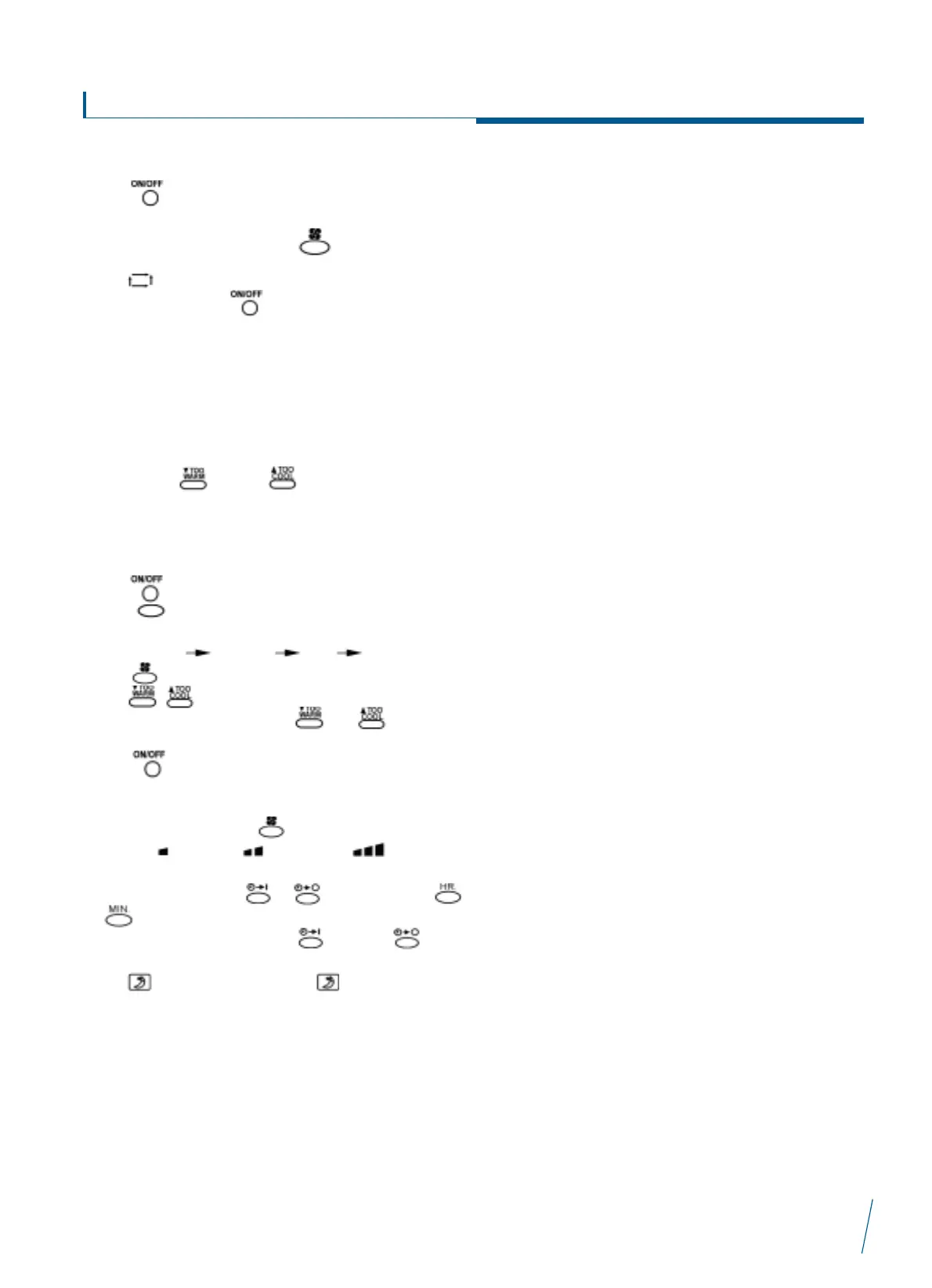
3. Auto operation
Press button to start the air-conditioner. Now, fan speed
is automatic (fan speed is selected by the micro computer to suit
room cooling requirement). Press to select desired fan
speed.
Press button to select auto heat / cool mode.
To stop working, press button again.
Setting temperature is not shown on remote controller when in
AUTO heat/cool operation.
When operation shifts from auto into heating or cooling operation,
indoor fan speed can be set in low, middle, high speed or auto.
After air conditioner operation for 15 minutes, if you feel too warm,
please push < > or < > to adjust the temperature.
Auto heat/cool operation is an economical mode, which selects
suitable fan operation and mode according to room-temperature.
4. Cooling, dry and heating operation
Press button to start air conditioner.
Press mode button to select operation.
Each press of this button changes the mode of operation from
auto heat/cool cooling dry heating.
Press button to set fan speed.
Press button to set preferred temperature.
If you feel too warm, please press or to adjust the
temperature.
Press button again, to stop operation.
5. Adjustment of fan speed and how to do timer on-off.
To adjust fan speed, press button. Fan speed changes in
order from low speed, middle speed, high speed to
auto.
To set timer on-off, press or button, then press
or to adjust time.
To cancel the timer function, press button or button
again.
Press to start sleep mode, press again to cancel.
Tips about remote controller
The range of handset signal is 6 metres distance from wall pad,
without any obstruction.
Remote controller will show ñ by pressing any button and at the
same time, wall pad will sound, meaning it has received the signal.
If this sound cannot be heard, please press the button again or
check if unit is within signal receiving range.
Remote controller must not be exposed to humidity, sunlight, heat
source, or rough handling.
Signal transmitter must be aimed at signal receiving window, at a
maximum angle of 30
o
.
Signal receiving window must not be exposed to strong light
which will interfere with handset signal.
Pressing multiple buttons at the same time may damage the
handset or wall pad.


 To Next Page
 Loading...