6
3. TELEPHONE FEATURES
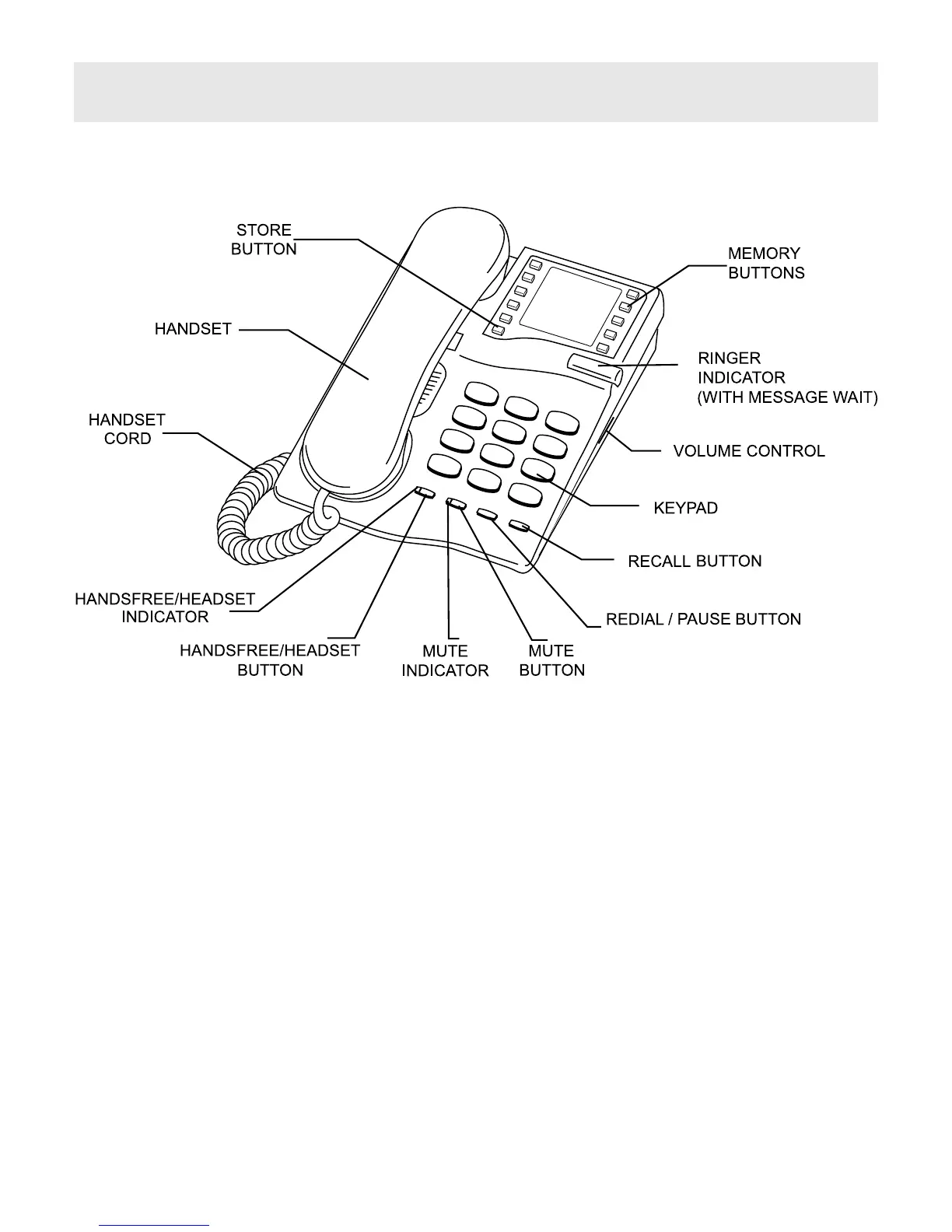
To help you find your way round the telephone, various features and buttons
are briefly described below. You should refer to the relevant section of this
user guide to learn how to use the features available.
Store Button
Used to store numbers into the direct access memory buttons.
Handsfree/Headset Button
When the Handsfree/Headset button is pressed a red indicator will glow to
indicate that the HANDSFREE or HEADSET mode is activated.
Figure 3 General Appearance



 To Next Page