6
3. Telephone Features
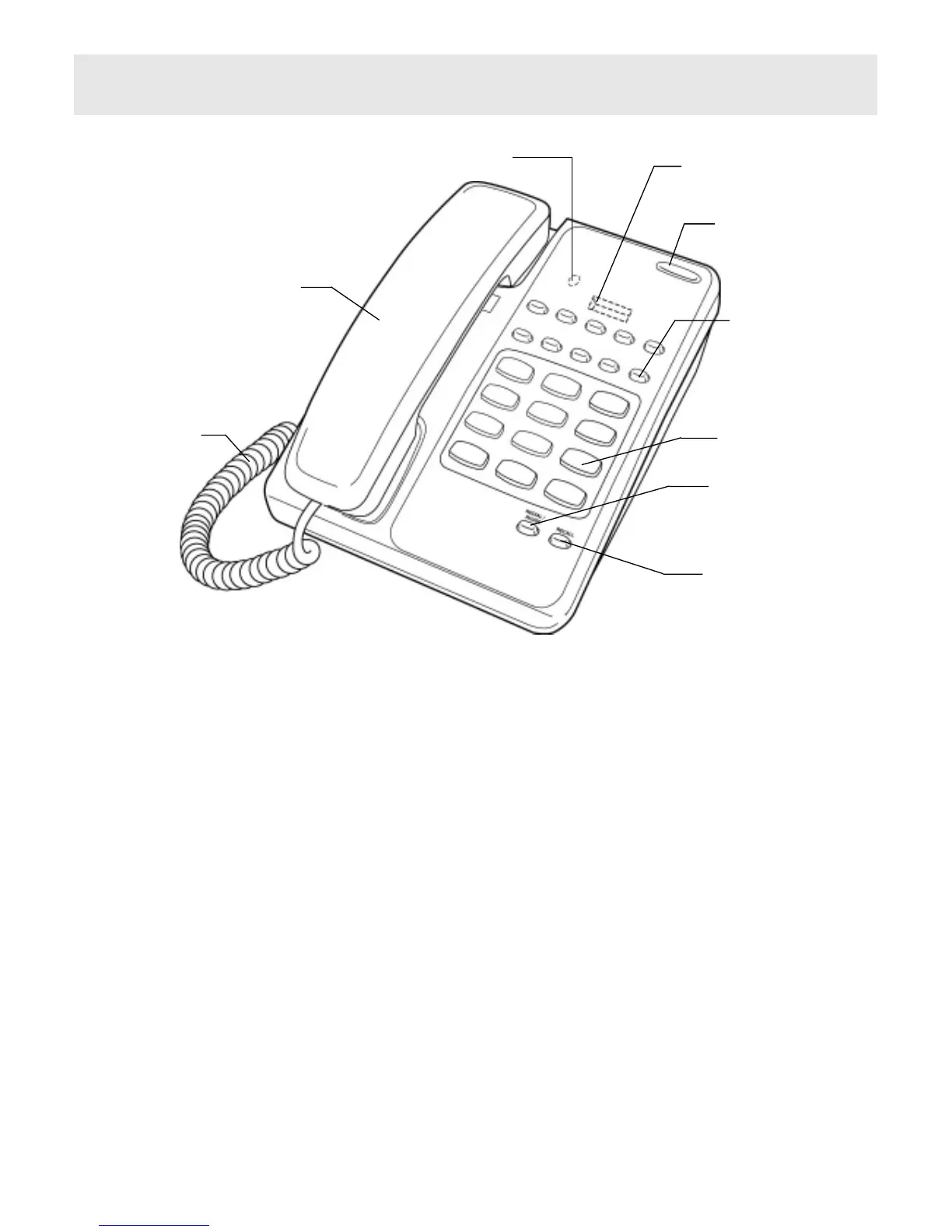
To help you find your way round the telephone, various features and buttons are
briefly described below. You should refer to the relevant section of this user guide
to learn how to use the features available.
Store Button (underneath overlay)
Used to store numbers into the direct access memory buttons.
Ringer Indicator
Flashes when the telephone rings with an incoming call.
Ringer Volume Switch
Located on the base of the unit (see Figure 4). Move switch to select no sound
(OFF), muted sound (LOW) or full sound (HIGH) for ringing on incoming call.
Figure 3 General Appearance
UNDERNEATH OVERLAY
STORE KEY
UNDERNEATH OVERLAY
PROGRAM SOCKET
RINGER INDICATOR
(WITH MESSAGE WAIT)
MEMORY KEY
KEY PAD
REDIAL / PAUSE
KEY
RECALL KEY
HANDSET
CORD
HANDSET



 To Next Page