EasyManua.ls Logo

Invacare LiNX DLX-REM050 - User Manual

Invacare LiNX DLX-REM050
32 pages
Print Icon
To Next Page IconTo Next Page
Loading...
Invacare®LiNX
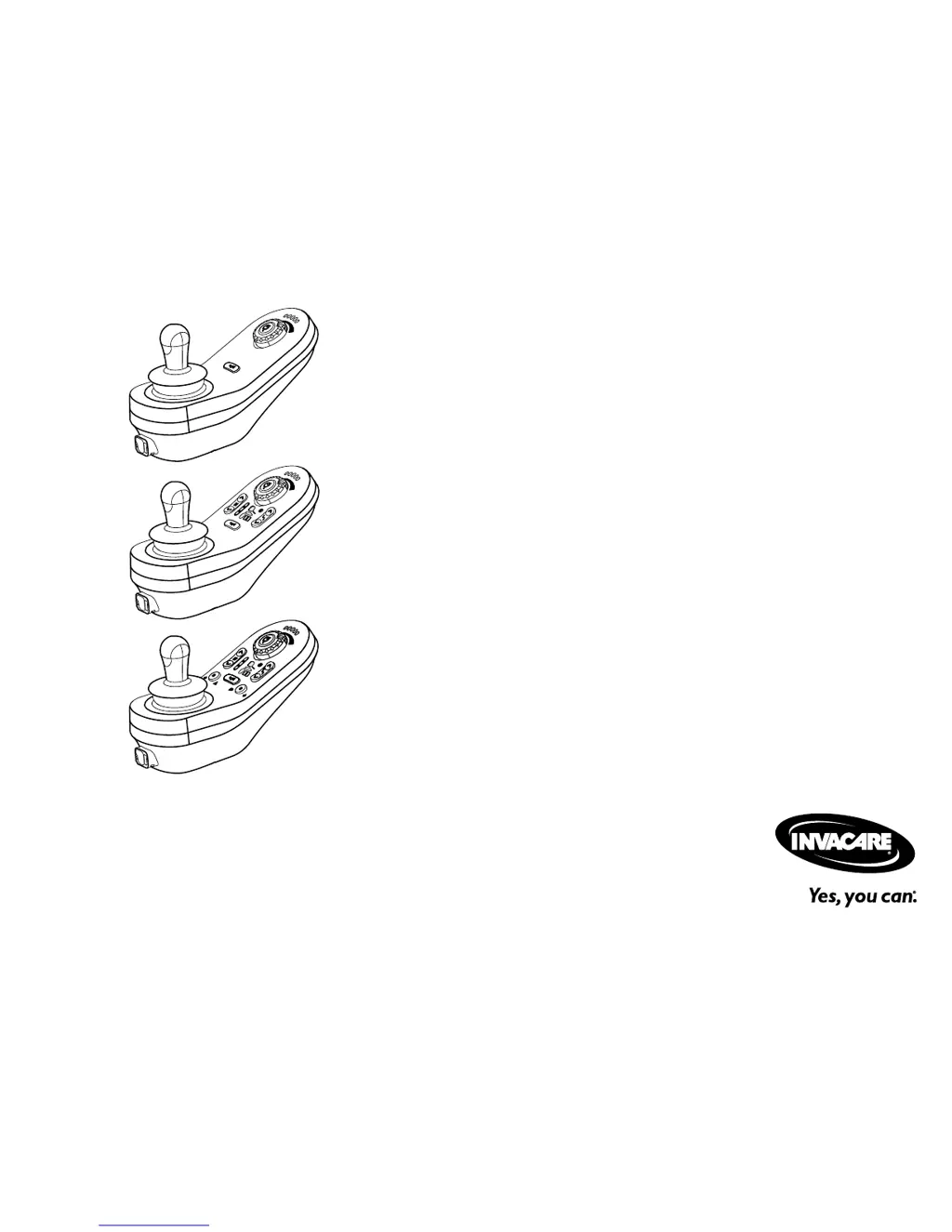
DLX-REM110,DLX-REM211,DLX-REM216,
Supplementtopowerwheelchairusermanual
enRemote
UserManual
ThismanualMUSTbegiventotheuseroftheproduct.
BEFOREusingthisproduct,readthismanualandsaveforfuturereference.

Other manuals for Invacare LiNX DLX-REM050

Questions and Answers

  • S
    shawnadamsAug 4, 2025
    What to do if the Invacare Remote Control shows a network or configuration error?
    • M
      Mr. Trevor HayesAug 5, 2025
      If you encounter a network or configuration error with your Invacare Remote Control, first check the cables and connectors to ensure they are properly connected. Then, try recharging the batteries and inspect the charger. If problems persist, it may be necessary to contact your provider.
  • K
    kellichangAug 8, 2025
    What should I do if my Invacare Remote Control displays 'Motor 11 error'?
    • R
      robertsemilyAug 8, 2025
      If your Invacare Remote Control displays a 'Motor 11 error', start by checking the cables and connectors to ensure they are properly connected. If the issue persists, contact your provider.
  • J
    James KimAug 13, 2025
    What should I do if my Invacare Remote Control displays 'Motor 21 error'?
    • J
      Jake LopezAug 13, 2025
      If your Invacare Remote Control displays a 'Motor 21 error', start by checking the cables and connectors to ensure they are properly connected. If the issue persists, contact your provider.
  • L
    Linda BellAug 17, 2025
    What to do if the Invacare Remote Control status display is OFF?
    • P
      Patrick RamosAug 17, 2025
      If the status display on your Invacare Remote Control is OFF, first check whether the drive electronics system is switched on. Next, verify that all cables are correctly connected. Finally, ensure that the batteries are not discharged.
  • K
    Kayla BarberAug 22, 2025
    What to do if I see a 'Module error (other than remote module)' on my Invacare Remote Control?
    • J
      Jenna SandersAug 22, 2025
      If your Invacare Remote Control displays a 'Module error (other than remote module)', check the cables and connectors, and verify the modules. Recharge the batteries. Also, if the chair was stalled, reverse away or remove the obstacle. If the issue continues, contact your provider.
  • R
    Ronald WelchAug 27, 2025
    What to do if the Invacare Remote Control shows a 'Left magnetic brake error'?
    • E
      edwardkeithAug 27, 2025
      If your Invacare Remote Control indicates a 'Left magnetic brake error', start by checking the cables and connectors. Then, check that the left magnetic brake is engaged. If problems persist, contact your provider.
  • K
    Kristin NguyenAug 30, 2025
    What to do if the Invacare Remote Control shows a 'Right magnetic brake error'?
    • K
      kyliebeardAug 30, 2025
      If your Invacare Remote Control indicates a 'Right magnetic brake error', start by checking the cables and connectors. Also, check that the right magnetic brake is engaged. If problems persist, contact your provider.

Summary

General Information

Critical Safety Precautions

Essential safety precautions for operating and maintaining the device.

Product Components

DLX-REM110 User Interface

Details the controls and indicators of the DLX-REM110 remote.

DLX-REM211 User Interface

Details the controls and indicators of the DLX-REM211 remote.

DLX-REM216 User Interface

Details the controls and indicators of the DLX-REM216 remote.

Using the Remote Control

Switching the Remote On and Off

Instructions for powering the remote on and off.

Using the Joystick

How to use the joystick for direction and speed control.

Controlling Maximum Speed

How to adjust the maximum speed using the speed dial.

Emergency Stop Function

Procedure for performing an emergency stop using the ON/OFF key.

Powered Seating Adjustments

Introduction to controlling powered seating features.

Activating Seating Mode

Steps to activate seating mode and select adjustments.

10-Way Switch Module

Details the function of the 10-way switch for actuators.

Troubleshooting Guide

Technical Specifications

Invacare LiNX DLX-REM050 Specifications

General IconGeneral
BrandInvacare
ModelLiNX DLX-REM050
CategoryRemote Control
LanguageEnglish

Related product manuals