EasyManua.ls Logo

Invacare TDX SP - User Manual

Invacare TDX SP
184 pages
Print Icon
To Next Page IconTo Next Page
Loading...
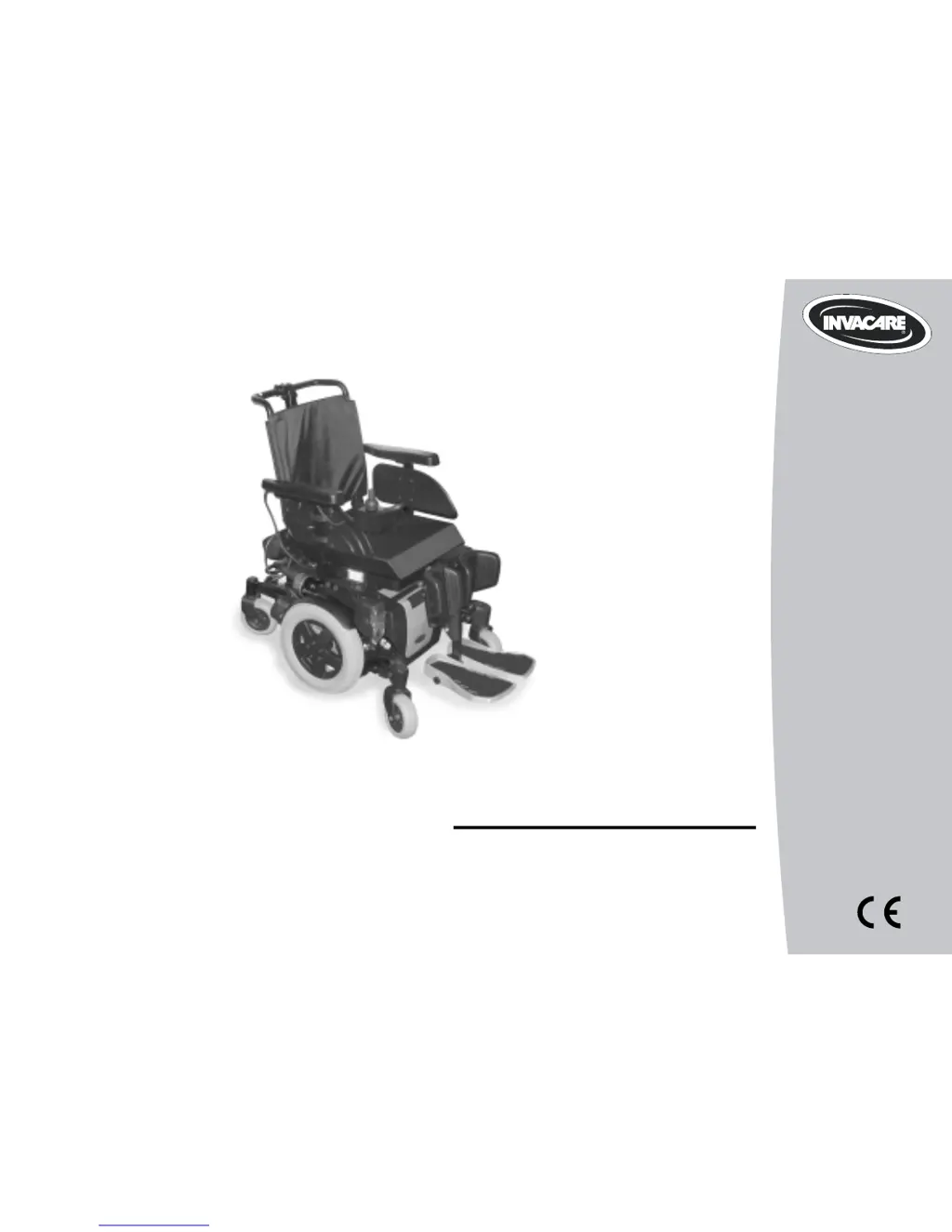
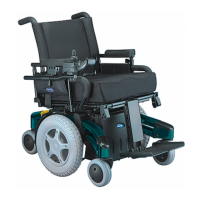
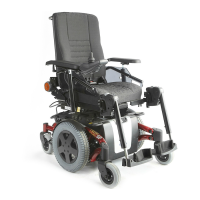
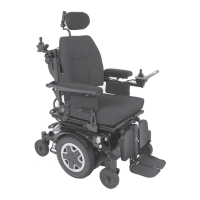
Invacare® TDX SP
Power wheelchai
r
User manual
Yes, you can.
®

Table of Contents

Other manuals for Invacare TDX SP

Questions and Answers

  • P
    popemarissaSep 23, 2025
    What to do if SPM L Park Brake Fault or SPM R Park Brake Fault displays and Invacare TDX SP Wheelchair does not drive?
    • R
      Ronald JohnsonSep 23, 2025
      If you see 'SPM L Park Brake Fault' or 'SPM R Park Brake Fault' displayed and your Invacare Wheelchair won't move, it might be because the motor lock levers are disengaged (Error code E9 or E10). To fix this, engage the motor lock levers.
  • C
    cjonesAug 23, 2025
    What to do if the Invacare TDX SP battery indicator flashes low immediately after recharge?
    • M
      marilyn63Aug 23, 2025
      If the battery indicator flashes low immediately after recharging, it could indicate battery failure, a malfunctioning charger, or another electrical issue. Check the batteries for a shorted cell and replace them if necessary.
  • M
    Madison RussellAug 25, 2025
    What to do if the Invacare Wheelchair battery indicator flashes low too soon after being recharged?
    • R
      romannicholasAug 25, 2025
      If the battery indicator flashes low too soon after being recharged, the batteries may not be charging properly or may be weak. Have the charger checked and replace the batteries if necessary.
  • T
    Traci BeckAug 26, 2025
    What to do if Joystick TIMEOUT displays and the Invacare TDX SP Wheelchair does not drive?
    • K
      Kevin LoweryAug 27, 2025
      If 'Joystick TIMEOUT' appears and the wheelchair doesn't move, the joystick or input device might be disconnected. Turn off the power, reconnect the joystick or input device, and then turn the power back on.
  • S
    Samantha HuffmanAug 27, 2025
    What to do if CHARGER PLUGGED IN displays on Invacare TDX SP Wheelchair?
    • U
      uatkinsonAug 27, 2025
      If 'CHARGER PLUGGED IN' is displayed, it means the battery charger is connected. Unplug the battery charger from the wheelchair.
  • J
    James ChapmanSep 18, 2025
    Why does my Invacare TDX SP veer left or right?
    • J
      Jennifer PadillaSep 18, 2025
      If your Invacare Wheelchair veers to the left or right, check for loose stem nuts/bolts, bearings, or signs of wear.
  • R
    Roy PerezSep 15, 2025
    What to do if my Invacare TDX SP Wheelchair squeaks and rattles?
    • C
      Carl BatesSep 15, 2025
      If your Invacare Wheelchair is making squeaking or rattling noises, inspect it for uneven tire wear, a bent fork or frame, or loose hardware.
  • M
    Monica FosterSep 16, 2025
    What to do if my Invacare TDX SP Wheelchair feels loose?
    • N
      Nathan BaldwinSep 16, 2025
      If you notice looseness in your Invacare Wheelchair, check for uneven tire wear, a bent fork or frame, or loose hardware.
  • A
    Amanda PalmerSep 6, 2025
    What to do if LEFT BRAKE FAULT or RIGHT BRAKE FAULT displays and Invacare wheelchair does not drive?
    • E
      Elizabeth FitzgeraldSep 7, 2025
      If 'LEFT BRAKE FAULT' or 'RIGHT BRAKE FAULT' appears and the wheelchair doesn't move, the motor lock levers may be disengaged. Engage the motor lock levers.
  • S
    shannon43Sep 3, 2025
    What does NEUTRAL TESTING display mean on Invacare Wheelchair?
    • T
      Toni WilsonSep 3, 2025
      If 'NEUTRAL TESTING' is displayed, the joystick neutral test has failed. Release the joystick and try to get it back to the center-most position.

Summary

Introduction to Invacare TDX SP

Important Symbols in Manual

Explains hazard warnings, personal protection, and general information symbols.

Vehicle Symbols Explained

Details symbols for drive/push modes, anchor points, and vehicle seat use.

Type Classification and Permissible Use

Describes wheelchair classification and its intended indoor/outdoor use.

Wheelchair Usability Guidelines

Lists situations affecting usability and necessary actions to take.

Safety Notes and Precautions

General Safety Notes

Covers general risks, driving under impairment, and accidental motion.

Driving and Freewheel Mode Safety

Addresses risks of tipping, slopes, and freewheel mode operation.

Changes and Modifications Safety

Discusses safety of altering the device and CE marking validity.

Lifter Safety Precautions

Details safety precautions when using the wheelchair's lifter mechanism.

Key Features and Adjustments

Key Features Overview

Identifies main components like handle, armrest, wheels, remote, legrests.

Armrest and Control Panel Adjustments

Covers adapting armrests and control panel to user's needs for comfort.

Backrest and Headrest Adjustments

Instructions for adjusting backrest angle/tension and headrest for support.

Legrest Adjustments

Details adjustments for various legrest types (centre-mounted, lateral).

Electrical System and Batteries

Electronics Protection System

Explains overload protection and how the system responds to issues.

Battery Charging and Handling

Comprehensive guide on charging, storing, using, and handling batteries.

Care, Transport, and Specifications

Vehicle Cleaning and Disinfection

Guidelines for cleaning and disinfecting the wheelchair safely.

Transferring to a Vehicle

Safety instructions for transferring the wheelchair into a vehicle.

Using as a Vehicle Seat

Safety guidelines for using the wheelchair as a seat in a vehicle.

Technical Specifications

Provides data on driving characteristics, dimensions, and weights.

Invacare TDX SP Specifications

General IconGeneral
TypePower Wheelchair
Drive TypeMid-Wheel Drive
Weight Capacity300 lbs
Battery RangeUp to 15 miles
Ground Clearance2.5 inches
BatteryGroup 24
Battery Capacity75 Ah
RangeUp to 15 miles
Seat Width16-22 inches
Seat Depth16-22 inches
Drive Wheel Size14 inches
Caster Wheel Size6 inches
Back Height18-24 inches
Overall Width24 inches
Battery TypeSealed Lead Acid
Backrest Height18-24 inches
Tire Size14 inches

Related product manuals