EasyManua.ls Logo

INVISIBLE FENCE Computer Collar 700 Series - User Manual

INVISIBLE FENCE Computer Collar 700 Series
8 pages
Print Icon
To Next Page IconTo Next Page
Loading...
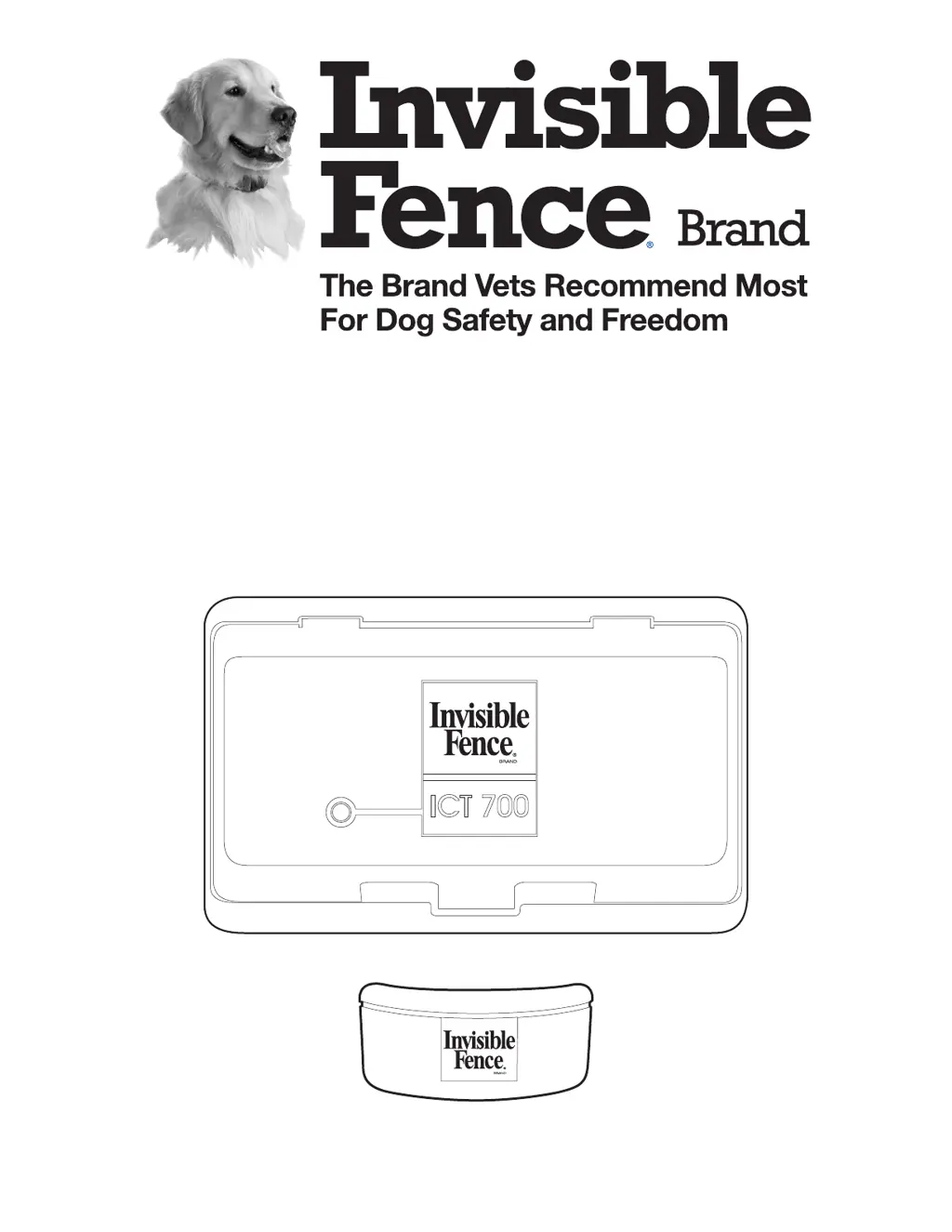
700 Series Transmitters
Computer Collar
®
Unit
Owner’s Manual
ICT 700
www.invisiblefence.com
1-800-578-DOGS

Questions and Answers

  • C
    christy70Aug 5, 2025
    Why is my pet getting out of the INVISIBLE FENCE Computer Collar 700 Transmitter area?
    • P
      Paula WongAug 5, 2025
      If your pet is getting out of the yard when using the INVISIBLE FENCE Transmitter, there are several potential reasons. It could be due to a dead or weak Power Cap unit in the Computer Collar unit, in which case you should replace the Power Cap unit. Ensure the transmitter power supply is properly plugged in. Other potential causes, such as a broken signal field wire, a signal field that is too narrow, the collar not fitting properly, or the pet needing additional training, require you to contact your Invisible Fence Brand Dealer.
  • H
    Heather NielsenAug 15, 2025
    What to do if the INVISIBLE FENCE Computer Collar 700 collar is not responding?
    • H
      howardsalasAug 15, 2025
      If the Computer Collar unit is not responding to the signal field wire of your INVISIBLE FENCE Transmitter, first check if the Power Cap unit in the Computer Collar unit is dead or weak; if so, replace it. Also, make sure the transmitter power supply is plugged in. Other possible causes, such as a broken signal field wire or a changed frequency switch on the transmitter, require contacting your Invisible Fence Brand Dealer.
  • K
    kylejohnsAug 27, 2025
    Why won't my pet enter the yard with the INVISIBLE FENCE Computer Collar 700 Transmitter?
    • E
      emarshallAug 27, 2025
      If your pet refuses to enter the yard when using the INVISIBLE FENCE Transmitter, it might be because the signal field is too high. In such case, contact your Invisible Fence Brand Dealer to check the signal field. Also, the pet might need additional training, so contact your Invisible Fence Brand Dealer for it.

Summary

Important Precautions

System Components

How the System Works

Operating Guide

The Computer Collar Unit

Details the microprocessor-controlled device powered by a Power Cap unit.

Fitting the Computer Collar Unit

Provides step-by-step instructions for proper collar placement and adjustment for pet comfort.

Changing the Power Cap Unit

Instructions on how to remove and install the Power Cap unit in the collar.

Power Cap Unit Tester

Transmitter Status Indicators

Maintenance

Periodic Maintenance Checks

Guides on daily transmitter checks and monthly signal field width tests.

Monthly Signal Field Width Test

Step-by-step guide to measure and verify the signal field width for system effectiveness.

Troubleshooting

Important Warnings

INVISIBLE FENCE Computer Collar 700 Series Specifications

General IconGeneral
BrandINVISIBLE FENCE
ModelComputer Collar 700 Series
CategoryTransmitter
LanguageEnglish

Related product manuals