20
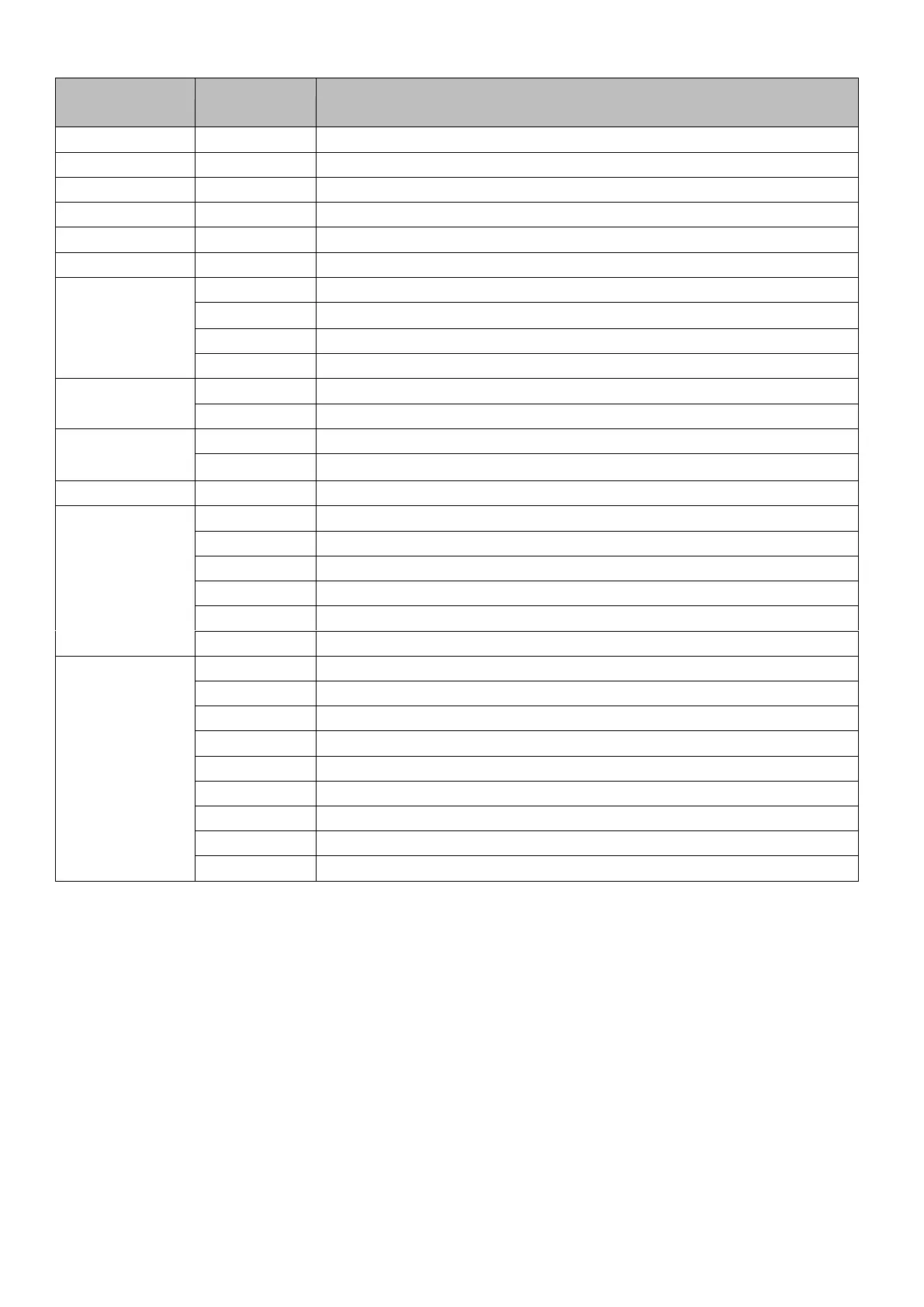
12-Channels Mode:
Dimmer: Brightness, Value within "000" and "255"
Intensity Red, Value within "000" and "255"
Intensity Green, Value within "000" and "255"
Intensity Blue, Value within "000" and "255"
Intensity White, Value within "000" and "255"
Intensity Amber, Value within "000" and "255"
High-Power-Mode all colors.
Strobe effect, value between "011" and "255" (0 ... 20 Hz)
Speed for the automatic programs
Speed for the non-linear dimmer active
Speed for the non-linear dimmer inactive
3.4 Connect
DMX stands for Digital Multiplex and allows the digital control of several DMX devices via a common control
cable..
Connect the DMX input of the device to the DMX output of a DMX controller or another DMX device. Connect the
output of the first DMX device to the input of the second one and so on to form a serial connections
DMX connectors:
A three-pin XLR jack serves as a DMX output, a three-pin XLR plug serves as a DMX input.


 To Next Page
 Loading...