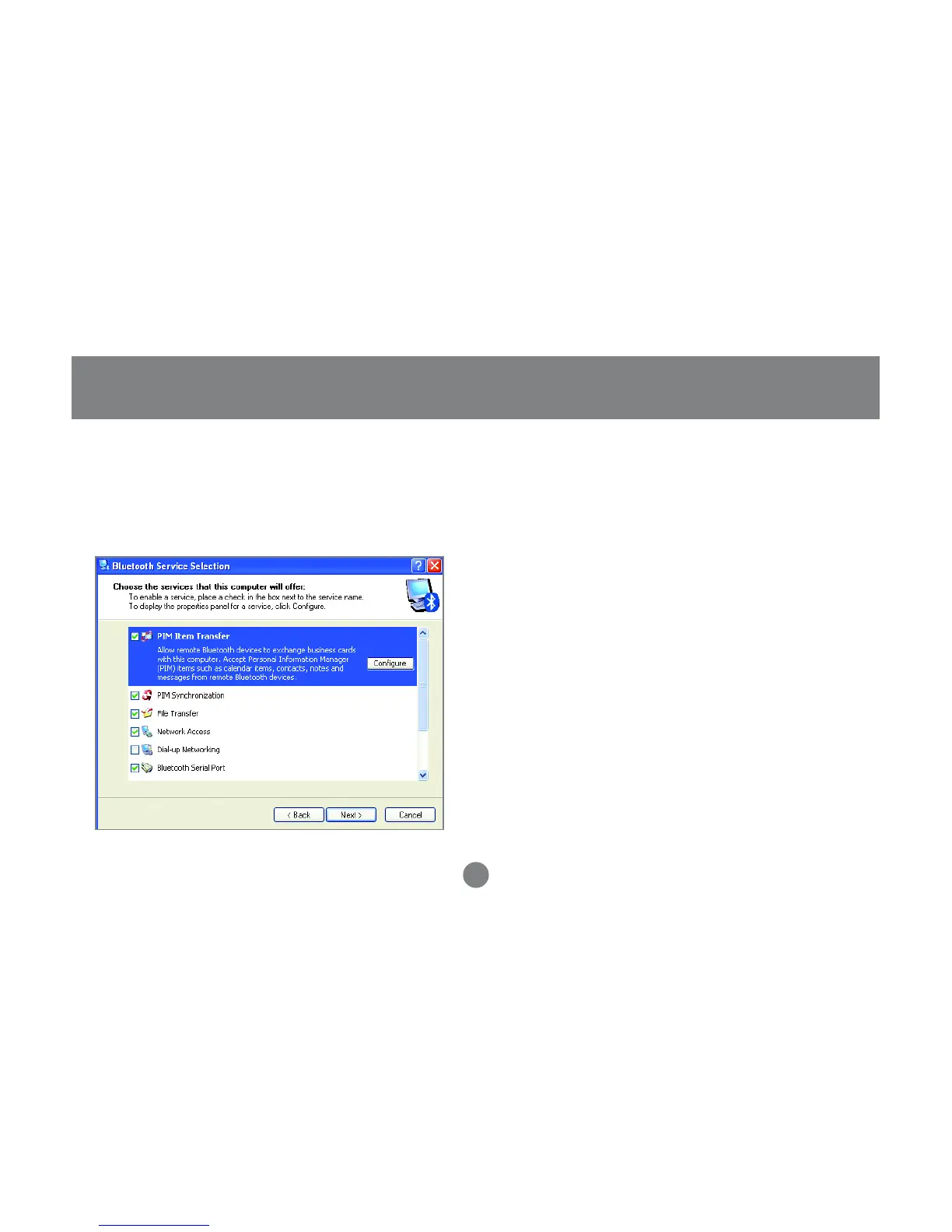
Choose the services that this computer will
offer to other Bluetooth™ devices by placing
a check in the box. To display the properties,
click on the configure button.
Click [Next] to proceed.
15
5. At this point, Windows will install the software
necessary for the services you selected.
6.
Initial Bluetooth™ Configuration Wizard



 To Next Page